Join the Core Craft Discord Server to join the community, provide feedback and to play together!
Check the NEW official WIKI
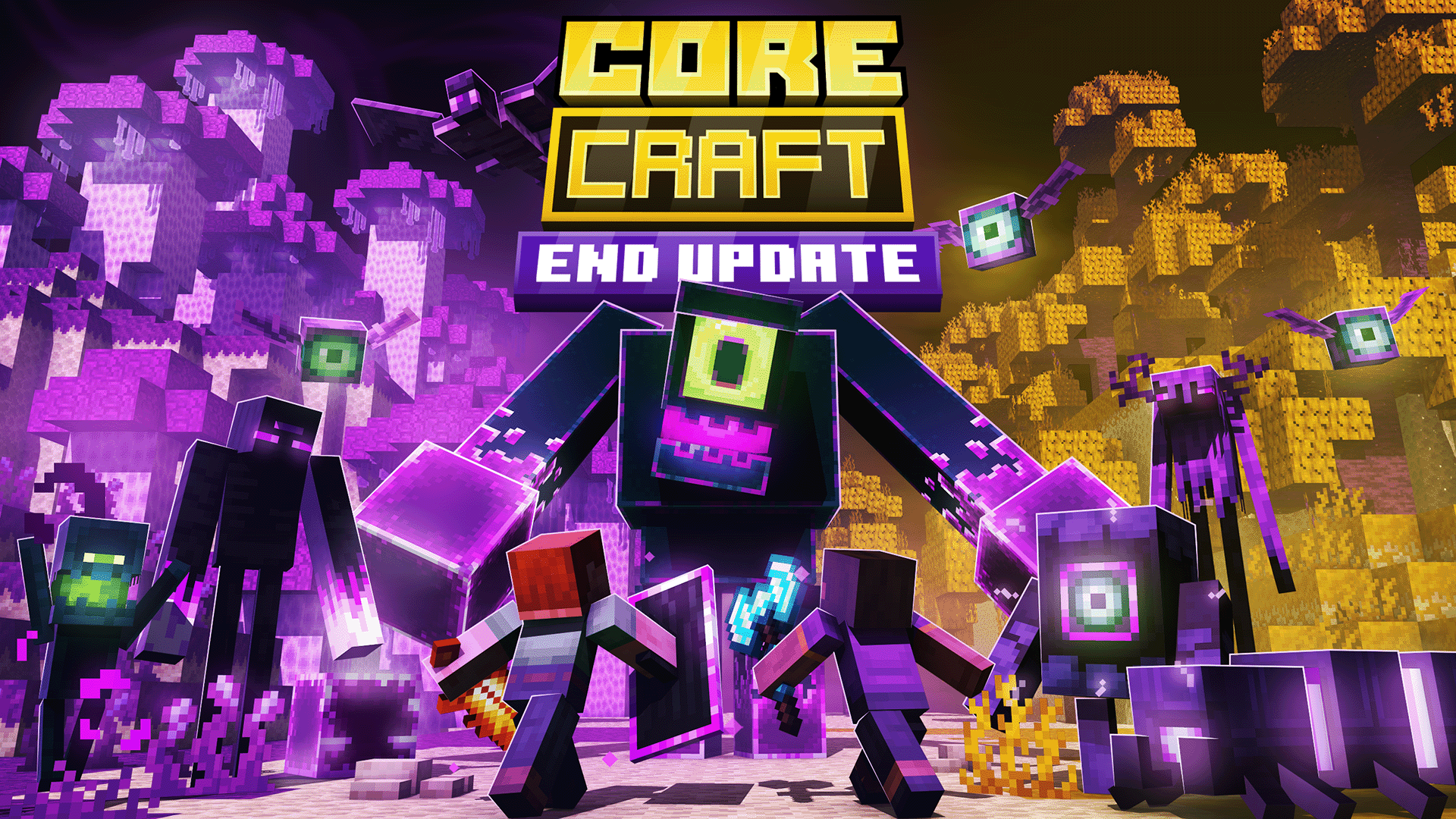
1.2 UPDATE: The End Update
- 3 new End Biomes
- 14 new End Mobs
- a final Boss
- A new Ritual Legendary Weapon
- New Redstone and Utility Blocks
- & much more!
Core Craft transforms Minecraft into a richer survival-RPG experience packed with new adventures, creatures, and ways to play. Explore a world full of quests, structures, unique mobs, and immersive systems designed to make your gameplay deeper and more rewarding.
Key Features
- Quest System – Meet the Quest Master, collect tasks, and track your progress with the Quest Book. Earn rewards by completing objectives or restart quests for a new challenge.
- New Mobs – Encounter fresh wildlife, dangerous monsters, and even mystical beings like mermaids and sirens.
- Expanded Survival – Grow new crops, cook fresh recipes, and discover unique farming and cooking mechanics.
- World Variety – Decorate your home with furniture, explore lush foliage, and collect rare resources such as Ruby.
- Built-in Guidebook – Use the Core Craft Wiki Book to learn about every new feature without leaving the game.
Step into Core Craft and give your Minecraft world new life with quests, creatures, and creative possibilities!
Live together with New Animals & Fight new Monsters
Core Craft introduces wildlife with an animal-friendly mindset. You can collect every unique drop and progress through the game without harming any animals.
Face dangerous new threats lurking across the world. From shadow creatures to powerful mini bosses, every encounter brings fresh challenges and rewards.
Learn Through the In-Game Core Craft Wiki
No need to guess! Every feature (items, mobs, mechanics, and systems) is explained in the Core Craft Wiki Book, available right inside the game.
Embark on Quests & Adventures
Meet the Quest Master and take on tasks across the world. Use the Quest Book to track progress, earn rewards, and revisit completed challenges.
Grow, Cook & Survive
Discover new crops, ingredients, and recipes. Farming and cooking are expanded with fresh systems that make survival deeper and more rewarding.
Sell your items via Market Stands
The Market Stand block lets you sell different categories of items to visitor traders. The higher your market stand, the better the rewards.
Decorate with Furniture & Foliage
Customize your builds with new furniture, decorations, and lush world plants. Bring life and detail to every corner of your world.
Start Rituals & collect Legendary Weapons
Capture the spirit from an elemental mob to start a ritual at a Ritual Core. Fight off the waves summoned by all the Astrals and collect the Legendary Weapons.
These Legendary Weapons wield special powers, use them to slay your enemies.
Coming Soon
Core Craft will be updated in the future with new features and bug fixes.
The current roadmap is currently being planned out:
- New Underground structures
Join the Core Craft Discord Server to join the community, provide feedback and to play together!
Images