Déesse UI Pack
BedrockTexture packOtherby Itzriyo157
About this texture pack
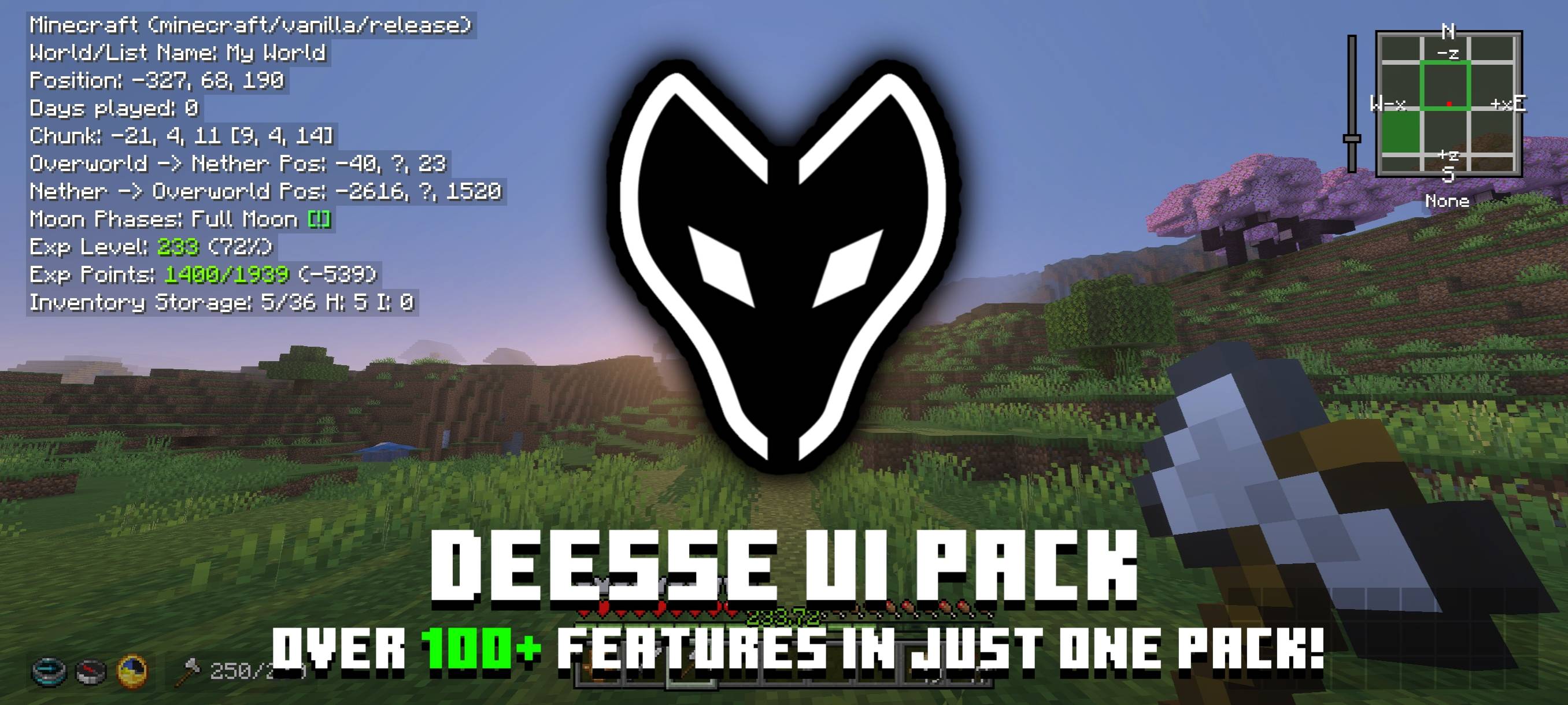
An UI resource pack that adds new features, tweaks and UI designs to make your Minecraft gameplay better!
Read the author’s full description (207 words)
Written by Itzriyo157 for the MCPEDL post, shown as published.
Déesse UI Pack is an UI resource pack that adds new features, tweaks and UI designs to make your Minecraft gameplay better!
Creator: @Itzriyo157 (https://youtube.com/@Itzriyo157)
Discord Server: https://discord.gg/n35gR2PXMb
Want to support my work? Feel free to support me using the link below. <3
https://ko-fi.com/itzriyo157
Video Showcase:
I highly recommend watching the video for a better explanation of the features.
Latest Showcase:
Features:
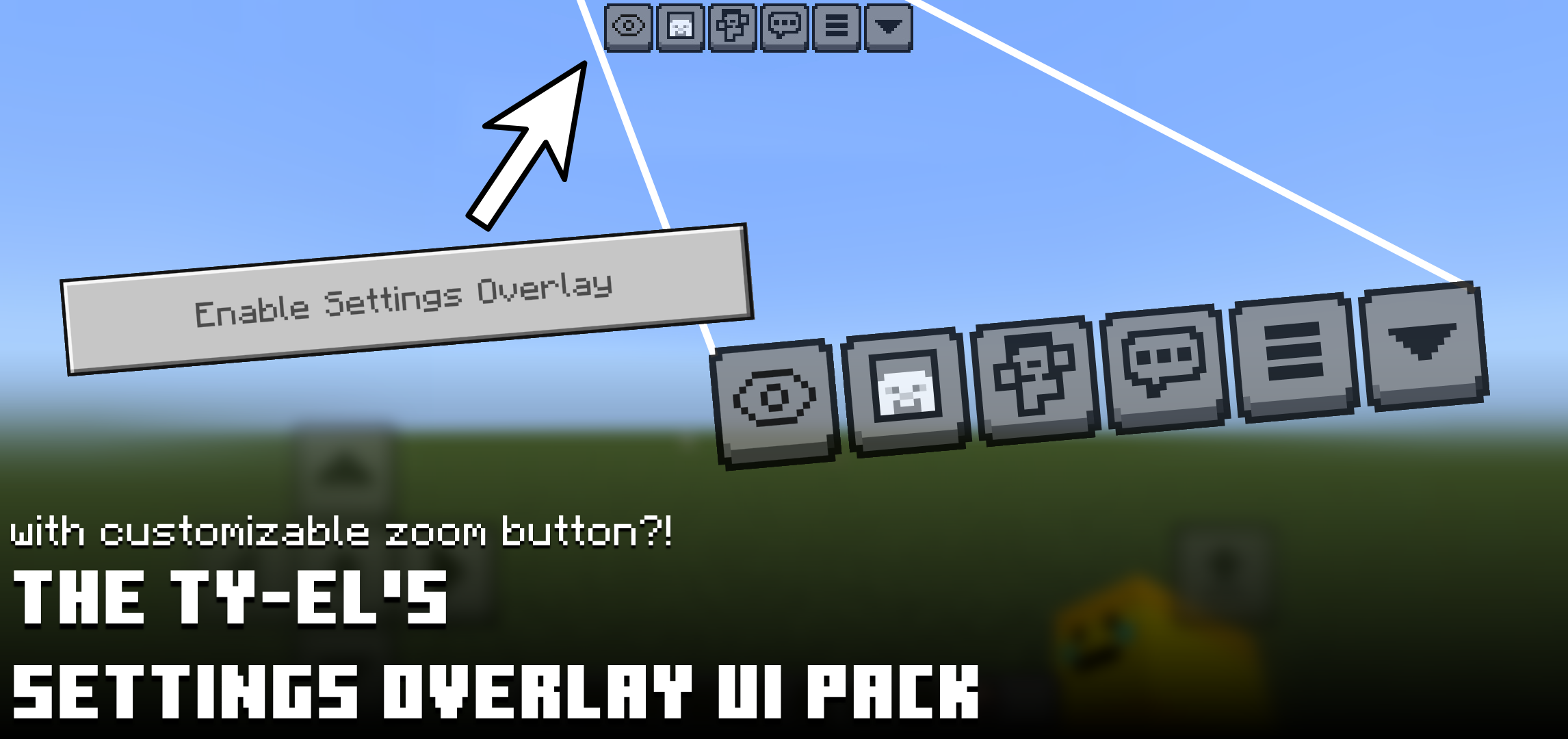
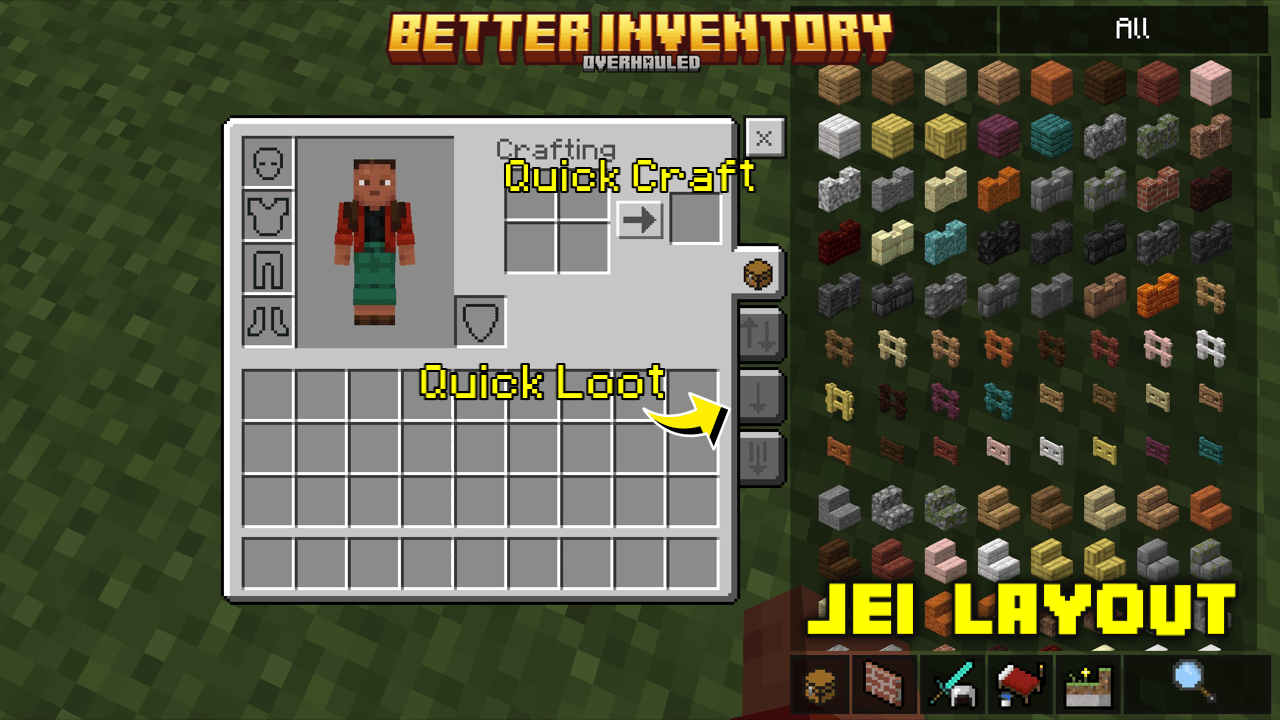
To see the features list, you can open About UI screen/Features inside this UI pack. I've provided some screenshots of this UI pack in the Images section to give you an idea of what to expect :)
Credits:
@tlgm2308 (X/Twitter):
- Some inspirations content and smithing armor preview idea.
@Dimzcraft (Curseforge):
- Chunk viewer and durability item text code.
@T1M0THY (Youtube):
- Toggle Night Vision (Curseforge)
The Andromedarius (Mcpedl):
- Dynamic Day Counter Idea.
drav0011 (bedrocktweaks.net):
Auto Complete Chat Buttons.
Compability:
Some of the features of this pack are a combination of other packs that I have made as follows:
- Quick Container
- Force Spectator
- Player List Hud
- Item Rarity Highlighter
- Temporary Notes
- Bundle Item Counter
- Trade Utils
- Hover Text Fixer
that means, this UI Pack is not compatible with the packs I mentioned above because those packs are already in this UI Pack.
Thanks you for using my pack~~~
Images
What’s new in the latest update
The author’s notes for the file uploaded .
Changelogs (Déesse UI Pack v1.3.95 build 214)
- Changed the minimum Minecraft version to v26.50
- Some UI improvements in Content Log History screen and Command Block screen.
- Tooltip display now only shows enchanted items and renamed items, because mojang changed the color of hover text.
- Added copy text mode to Content Log History screen.
- Added animation to structure preview in Structure Block screen.
- Added Armor Stand Preview to Item Renderer Tools.
- Added Grabbed Durability Viewer to Container screen.
- Added clear layout cache button to Storage Management.
- Fixed enchanting text overlay in Enchanting Table Pocket screen.
- Fixed missing setting tabs in Settings screen.
- Fixed global resources bug in Settings screen.
- Fixed Enchant Item Viewer bug in Trade screen.
- Fixed incorrect phantom membrane name on Brewing Stand screen.
- Fixed missing recovery compass on Hud screen.
Variable Changelogs (v1.3.95)
Added:
- "$dé_QC:grabbed_item_dura_viewer": true
Video
How to install
- Download the file below. On iOS or Android, open it from your Downloads with Minecraft; on Windows, double-click it.
- Minecraft imports the pack automatically. Enable it in your world’s settings under Behavior Packs or Resource Packs; an add-on usually needs both.
- Playing on a Realm or server? Everyone needs the same packs, and the host has to enable them.
- Starting a new world? Choose its seed first: the Seed Map shows villages, structures and biomes near spawn for any Bedrock seed.
Advertisement
More texture packs
- Texture packs
Clear Glass | Clear And Connected Glass | RTX & Non-RTX Supported
by Mod MCPE
- Downloads
- 669K
- Rating
- 5.0