Auto Tool Switcher
BedrockScriptOtherby DouarMC
About this script
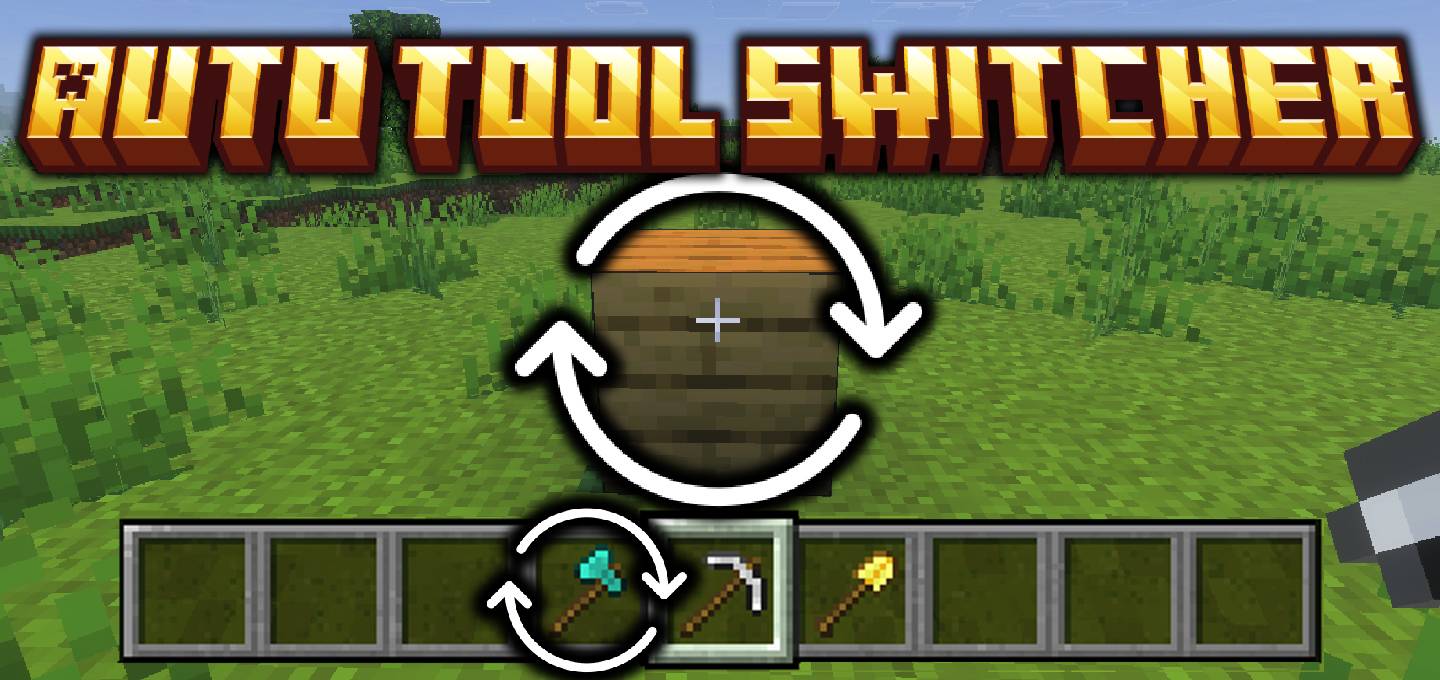
Automatically switches to the correct tool (pickaxe, axe, or shovel) when mining or breaking blocks. Makes resource gathering smoother and faster in Minecraft Bedrock.
Read the author’s full description (160 words)
Written by DouarMC.
Auto Tool Switcher is a Minecraft Bedrock addon that automatically equips the best tool (pickaxe, axe, or shovel) from your hotbar when you start breaking a block.
No more wasting time switching tools manually — this addon helps you mine, dig, and chop faster and more efficiently.
Every player on the world, realm, or server can configure their own preferences independently. Your settings are saved specifically to your player profile!
Simply type the custom command in chat:
/config (or douarmc_auto_tool_switcher:config)
What you can customize:
- Enable / Disable : Toggle the system on or off anytime.
- Harvest Modes : Choose how the addon handles Fortune, Silk Touch, or Smart ore detection.
- Efficiency Priority : Always favor tools with higher Efficiency levels.
- Switch-Back : Return to your previous slot once you're done mining.
- Durability Safeguard : Set a custom durability limit so your favorite tools never break by accident.
- Search Scope : Switch between Hotbar only or Full Inventory scan.
- Sneak Behavior : Choose whether the switcher stays active while crouching.
What’s new in the latest update
The author’s notes for the file uploaded .
Changelog v1.1.0 :
New In-Game Configuration Menu :
- Added the /config custom command (douarmc_auto_tool_switcher:config), allowing every player to personalize their own settings via a dedicated Data-Driven UI menu:
- Enable / Disable : Toggle the Auto Tool Switcher on or off individually.
- Harvest Mode : Select your preferred harvesting behavior (Smart, Fortune Priority, Silk Touch Priority, or None).
- Prioritize Efficiency : Automatically select tools with higher Efficiency enchantment levels.
- Switch-Back : Return to your original hotbar slot or revert inventory swaps once mining is done.
- Active While Sneaking : Choose whether the switcher works while crouching.
- Durability Safeguard & Threshold : Protect low-durability tools from breaking with a configurable durability limit.
- Search Scope : Switch between Hotbar only (slots 1-9) or Full Inventory (slots 1-36).
Block Material Tier Requirement :
- The switcher now accurately checks the block's required harvest tier (e.g., stone tier required for iron ore, diamond tier for obsidian) and ensures only qualified tools are selected.
Script API & Architecture Refactor :
- Completely refactored internal codebase using modular Script API systems for improved performance, zero-latency tool swapping, and seamless multiplayer persistence.
Requirements :
- Minecraft Bedrock : 26.40 or higher required.
How to install
- Download the file below. On iOS or Android, open it from your Downloads with Minecraft; on Windows, double-click it.
- Minecraft imports the pack automatically. Enable it in your world’s settings under Behavior Packs or Resource Packs; an add-on usually needs both.
- Playing on a Realm or server? Everyone needs the same packs, and the host has to enable them.
- Starting a new world? Choose its seed first: the Seed Map shows villages, structures and biomes near spawn for any Bedrock seed.
Advertisement