Written by ANISOTROPY.
Overview
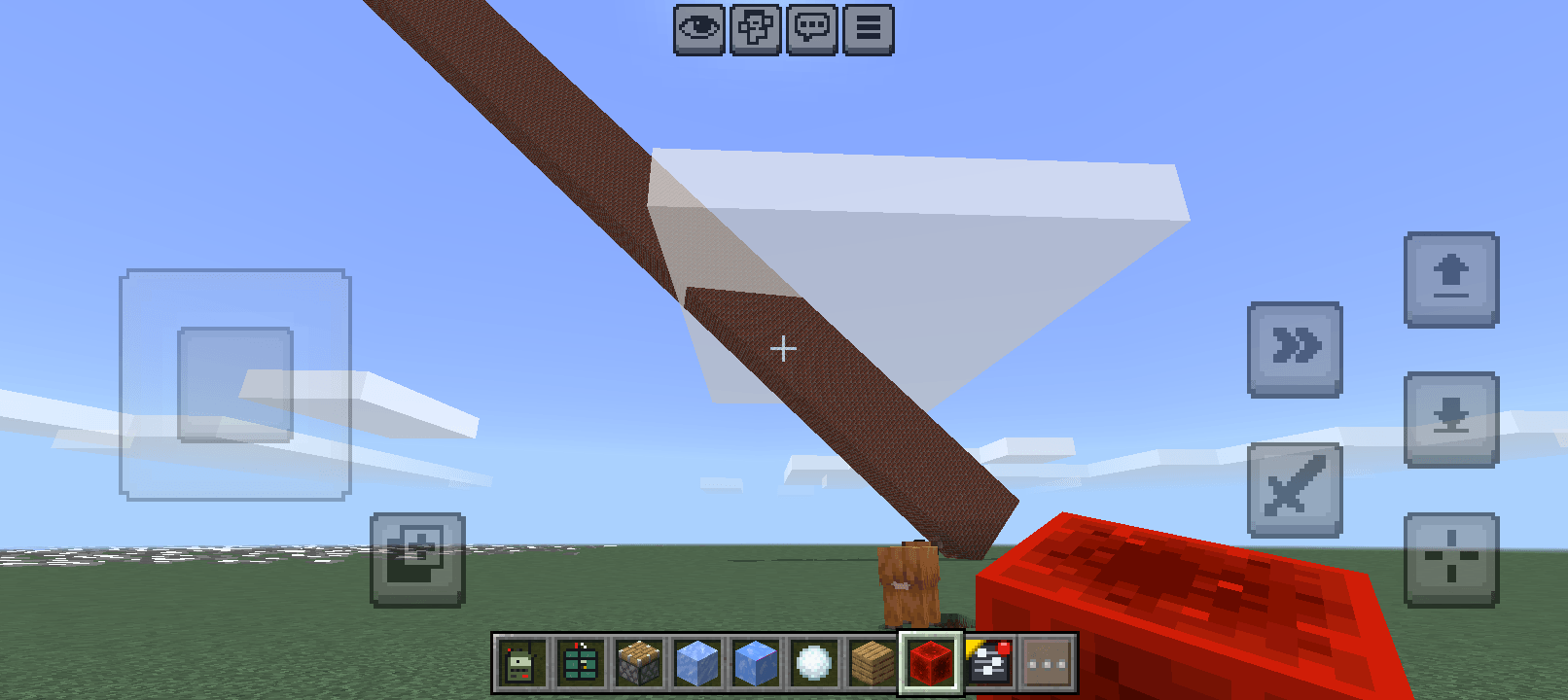
This project introduces a comprehensive gravity and rigid body physics engine to the game's blocks. It completely removes the default floating behavior of unsupported blocks. Instead, when a block or a connected structure loses its supporting foundation, it converts into a physical entity, reacting to gravity, mass, and collision.
Core Features & Mechanics:
- Dynamic Gravity & Collapse: Chopping the bottom of a tree or destroying the base of a building will trigger a structural update. The unsupported blocks above will fall dynamically to the ground rather than floating in mid-air.
- Material-Based Shatter System: Falling structures interact with the terrain based on their specific material properties:
- Fragile Materials: Blocks like dirt, leaves, and glass have a low impact tolerance. If they fall from a high distance and hit the ground at high speed, they will shatter and break apart.
- Hard Materials: Blocks like stone, solid wood, and metal have a high shatter tolerance multiplier. They will survive hard impacts and settle on the terrain as solid, intact chunks.
- Water Buoyancy Simulation: The physics engine calculates water dampening and mass. Lightweight falling objects (such as leaves) will experience buoyancy and float calmly on the water's surface rather than sinking or bouncing erratically.
- Chunk Limit Processing: To maintain stability during massive collapses, large falling structures are divided and processed into maximum 5x5x5 physical bodies.
- Built-in FPS Optimization: The engine is heavily optimized for performance. It features a strict 12ms time budget for physics calculations per tick. Additionally, active falling entities are capped at 100. If a massive chain-reaction collapse occurs, the system safely culls excess falling blocks to prevent frame drops, memory spikes, or crashes.
How to Use in Game
- Apply the behavior and resource packs to your world.
- You must enable "Experimental Gameplay API" features in your world settings for the scripts to execute.
- Break the bottom-most block of any structure or tree, and watch the physics engine take over
Help Me Bring More Features! 🛠️
Have cool ideas for this mod? By supporting me through the official Donate button below or by clicking my "https://ko-fi.com/anisotropy", you help me dedicate more time to adding new features and keeping the mod compatible with the latest MCPE versions!
Images