⚔️ Elemental Swords
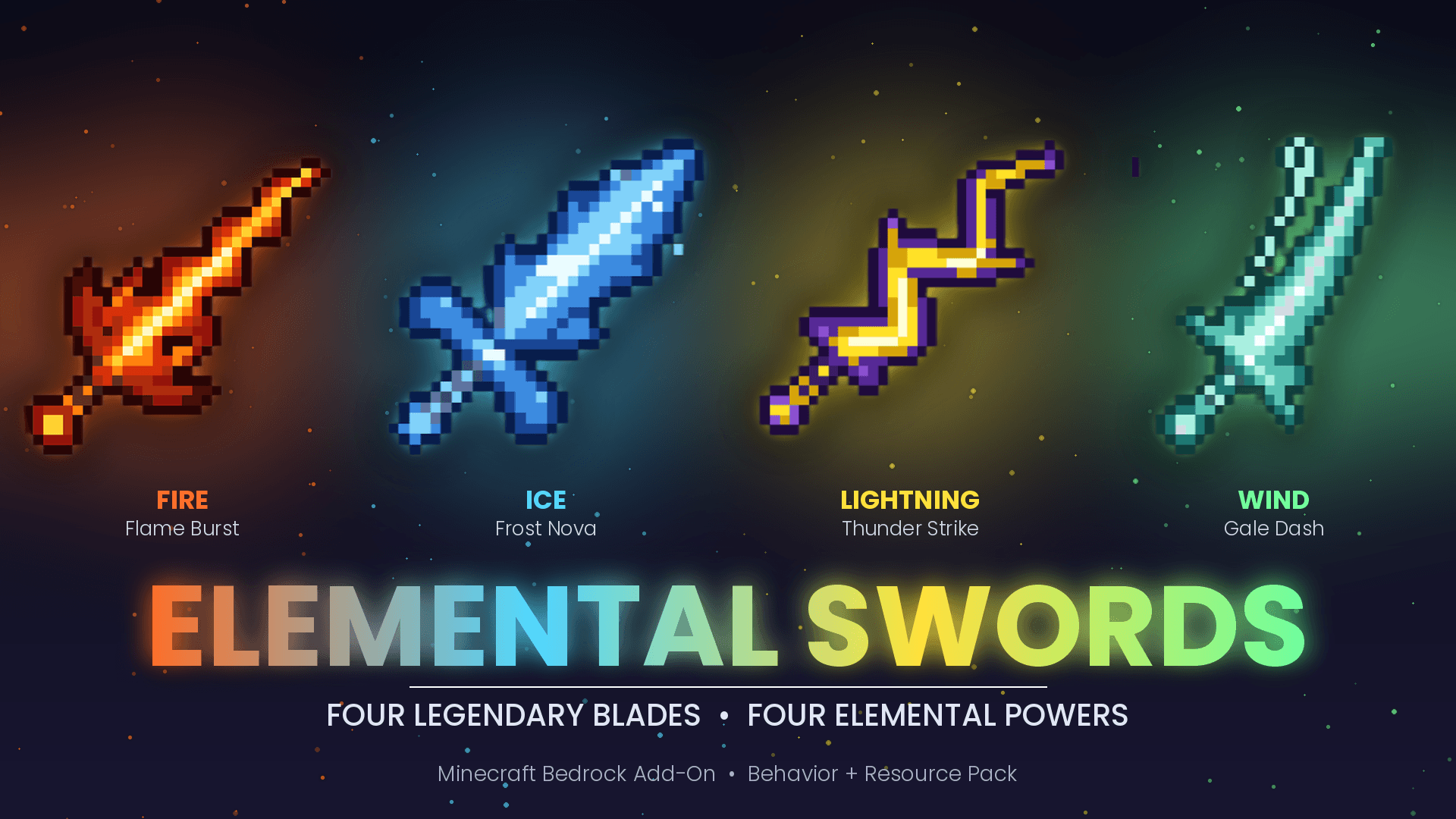
Four powerful elemental swords for Minecraft Bedrock Edition. Each sword has its own look, a unique on-hit effect, and a special right-click ability.
🗡️ The Swords
🔥 Fire Sword
- Hit: sets the target on fire
- Right-click: launches a fireball
- Cooldown: 8s
❄️ Ice Sword
- Hit: slows the target down
- Right-click: freezes every mob around you with a strong Slowness
- Cooldown: 10s
⚡ Lightning Sword
- Hit: every 4th hit strikes the target with lightning
- Right-click: calls down lightning where you are looking
- Cooldown: 10s
🌪️ Wind Sword
- Hit: knocks the target into the air
- Right-click: dash forward and launch mobs in front of you upward
- Cooldown: 5s
🛠️ Crafting
All recipes need a Diamond Sword in the center.
Sword
Ingredients
🔥 Fire
Diamond Sword 4 Blaze Rods
❄️ Ice
Diamond Sword 4 Blue Ice
⚡ Lightning
Diamond Sword 2 Lightning Rods 2 Amethyst Shards
🌪️ Wind
Diamond Sword 2 Breeze Rods 2 Phantom Membranes
Recipes unlock when you pick up a Diamond Sword or the sword's main material.
📊 Stats
- Durability: 1800
- Damage: 7–8 (close to Netherite)
- Enchantable and repairable
- Custom 32x32 pixel art for every sword
📥 Installation
- Import both packs (Behavior Pack Resource Pack).
- Activate both in your world settings.
- Get the swords from the crafting table or the creative inventory.
Or use commands:
- /give @s element:fire_sword
- /give @s element:ice_sword
- /give @s element:lightning_sword
- /give @s element:wind_sword
✅ Requirements
- Minecraft Bedrock Edition 1.26.0 or newer
- Both Behavior Pack and Resource Pack enabled
❓ Notes
- The Lightning Sword can set things on fire near you, so be careful in important worlds.
- Compatible with other add-ons because everything uses its own element: namespace.
Enjoy! ⚡🔥❄️🌪️