
Add-ons
SERP Pokédrock (Pokémon Addon) || v1.34.15 Altars & Type-Charts Update
by Zacek el Serpentín
- Downloads
- 7.7M
- Rating
- 4.2
by AddonLab
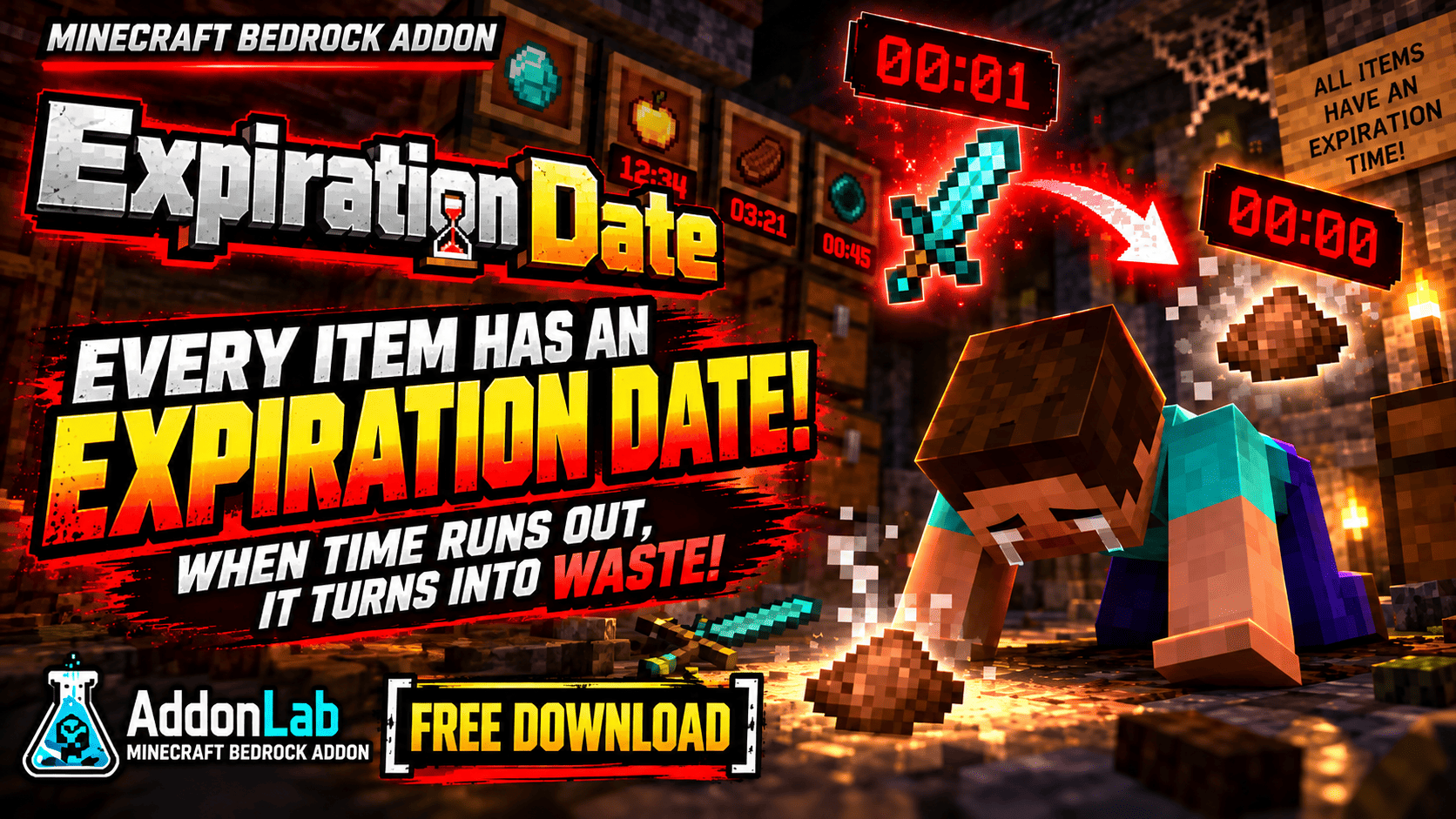
Every item has a 1–30 minute expiration timer! When time runs out, your items turn into waste—even weapons, armor, and valuable resources.
Written by AddonLab.
Everything you own has an expiration date!
Expiration Date is a free addon for Minecraft Bedrock Edition that adds a random 1–30 minute expiration timer to the items you obtain.
Food, building blocks, valuable resources, weapons, and even armor can expire!
Once an item's timer runs out, it turns into waste. The challenge is simple: collect what you need, use it before it expires, and survive in a world where nothing lasts forever.
1–30 Minute Expiration Timers: Items receive a random expiration time when obtained. Shorter durations are more likely.
Items Turn into Waste: When an item expires, its remaining quantity is replaced with the same amount of waste.
Color-Coded Timers: Check the remaining time in an item's description. The color changes from green to yellow, orange, and red as expiration approaches.
Different Timers, Separate Stacks: Even identical items cannot stack together if their expiration times differ.
Storage Doesn't Stop Time: Items continue to age while stored in chests. Expired items are processed when retrieved.
Real-Time Expiration: Timers continue counting down even while the world is closed.
Dropped Items Can Expire: Items dropped on the ground can also turn into waste.
Ender Eye Support: Ender Eyes retain their expiration times when thrown and recovered.
No Special Items Required: The system works automatically during normal gameplay.
English & Japanese Support: Item names and expiration displays support both languages.
Download and import the addon into Minecraft Bedrock Edition.
Enable the Behavior Pack and Resource Pack in your world settings.
Start playing normally—no additional setup is required.
Collect items and check their expiration timers.
Use your items before they turn into waste!
Imagine finding diamonds, crafting powerful equipment, and preparing to fight the Ender Dragon—only to have your sword expire in the middle of battle!
Even your food and spare equipment won't last forever.
Can you defeat the Ender Dragon before your most valuable items become useless?
Expiration times are randomized between 1 and 30 minutes.
Shorter expiration times are more common.
Items with different expiration times occupy separate stacks.
Expiration is based on real-world time, not Minecraft's day-night cycle.
An expired item may be converted into waste when it is next processed, such as when you retrieve it from storage.
The addon's waste item does not expire.
Edition: Minecraft Bedrock Edition
Pack Version: 2.1.0
Languages: English and Japanese
Creator: AddonLab
Allowed:
Personal gameplay.
Videos and livestreams featuring this addon, including monetized content.
Not Allowed:
Reuploading or redistributing this addon without permission.
Redistributing modified versions.
Claiming this addon as your own creation.
Extracting or reusing its code or assets in other projects without permission.
Distributing the addon through unauthorized direct download links.
© AddonLab. All rights reserved.
The author’s notes for the file uploaded .
Initial release.
Added random 1–30 minute expiration timers for items.
Added higher chances for shorter expiration times.
Added color-coded countdown displays.
Added automatic conversion of expired items into waste.
Added separate stacking for items with different expiration times.
Added persistent expiration timers for stored items.
Added real-time expiration, including while the world is closed.
Added expiration handling for dropped items.
Added expiration time preservation for recovered Ender Eyes.
Added English and Japanese language support.
Advertisement
by Zacek el Serpentín




