Written by SCP001.
Food Fusion - New Release
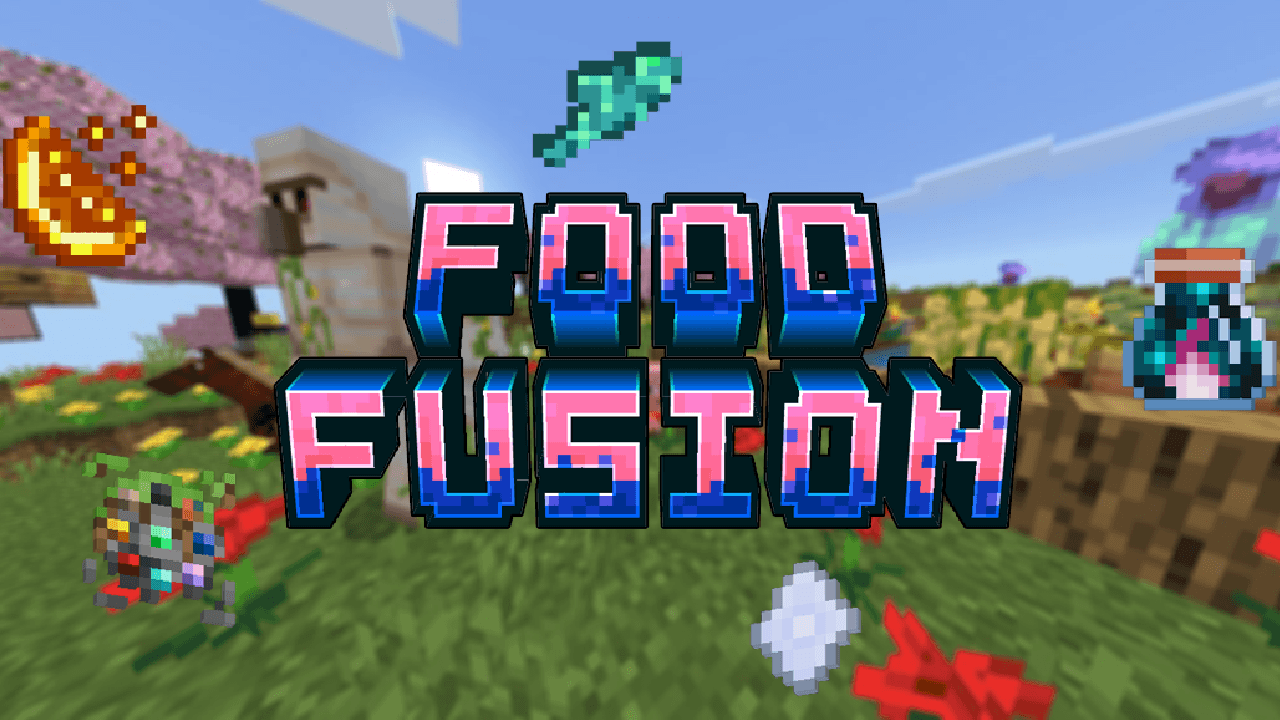
Bring new food to your world! Combine item with food to create a new variant of food, the combination are weird though! Each food give different potion effect so no need brewing for potions!
Changelog (Version 1.0.0)
- Added 5 Gems: Water, Stone, Fire, Wind, Ender
- Added 10 Foods: Glowfish, Golden Berries, Fire Fused Apple, Feather in Potato, Glowroot, Pufferslime, Paper Bread, Blazed Melon, Bone with Carrot, Redstone Potato
Features
- Currently has 10 Foods: Glowfish, Feather in Potato, Blazed Melon, Redstone Potato, and more
- Food Effect: Each food has different potion effect, some has longer duration and higher amplifier
- Hunger Point & Saturation: Some food give good amount like the golden berries, while other give bad amount like Pufferslime
- Gems: All food need gem to craft, gem can be crafted from (item), glass pane, amethyst shard. You can also throw gems.
- Orbs: Coming next update…
Items List
Spoiler
Spoiler
- Water Gem
- Stone Gem
- Fire Gem
- Wind Gem
- Ender Gem
Spoiler
- Glowfish
- Golden Berries
- Fire Fused Apple
- Feather in Potato
- Glowroot
- Pufferslime
- Paper Bread
- Blazed Melon
- Bone with Carrot
- Redstone Potato
Spoiler
Installation
- Download the .mcaddon file
- Open it with Minecraft Bedrock
- Apply the behavior & resources pack to your world
- Works for MCPE version 1.21.130 and above, but is best to use the newest version
Next Version
This is a solo project and I'm still learning! Please provide feedback if you find any bugs or issues. Hope you enjoy playing!
Images