Gacha System (Achivement Friendly)
BedrockScriptOtherby StevePlays2007
About this script
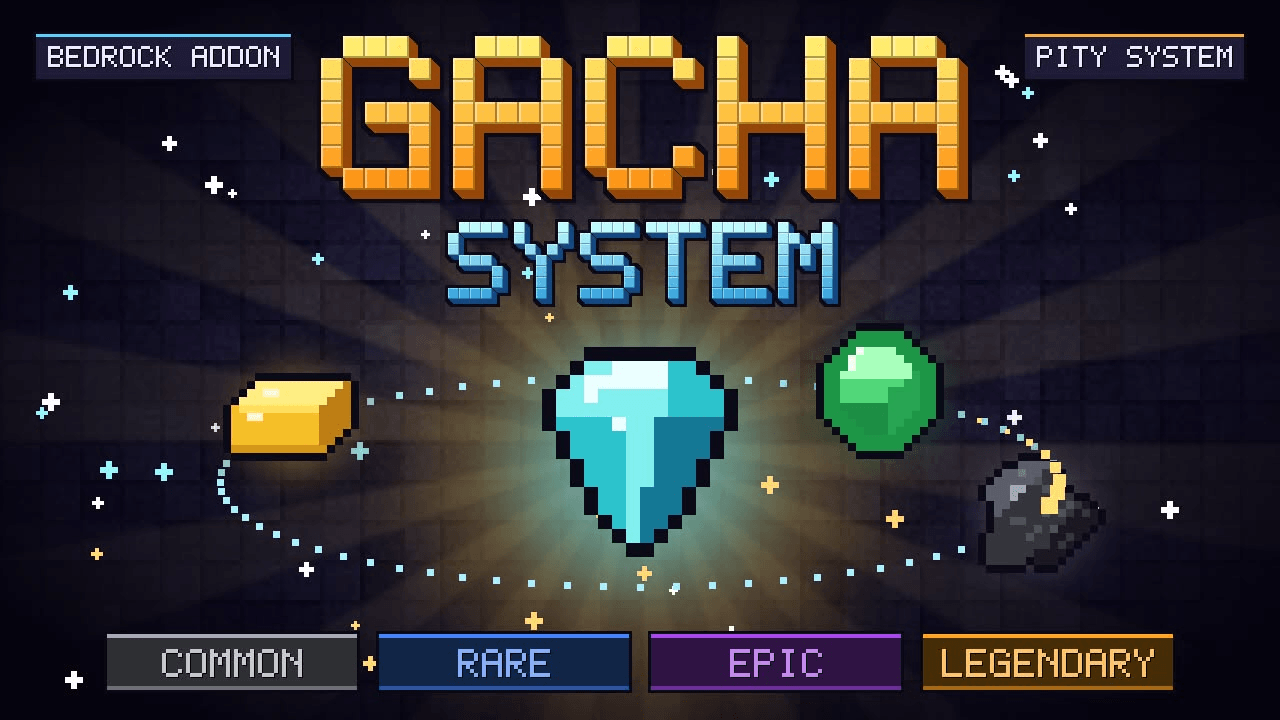
Turn your ores into loot! Spend coal, gold, emeralds or diamonds to pull random rewards, with a real spinning reel animation, rarities and a pity system.
Read the author’s full description (268 words)
Written by StevePlays2007 for the MCPEDL post, shown as published.
Gacha System Addon
Turn your ores into loot! Spend coal, gold, emeralds or diamonds to pull random rewards, with a real spinning reel animation, rarities and a pity system.
How to play
Hold Coal, Gold Ingot, Emerald or Diamond and right-click to pull.
Sneak right-click to see the cost, odds and your pity counter (nothing is spent).
Features
4 banners, one for each currency, each with its own cost and odds
4 rarities: Common, Rare, Epic and Legendary
Pity system: guaranteed Epic or better after enough pulls
Spin animation: a floating item reel with orbiting particles that slows down and reveals your reward
Anti-grab protection: the floating items hide if you get close, so they can't be picked up
Legendary pulls are announced to everyone in chat
Easy to customize: costs, odds and rewards are at the top of the script
Banners
Currency
Cost per pull
Legendary chance
Pity
Coal
16
0.3%
60
Gold Ingot
3
1%
40
Emerald
1
3%
30
Diamond
1
7%
20
Rewards
Common: bread, coal, iron ingots, cooked beef
Rare: gold ingots, diamonds, golden apples, ender pearls
Epic: diamond gear, bundles of diamonds, XP bottles
Legendary: netherite, enchanted golden apple, totem of undying, elytra
Installation
Download the addon file and open it with Minecraft.
Create or edit a world and activate the behavior pack.
Enable the Script API / experimental toggles if your Minecraft version requires them.
Notes
Works in survival multiplayer and singleplayer.
Rewards are given as soon as you pull, so nothing is lost if you leave during the animation.
Credits
Made by StevePlays. Feel free to leave feedback in the comments!
How to install
- Download the file below. On iOS or Android, open it from your Downloads with Minecraft; on Windows, double-click it.
- Minecraft imports the pack automatically. Enable it in your world’s settings under Behavior Packs or Resource Packs; an add-on usually needs both.
- Playing on a Realm or server? Everyone needs the same packs, and the host has to enable them.
- Starting a new world? Choose its seed first: the Seed Map shows villages, structures and biomes near spawn for any Bedrock seed.
Advertisement