All scripts
Gamertag Utilities
BedrockScriptOtherby Zepaii
About this script
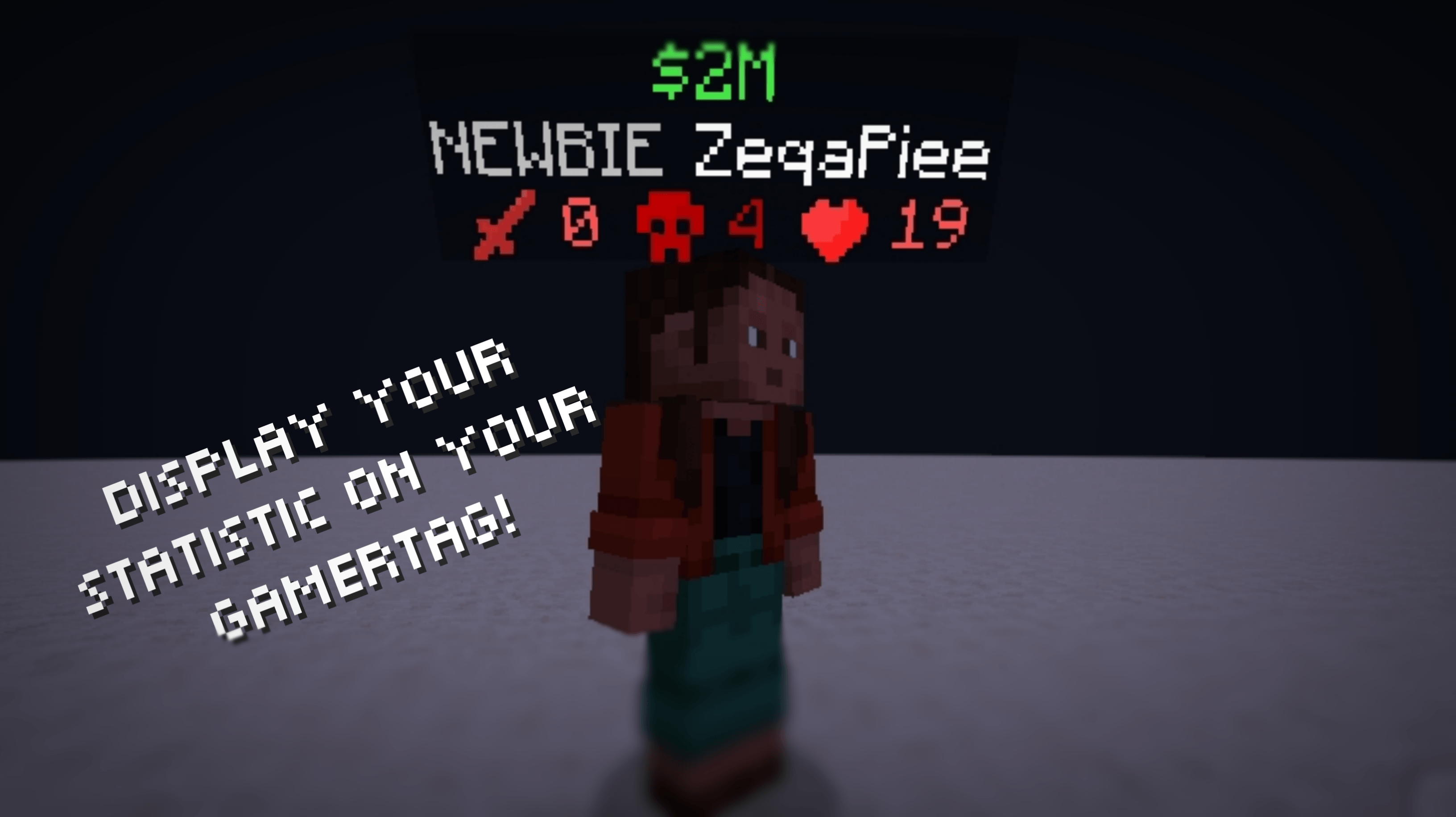
Display your statistics on your gamertag!
Read the author’s full description (126 words)
Written by Zepaii for the MCPEDL post, shown as published.
Gamertag Utilities [1.5]
Gamertag Utilities is a Minecraft Bedrock add-on that allows you to display player statistics directly above the player’s head
How to Use
- First, when you are creating a world don't forget to turn on the Beta-API feature in experimental
- After entering the world, you need to add the admin tag to access the menu by typing /tag @s add admin.
- Then when you are already in the world, Hold the compass and right-click or hold the screen if you are playing on a mobile phone. after that the menu will appear by itself
Some screenshot in the game
What's New?
- Supported minecraft version 1.26.51.1
Join the Community🌐
Have questions, want updates, or see what I'm working on?
- 📣 Join our Discord: Zepai Community
Images
What’s new in the latest update
The author’s notes for the file uploaded .
- supported minecraft version 1.26.51.1
How to install
- Download the file below. On iOS or Android, open it from your Downloads with Minecraft; on Windows, double-click it.
- Minecraft imports the pack automatically. Enable it in your world’s settings under Behavior Packs or Resource Packs; an add-on usually needs both.
- Playing on a Realm or server? Everyone needs the same packs, and the host has to enable them.
- Starting a new world? Choose its seed first: the Seed Map shows villages, structures and biomes near spawn for any Bedrock seed.
Advertisement