🔫 Havoc Guns Revived v1.0
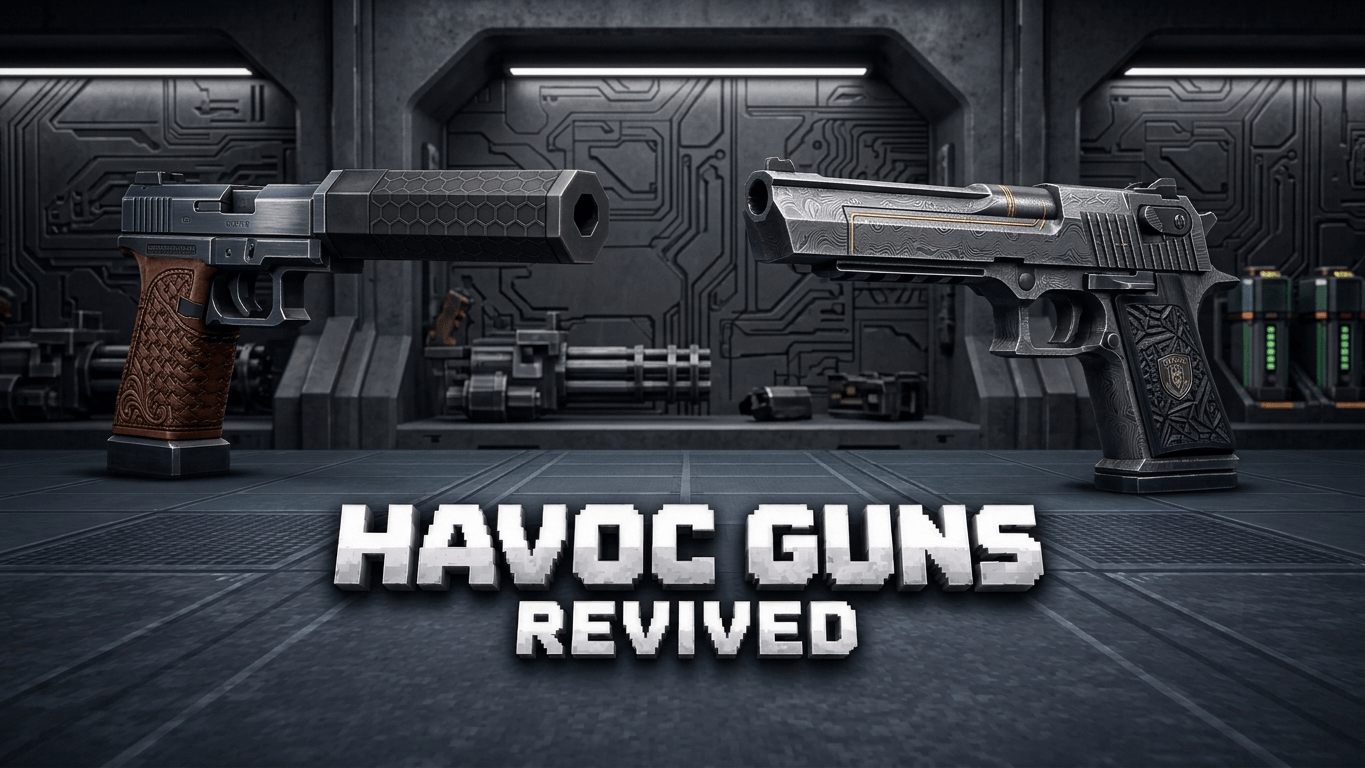
Havoc Guns Revived brings a fully scripted firearms system to Minecraft Bedrock Edition: realistic guns, magazines, reloading, headshots, kill tracking and killstreaks, all with custom models, particles and sounds.
🎥 Preview
🙏 A big thank you to BlockCraftStudio for creating and uploading the showcase video. Go show them some love!
📸 Showcase
🎯 Weapons
- AK-47 (7.62mm): hard-hitting assault rifle
- M16 (5.56mm): accurate and reliable
- Glock (9mm): fast, light sidearm
- Shotgun (12 gauge): devastating at close range
⚙️ Features
- Magazine and reserve ammo system with a live ammo HUD
- Reload system with a "mag seated" sound
- Headshot detection with bonus damage
- Low-ammo warning: ammo count turns red and the last round gives an audible cue
- Weapon draw sound when you switch guns
- Dry-fire click and no-ammo feedback
- Custom first-person and third-person models and animations
- Muzzle flash, gun smoke and bullet impact particles
- All guns and ammo are craftable
🏆 Kill Tracking and Killstreaks
- Every kill is tracked per weapon, with your running total shown in chat
- Kill-confirm sound and a custom kill-confirm particle burst
- Killstreak call-outs: Double Elimination, Triple Elimination, Rampage, Unstoppable
- Your streak resets when you die
📦 Installation
- Download both the BP (Behavior Pack) and RP (Resource Pack)
- Open each .mcpack file to import it into Minecraft
- Create or edit a world and activate both packs
- Find the guns and ammo in the Creative inventory or craft them
Note: Both packs are required for the addon to work properly.
Made by Yashu Studio