Skip to content
All add-ons

Health Bars | Damage Indicators

BedrockAdd-onSurvival

by Vortexlab

Health Bars | Damage Indicators screenshot 1 of 9

About this add-on

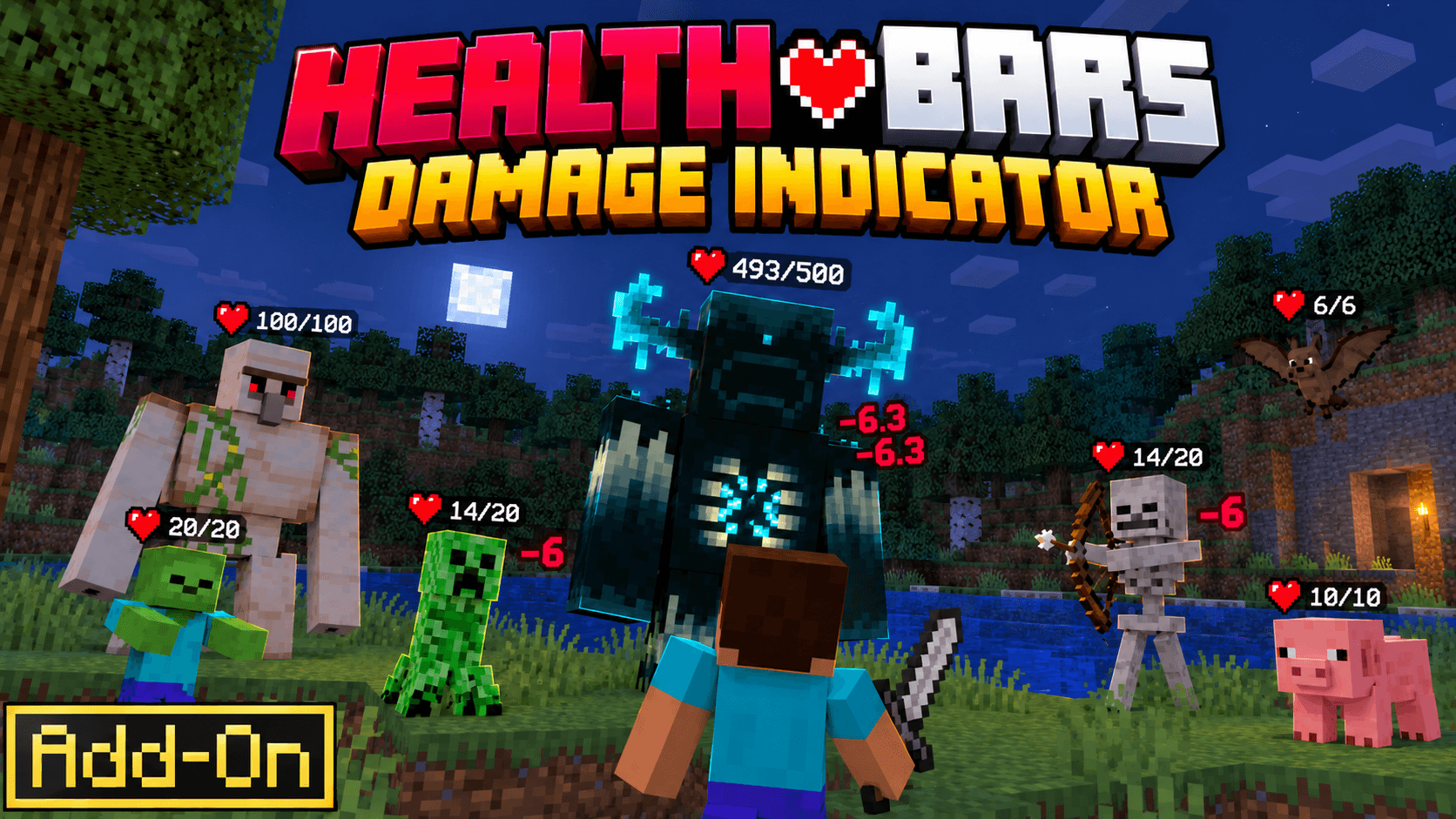
See a mob’s exact health just by looking at it. A heart icon appears above the mob with its health (31/40), and floating numbers show every hit and heal.

Read the author’s full description (147 words)

Written by Vortexlab.

Never guess a mob’s health again. Look at any mob and its exact health appears above it with a heart icon, while floating numbers pop up for every hit you land and every heal it gets.


✨ •Features•

  • Exact health shown above any mob you look at

  • Floating red -damage numbers on every hit
  • Floating green heal numbers when a mob recovers
  • Health stays visible for a few seconds after a hit
  • Works from up to 24 blocks away
  • Custom heart icon
  • Works for each player in multiplayer

📋 •Requirements•

  • Minecraft Bedrock Edition 1.21.80 or newer
  • Both packs must be imported (the Resource Pack is linked to the Behavior Pack and activates with it)

📥 •Installation•

  • Download and import both packs into Minecraft
  • Create a new world or edit an existing one
  • Activate Health Bars | Damage Indicators under Behavior Packs

  • Load into your world and look at any mob

Images


How to install

  1. Download the file below. On iOS or Android, open it from your Downloads with Minecraft; on Windows, double-click it.
  2. Minecraft imports the pack automatically. Enable it in your world’s settings under Behavior Packs or Resource Packs; an add-on usually needs both.
  3. Playing on a Realm or server? Everyone needs the same packs, and the host has to enable them.
  4. Starting a new world? Choose its seed first: the Seed Map shows villages, structures and biomes near spawn for any Bedrock seed.