Herobrine Creepypasta
BedrockAdd-onHorrorby SrDentes
About this add-on
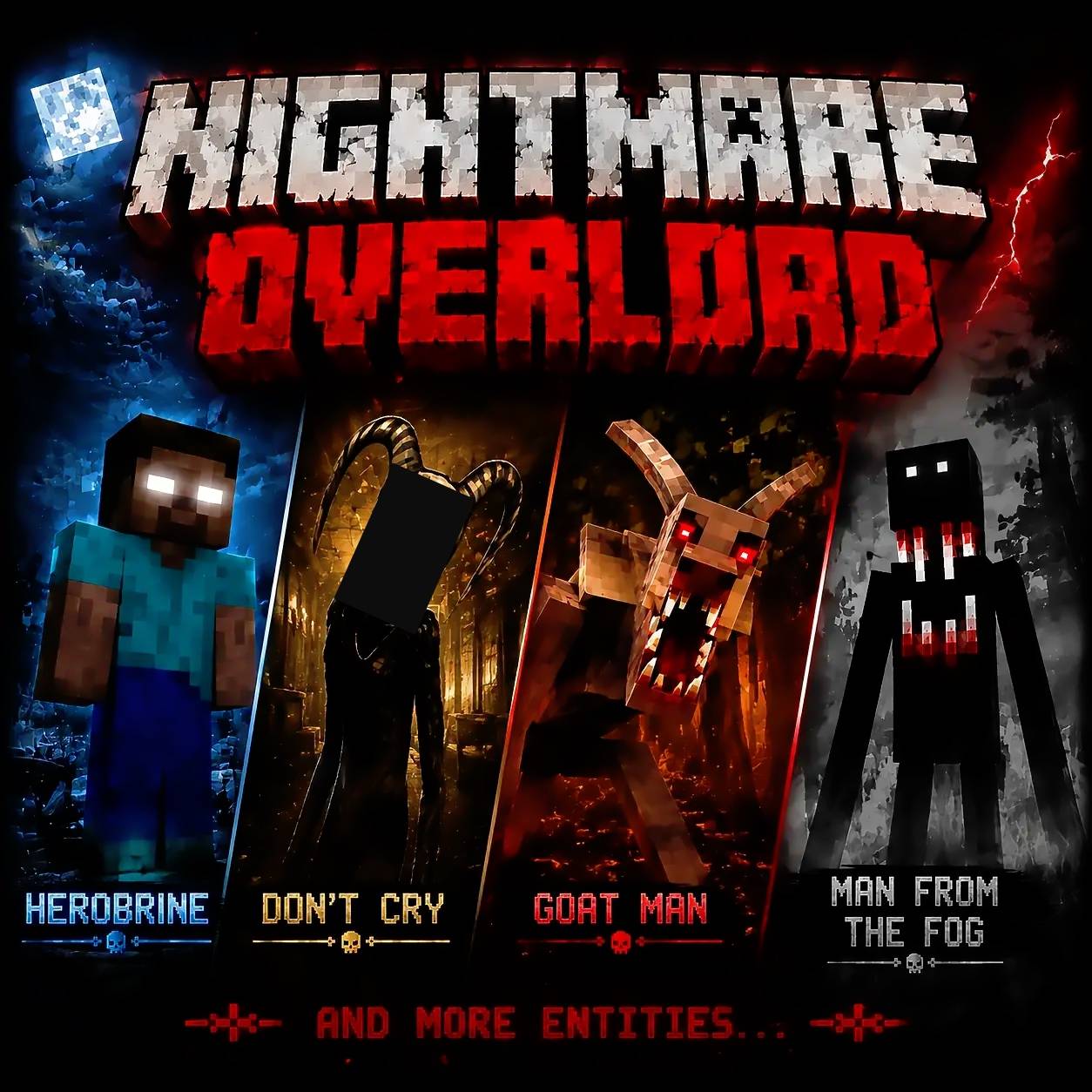
Get paranoid about the return of the legendary Herobrine in Minecraft with this Add-On!
Read the author’s full description (355 words)
Written by SrDentes for the MCPEDL post, shown as published.
Herobrine Creepypasta [ADD-ON]
He’s watching...
Herobrine Creepypasta brings the classic legend back to Minecraft Bedrock through subtle, unpredictable, and unsettling encounters.
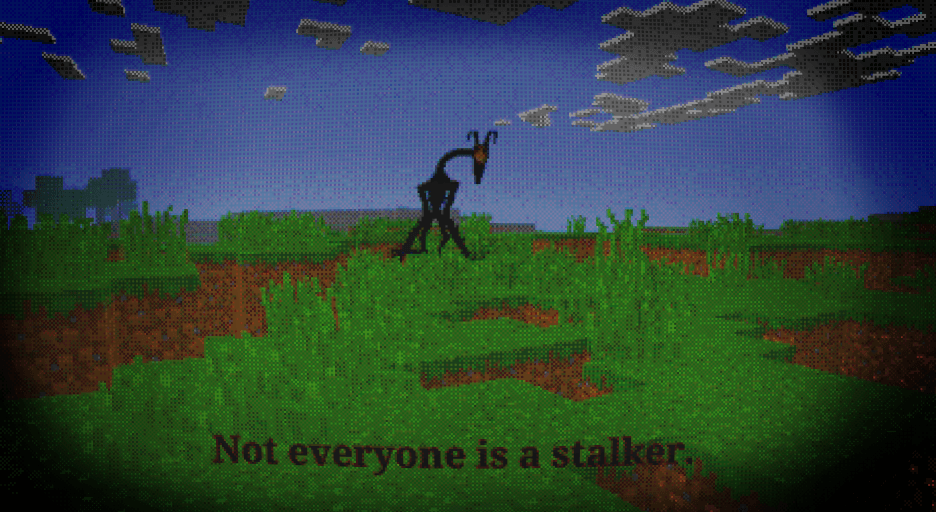
Herobrine will not simply appear anywhere. His manifestations depend on a small nearby “structure” that can provide cover. Stay close to trees, walls, cliffs, ruins, stacked blocks, or other formations, and you may notice someone watching from behind them.
Sometimes he will remain completely still. Other times, he may appear crouched, slowly hide behind nearby cover, or vanish instantly the moment he is noticed. Do not expect every encounter to happen in the same way.
The add-on also introduces several paranoia events designed to make the world feel increasingly strange. Mysterious signs may appear, unusual sounds can be heard, and Herobrine may return using different appearances.
An in-game menu allows players to customize their experience. Paranoia events, sounds, appearances, and other systems can be adjusted, allowing each player to control how intense and unpredictable their world becomes.
Features
-
Unpredictable encounters with Herobrine.
-
Appearances that depend on nearby trees, walls, and small structures.
-
Multiple standing, crouching, and movement animations.
-
Instant or animated disappearances.
-
Dynamic mysterious signs.
-
Optional atmospheric sounds.
-
Jumpscare system.
-
Multiple selectable Herobrine appearances.
-
An in-game menu for customizing the experience.
-
Built entirely with Minecraft Bedrock functions and commands.
-
Designed with performance and stability in mind.
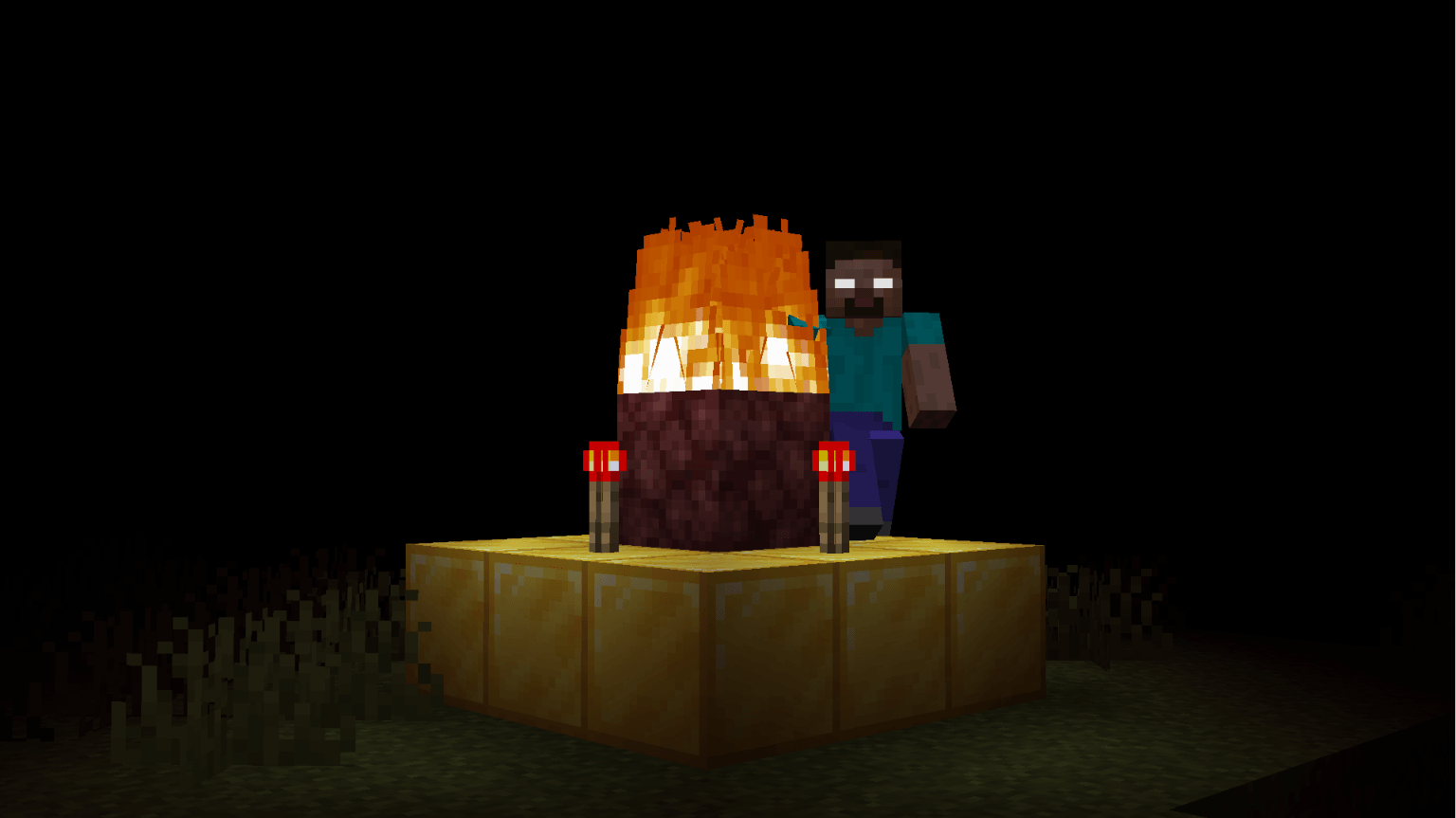
The add-on also includes an optional Herobrine Totem. It is not required for Herobrine’s appearances or the other events to begin. A tutorial showing how to build it can be found in the screenshots and demonstration images on the add-on page.
After building the totem correctly, stand on top of it for at least four seconds while keeping your view focused on the netherrack block. This allows the system enough time to recognize the completed structure and activate the ritual correctly.
Herobrine does not constantly chase the player. He watches, waits, and appears when the environment allows it. You may see him clearly—or only catch a brief glimpse before he disappears behind something.
Pay attention to the trees.
Pay attention to the walls.
And never assume that you are alone.
Warning: Not compatible with Actions and Stuff :(
Images
What’s new in the latest update
The author’s notes for the file uploaded .
Herobrine Creepypasta — Version 1.5.9
👁️ Increased Close Appearance Chance
-
Increased the chance of the Close appearance, where Herobrine appears behind a player.
-
Doubled the probability for all three rarity settings:
-
Common: 5% → 10%
-
Rare: 1.5% → 3%
-
Legendary: 0.5% → 1%
-
-
The appearance chance is checked every 60 ticks (approximately 3 seconds) while spawning conditions are eligible.
-
Successful rolls can still fail if no valid spawn position is found behind the selected player.
🔧 Compatibility
-
Updated the add-on's internal version to 1.5.9.
-
Set the declared minimum Minecraft Bedrock version to 26.32.
-
Preserved the existing Herobrine appearance and global sighting behavior.
Note: Compatibility is declared for Minecraft Bedrock 26.32 and later, but testing across every game version has not been completed.
How to install
- Download the file below. On iOS or Android, open it from your Downloads with Minecraft; on Windows, double-click it.
- Minecraft imports the pack automatically. Enable it in your world’s settings under Behavior Packs or Resource Packs; an add-on usually needs both.
- Playing on a Realm or server? Everyone needs the same packs, and the host has to enable them.
- Starting a new world? Choose its seed first: the Seed Map shows villages, structures and biomes near spawn for any Bedrock seed.
Advertisement