Horror VISUALS
BedrockTexture packRealisticby yowhats
About this texture pack
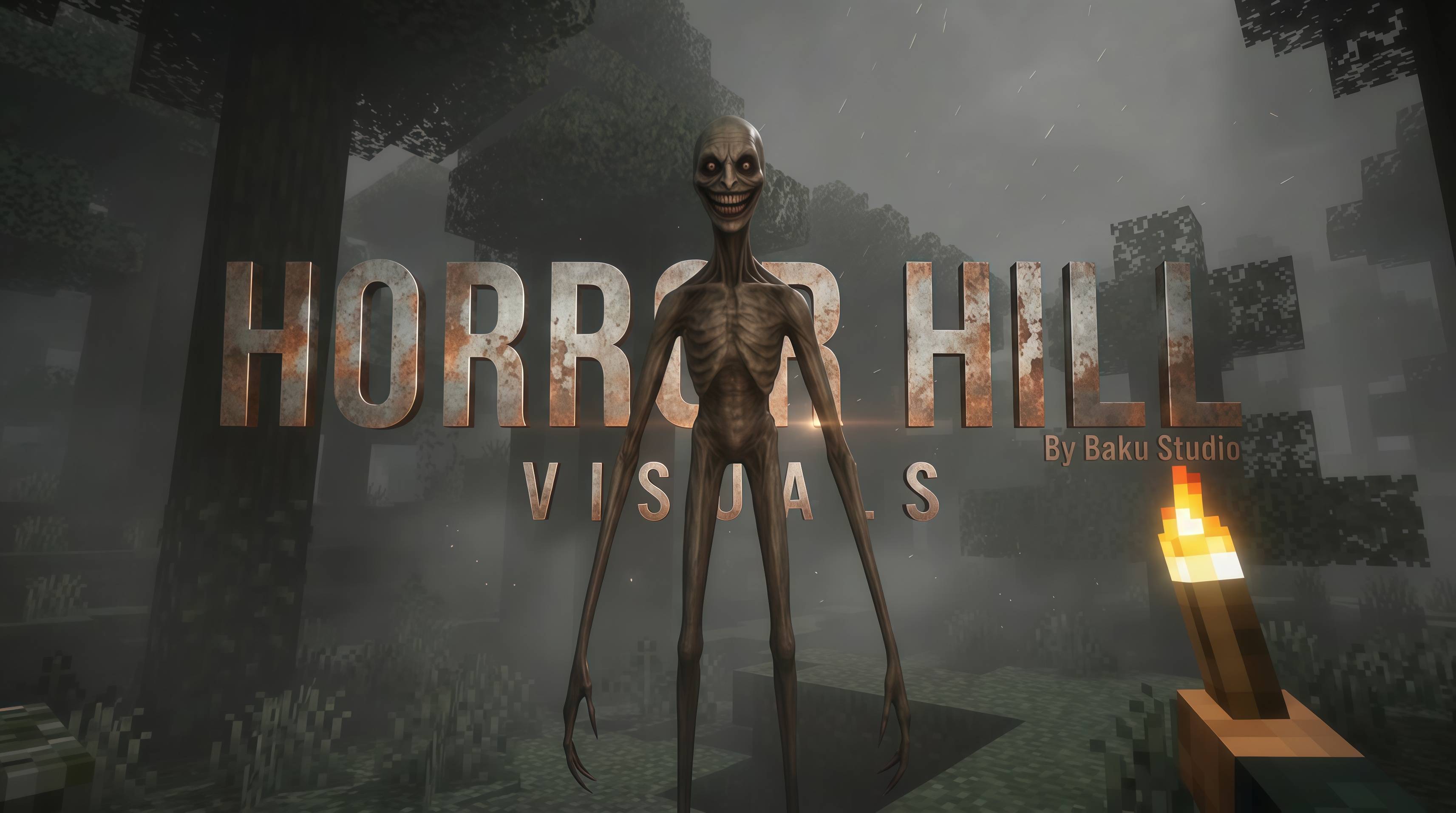
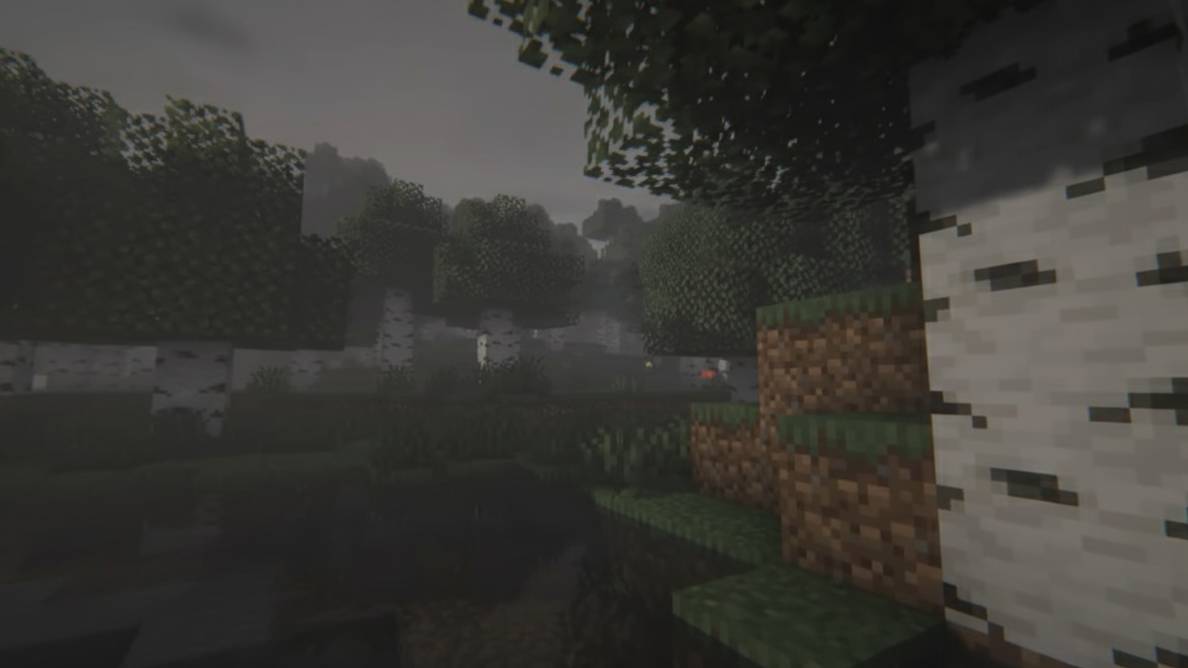
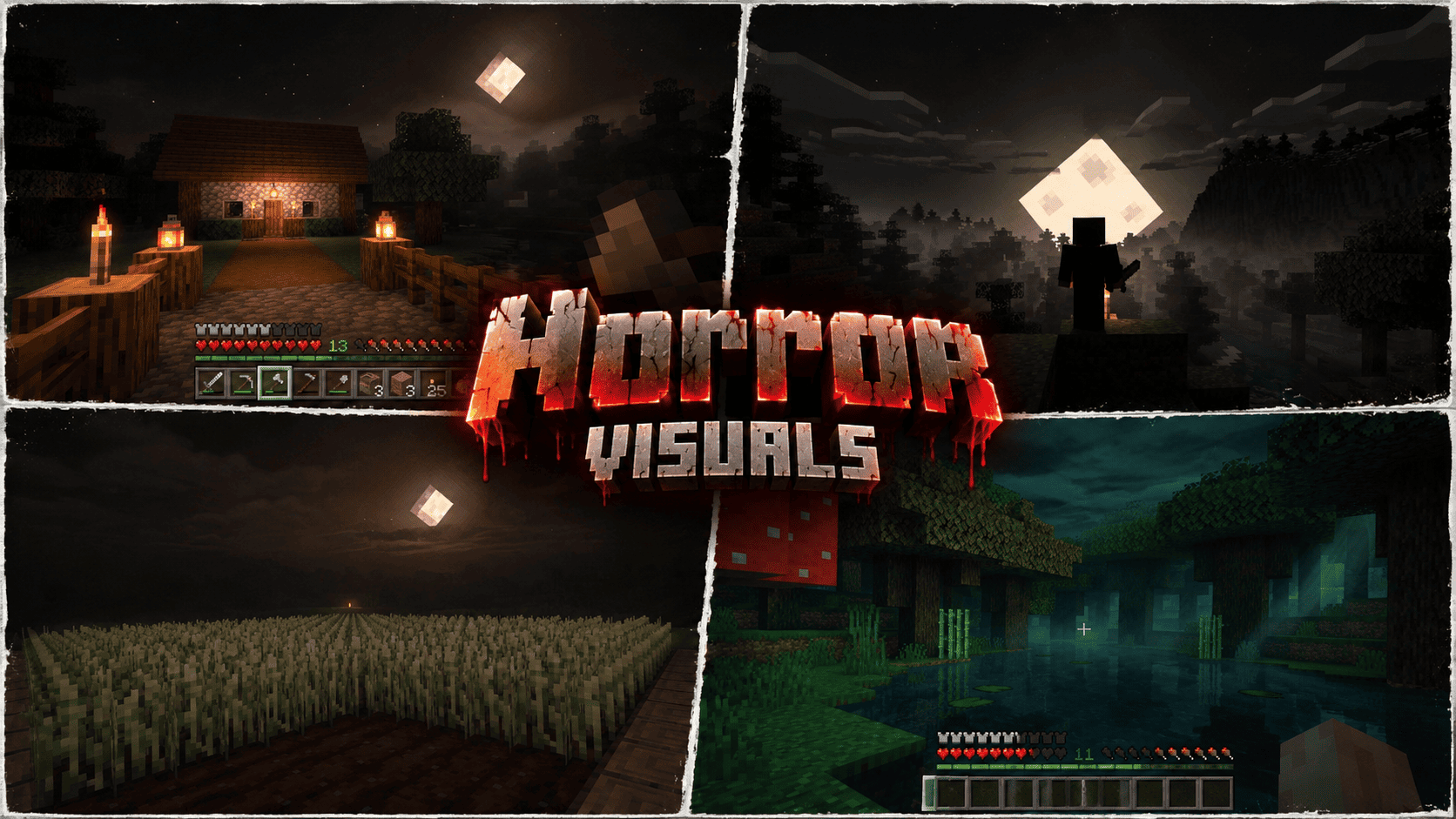
Horror VISUALS is a subtly dark and creepy Vibrant Visuals resource pack with an angled pale moon, warm local lights, atmospheric biome fog, rippling water, and distinct Nether ...
Read the author’s full description (601 words)
Written by yowhats for the MCPEDL post, shown as published.
A NIGHT THAT FEELS DIFFERENT
What if your familiar Minecraft world felt just a little more watchful after sunset? Horror VISUALS is built around that idea. It does not bury your screen in darkness or replace the game with noisy realism. Instead, it adds a restrained cinematic mood: deeper shadows, quiet mist, muted color, and small pools of warm light that make home feel worth returning to.
SUBTLE HORROR, NOT PITCH-BLACK GAMEPLAY
Night settles into umber, olive, and softened black tones while a pale angled square moon hangs above the landscape. The latest adjustment is deliberately gentle. Shadows carry more depth, distant air feels slightly heavier, and colors are a little less cheerful, but crops, paths, buildings, and cave routes remain readable. This is atmosphere, not a visibility punishment.
BIOMES WITH THEIR OWN SENSE OF DISTANCE
Seventeen fog profiles give different regions their own breathing space. Forests fade into muted green, jungle hills gather layered mist, and swamps take on green-teal depth. Cherry groves lean toward restrained rose-gray, snowy regions feel colder, and dry landscapes hold warmer dust. In the legacy 1.21.80 build these are biome-linked fog treatments, supported by global lighting, grading, and water settings.
CAVES, NETHER, AND THE END
Deep-dark spaces shift toward blue-black and cyan, helping ruins and pillars emerge gradually from the distance. Lush caves turn greener, while dripstone keeps earthy brown shadows. Warmer Nether regions use ember-red haze; soul and warped areas move toward cooler tones. The End receives violet-black depth without hiding its major forms. There are no jump scares, added monsters, or scripted events—just tension created by light and space.
WATER, MOONLIGHT, AND SMALL SAFE LIGHTS
Gentle surface waves and an original sixty-four-frame caustic animation give water restrained movement. Torches, lanterns, candles, and supported local lights retain their warm or cool character, creating readable shelters against the darker surroundings. Reflections, shadows, volumetric fog, and point-light quality depend on your available Vibrant Visuals options.
ORIGINAL FROM THE GROUND UP
Every configuration value, moon and sun texture, caustic frame, icon, and listing text was created specifically for Horror VISUALS. No third-party shader file, copied shader code, borrowed texture pack, reference-screenshot pixel, or Mojang texture PNG is bundled. Official technical documentation was used only to understand valid schemas and compatibility.
INSTALL AND TEST
The fixed download is named Horror_VISUALS.mcpack and declares Minecraft Bedrock 1.21.80 as its minimum engine version for the legacy experimental Vibrant Visuals path. Activate it in the world's Resource Packs, enable the experiment requested by your game, select Vibrant Visuals, and restart Minecraft. Disable other shader packs during your first test. Begin with normal gamma and raise it slightly only if nearby detail disappears.
YOUR WORLD SETS THE SCENE
Light shafts need a genuine directional source and geometry that interrupts it, so every viewpoint will not match a staged screenshot. Explore at midnight, stand beside a torch, look across water, and visit the Nether and End before judging the mood. Test on your device before making compatibility claims, and use your own gameplay captures for your project gallery.
A MOOD WORTH EXPLORING
Use it for quiet survival nights, atmospheric builds, exploration videos, or worlds where darkness should feel present without becoming frustrating. The goal is not to make every biome look identical. Warm inhabited spaces, cold caves, green wetlands, and distant dimensional landscapes should each keep their own character while sharing the same restrained cinematic identity across ordinary play, exploration, and creative storytelling alike.
CREATOR
Created and credited to yogamerzyt. Minecraft is a trademark of Mojang Synergies AB and Microsoft. This unofficial project is not affiliated with or endorsed by Mojang or Microsoft.
Images
How to install
- Download the file below. On iOS or Android, open it from your Downloads with Minecraft; on Windows, double-click it.
- Minecraft imports the pack automatically. Enable it in your world’s settings under Behavior Packs or Resource Packs; an add-on usually needs both.
- Playing on a Realm or server? Everyone needs the same packs, and the host has to enable them.
- Starting a new world? Choose its seed first: the Seed Map shows villages, structures and biomes near spawn for any Bedrock seed.
Advertisement
More texture packs
- Texture packs
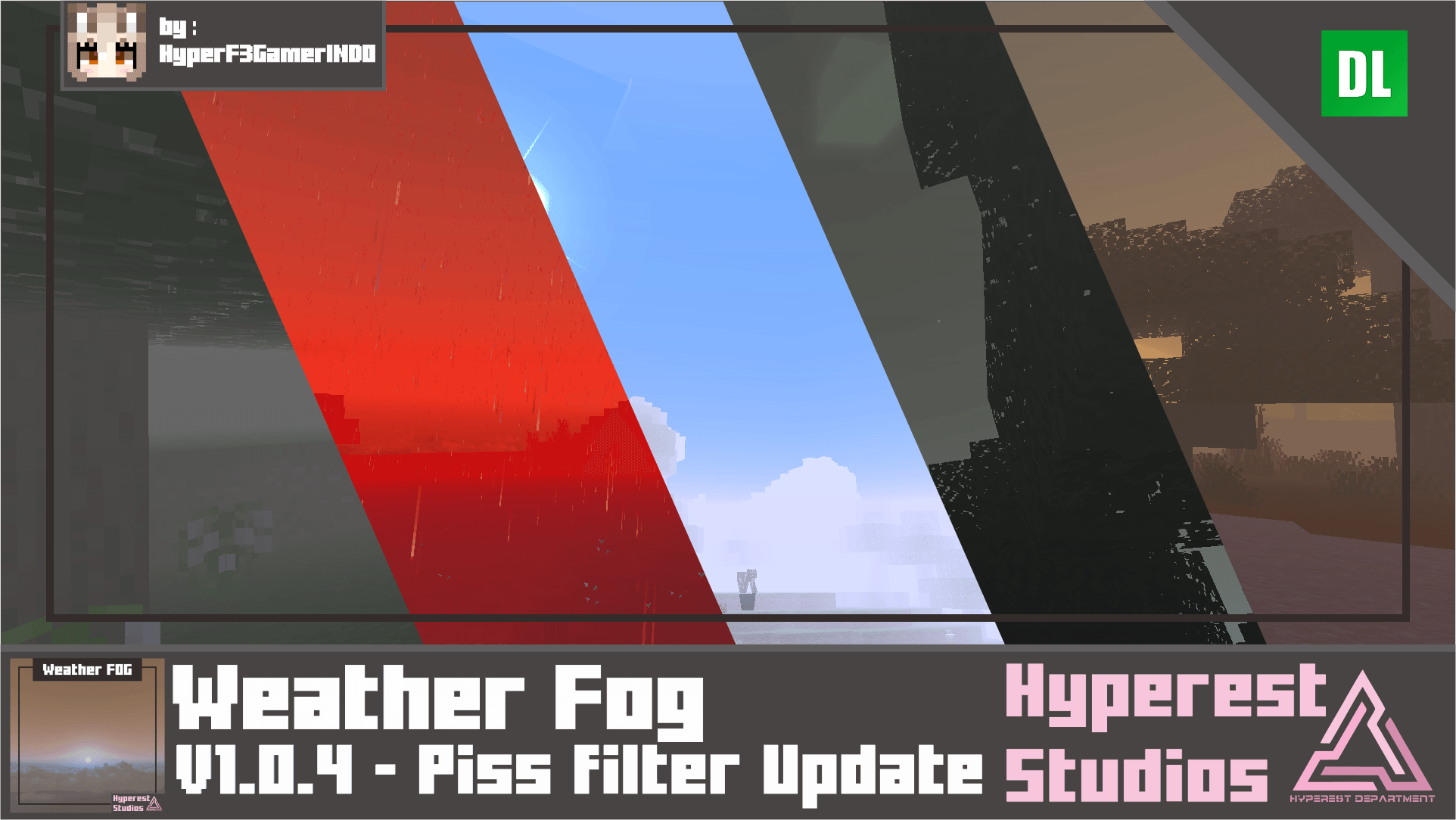
Weather FOG | v1.0.4 Piss filter Update
by Hyperest Studios | HyperF3GamerINDO
- Downloads
- 99.2K
- Rating
- 4.1