Import/Export Button Unhider v4 for MCPE
BedrockTexture packUtilityby faizul726
About this texture pack
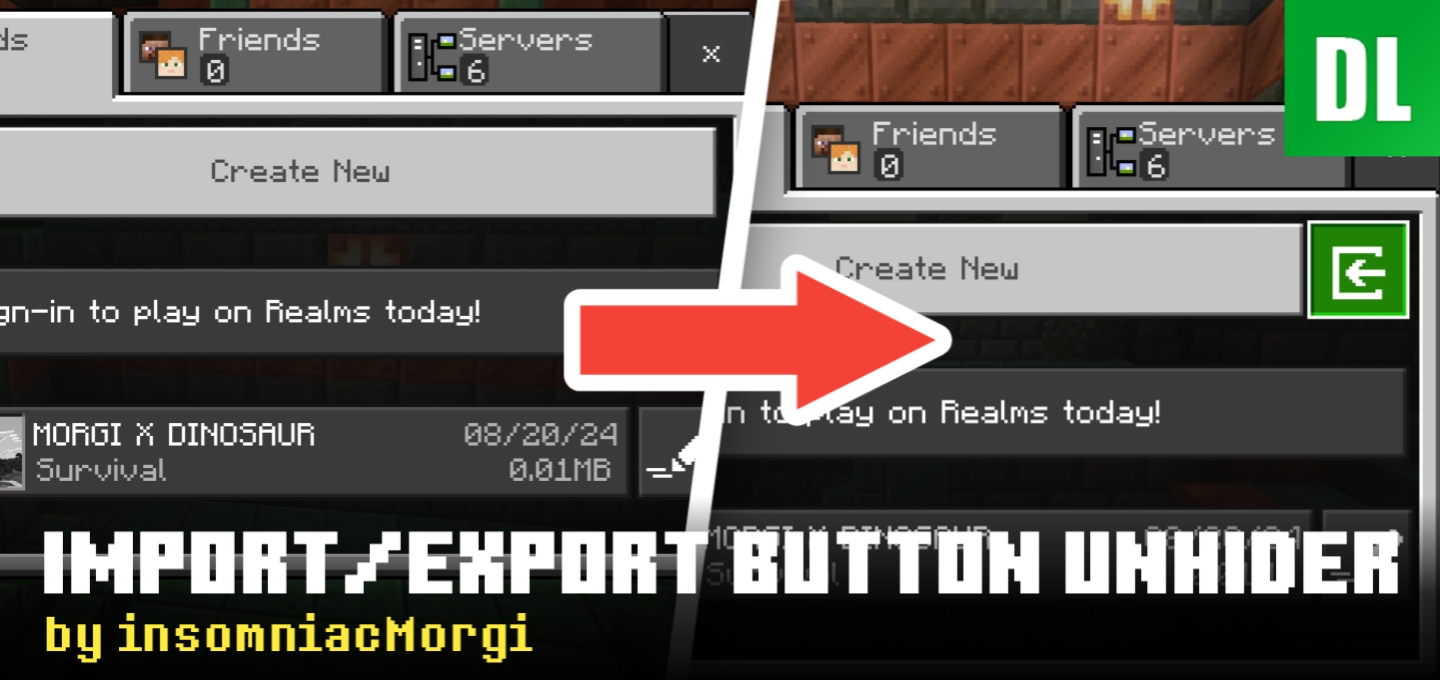
A texture pack to unhide import/export button in world and structure viewer section.
Read the author’s full description (599 words)
Written by faizul726 for the MCPEDL post, shown as published.
Update #7 | Sep 18, 2026
✨ Minecraft v26.50 is supported!
You can still export your worlds from Global Resources screen or Party Settings screen since both still use the old UI.
Warning: Export 'World' is buggy. It often outputs empty worlds which won't work at all. Sometimes the world export is incomplete. It doesn't show any update on screen.
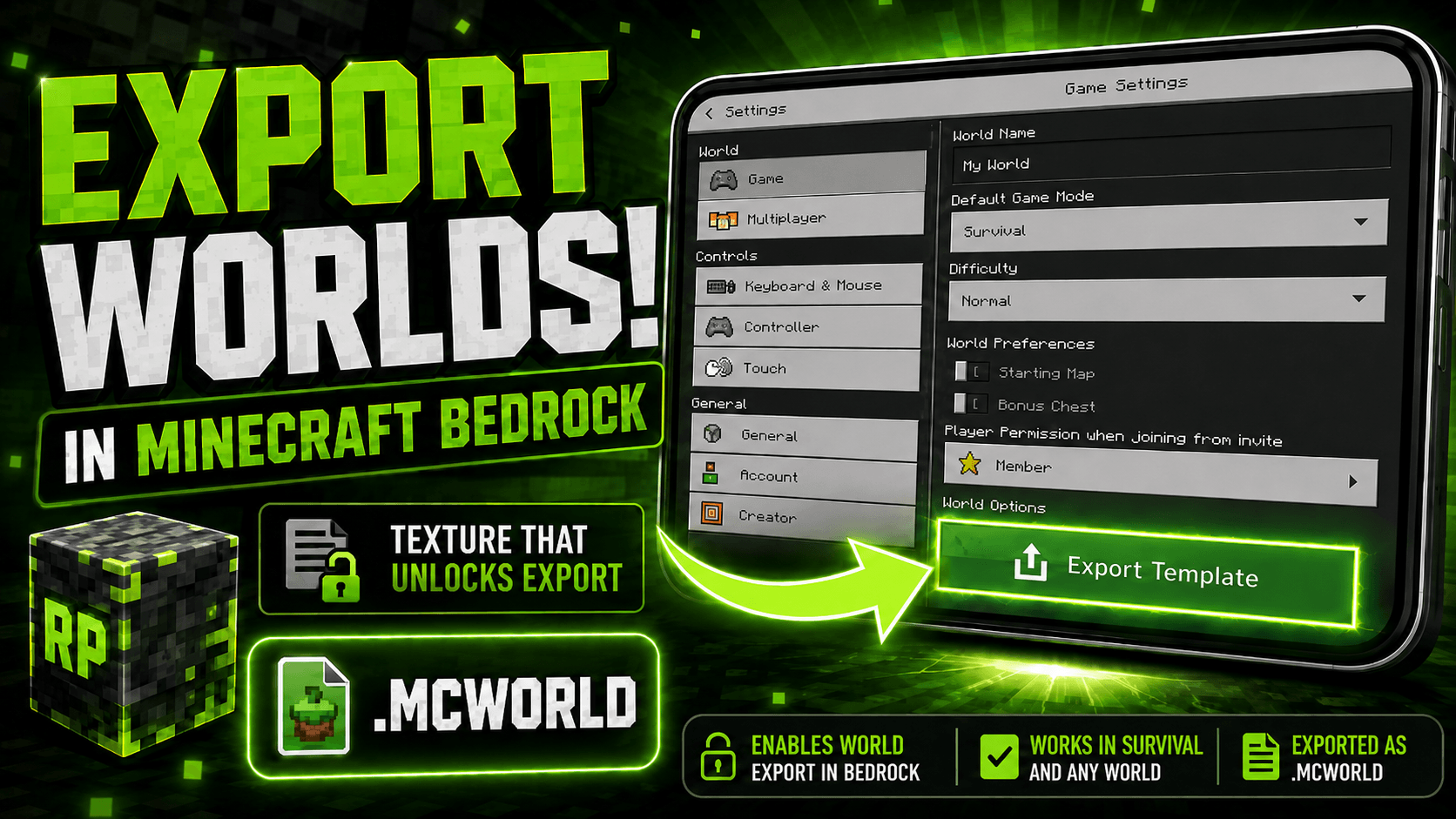
So please use the [Export Template] button instead. But keep in mind the output world may not have your addons.
Support my work
- If you like my work you can support me on my Patreon page
- You can also check out my other addons and texture packs here
Older notices
SpoilerUpdate #6 | Jul 22, 2026
As of MC v26.33, the "Global resources" settings section still uses JSON UI, so I have added world export and world template export button there in the v3 update. From my testing normal world export DOES NOT work but the template export does. So you can use those by pausing the game then going to Settings -> Global resources.
Special thanks to user_8ftdym1iv2g3cdlu in comments for giving me this idea.
While structure import/export buttons are still there but those stopped working after Mojang removed the core functionality of it in around Minecraft v1.21.120.
So, if you want full functionality of this texture pack use it in v1.21.31 or lower.
Update #5 | Apr 20, 2026
Starting from v1.26.13, world edit screen while in-game is now replaced with OreUI which IS NOT modifiable using any resource packs as it's hardcoded into the game now. Even cache clear offline trick doesn't work anymore.
So, this texture pack is fully obsolete from now on. It's been an honor serving you for last 2 years :>
I HIGHLY recommended that you start using something like MB Loader as it makes game files easily accessible with some fancy features. (How to use)
If you can't, at least use 'External' as file storage location so you can backup the world later with help of Shizuku (Android 11 ) or PC.
If you have file storage location set to 'Application' and have a PC, maybe you can use adb backup to backup your game data which will include your worlds. I will write a detailed guide on this later.
If you can't even do that and have a world that you need to export urgently, get yourself a 2 player Realm for a month, upload your world there, login in MB Loader or anything which will let you get world files later, then download the world.
I will write a detailed guide on all methods later.
Update #4
In v2 I have added export world button in world pause settings but it's may not work.
Update #3
Structure import/export stopped working around v1.21.120
Update #2
World import stopped working on v1.21.51
Update #1
World export stopped working on v1.21.40
Only world template export in world pause settings screen works for now.
Please don't update to 1.21.40 if you want to keep using this.
Import/Export Button Unhider is a texture pack made for Minecraft Bedrock Edition that unhides import/export button in world settings and structure blocks. Allowing you to import/export world or structure on devices those normally don't support.
(DO NOT REPOST ON ANY OTHER SITE)
Usage
- Download the texture pack.
- Import it and activate it in Settings -> Global Resource Packs or it will not work!
Video on how to export world in 26.13 / 26.30
Gallery
World export button in Party settings
World export button in Global Resources
World import button (.mcworld)
World export button (in world edit page)
Structure import button (.mcstructure)
Structure export button
Images
What’s new in the latest update
The author’s notes.
- Added export world and template button in Settings -> Party
- Added "(buggy)" to export world button text
- Changed min_engine_version to 1.18.0
Video
How to install
- Download the file below. On iOS or Android, open it from your Downloads with Minecraft; on Windows, double-click it.
- Minecraft imports the pack automatically. Enable it in your world’s settings under Behavior Packs or Resource Packs; an add-on usually needs both.
- Playing on a Realm or server? Everyone needs the same packs, and the host has to enable them.
- Starting a new world? Choose its seed first: the Seed Map shows villages, structures and biomes near spawn for any Bedrock seed.
Advertisement