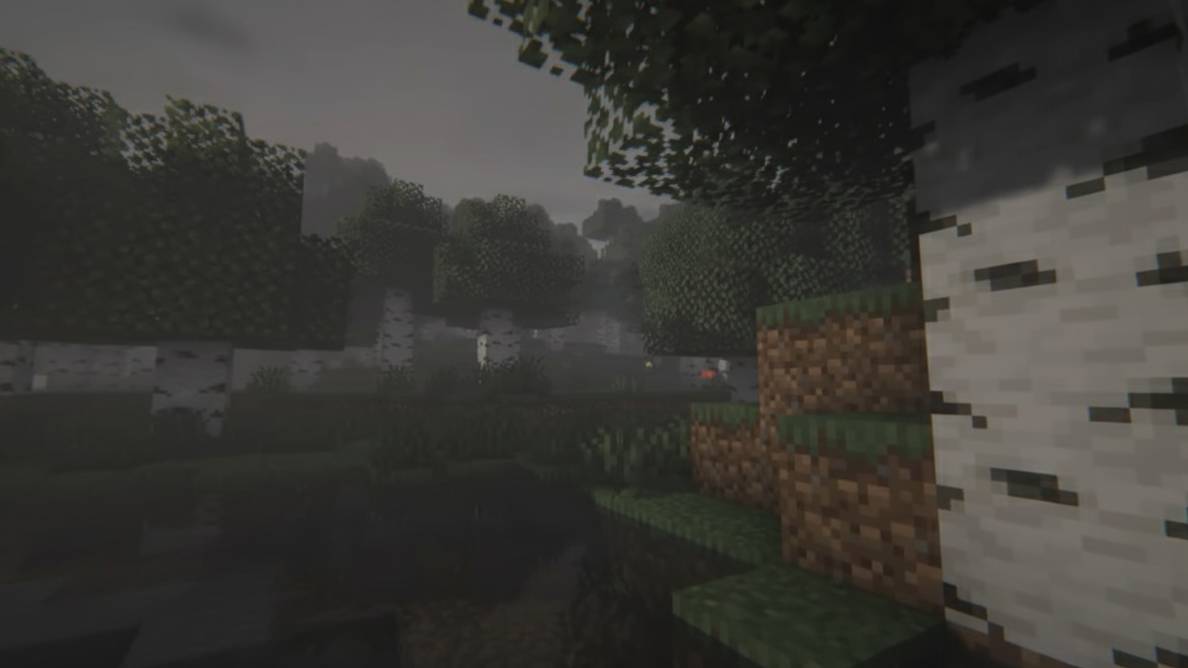
Joker Labubu Totem
BedrockTexture packRealisticby Kareo Gamerz
About this texture pack
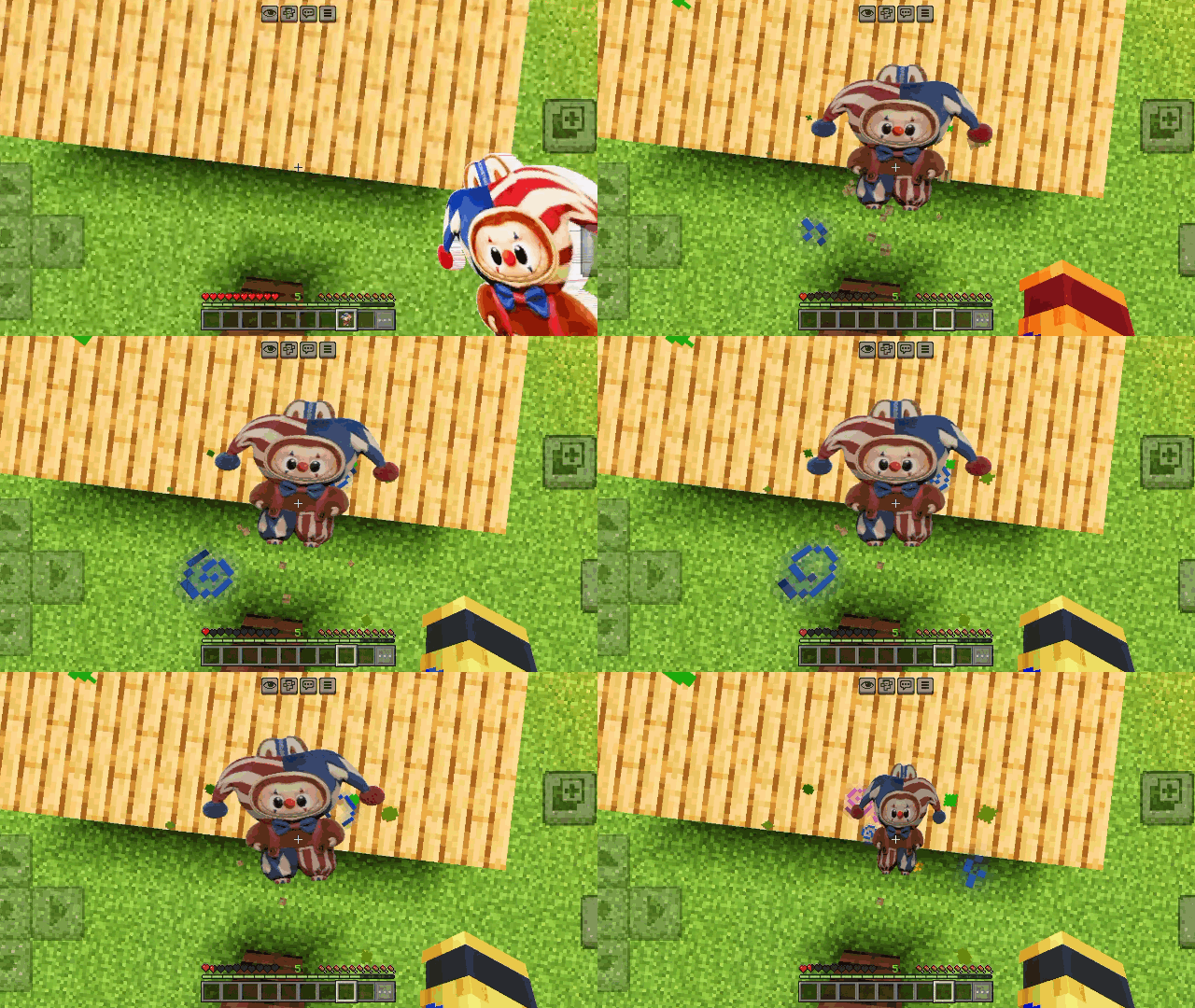
🃏 Stylish Joker Labubu Totem for Minecraft Bedrock with 64x, 128x & 256x subpacks! 🎭✨
Read the author’s full description (211 words)
Written by Kareo Gamerz for the MCPEDL post, shown as published.
🃏 Joker Labubu Totem 🖤
Turn your Minecraft Bedrock Totem into a crazy and stylish Joker Labubu! This pack replaces the normal Totem of Undying with a unique Joker-themed Labubu design that looks super cool while playing survival, PvP, or horror maps 🎭✨
The totem features a dark joker style with detailed textures and a clean look that fits perfectly in Minecraft Bedrock Edition. If you love Labubu characters and custom cute/horror style packs, this one is for you!
✨ Features
- Totem --> 🃏 Joker Labubu Totem Design
- 🎨 High Quality Texture
- ⚡ Smooth & Clean Look
- 📱 Works on Minecraft Bedrock Edition
- 🎮 Perfect for Survival & PvP
- 🔥 Easy to Use
📦 Subpacks
Choose the texture quality you want:
- 💎 256x
- ✨ 128x
- ⚡ 64x
- 🟢 32x
📥 How to Use
- Download the .mcpack file
- Open the file with Minecraft
- Activate the Resource Pack
- Select your favorite subpack
- Enjoy your new Joker Labubu Totem! 🎉
👑 Creator
Made by Kareo Gamerz
📌 Compatibility
✔ Minecraft Bedrock Edition
✔ Android
✔ iOS
✔ Windows
📜 License
All Rights Reserved This addon was created by Kareo Gamerz.
You are not allowed to redistribute, modify, or reupload this addon on any other platform without the creator’s permission.
You may, however, make videos or showcase this addon on YouTube or social media — please provide credit and a link to the original CurseForge or MCPEDL page.
© 2025-2026Kareo Gamerz – All Rights Reserved.
What’s new in the latest update
The author’s notes for the file uploaded .
🆕 Changelog V1.0.1
✨ Changes
- ➕ Added 32x Resolution Subpack
- 🎨 Improved texture consistency across all subpacks
- 🃏 Refined Joker Labubu Totem appearance
- ⚡ Better overall visual quality
🔧 Technical
- Optimized texture scaling for all resolutions
- Improved UV alignment and texture mapping
- Reduced texture compression artifacts
- Updated resource pack files for better Bedrock compatibility
- Minor performance and stability improvements
How to install
- Download the file below. On iOS or Android, open it from your Downloads with Minecraft; on Windows, double-click it.
- Minecraft imports the pack automatically. Enable it in your world’s settings under Behavior Packs or Resource Packs; an add-on usually needs both.
- Playing on a Realm or server? Everyone needs the same packs, and the host has to enable them.
- Starting a new world? Choose its seed first: the Seed Map shows villages, structures and biomes near spawn for any Bedrock seed.
Advertisement
More texture packs
- Texture packs
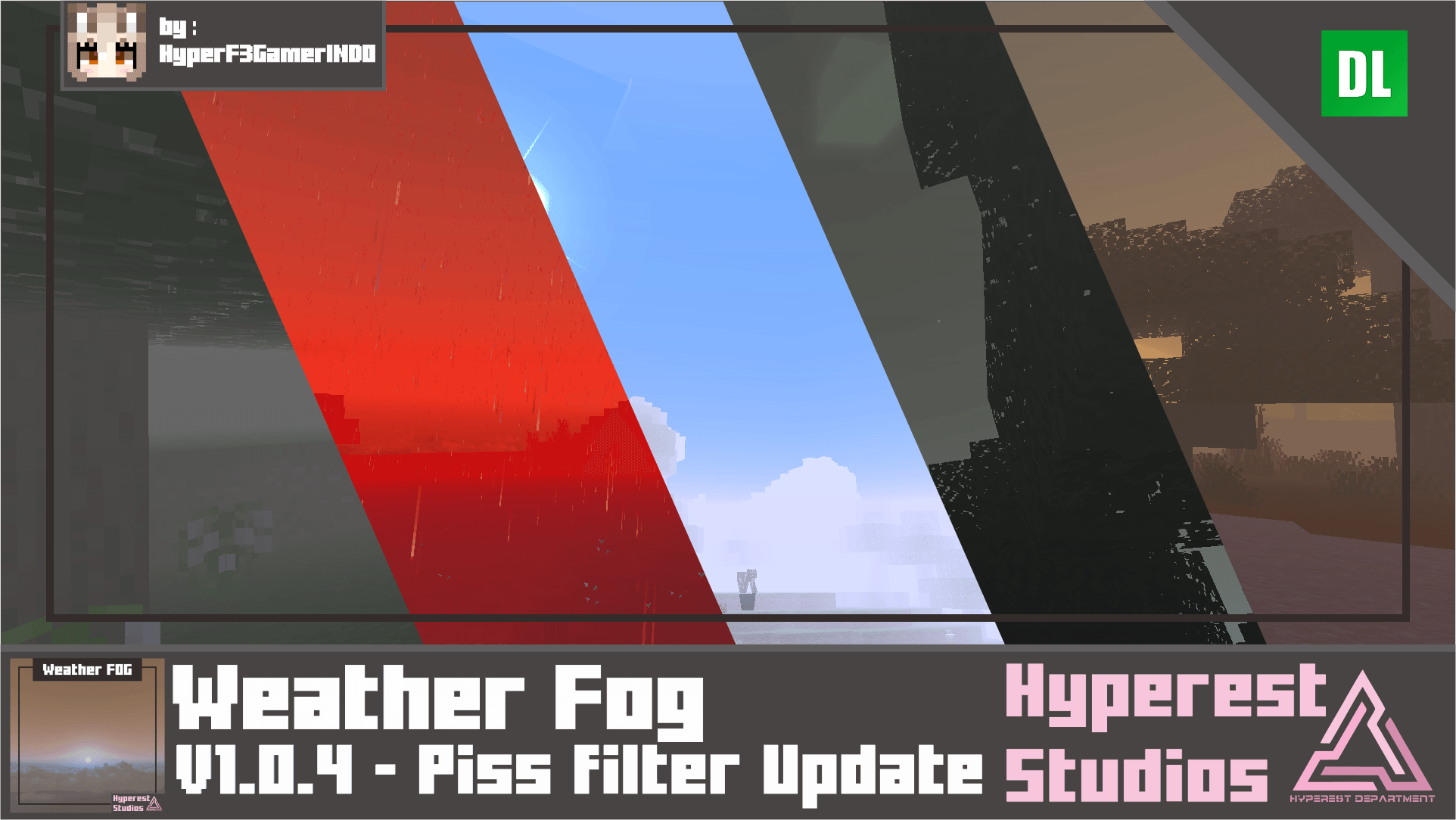
Weather FOG | v1.0.4 Piss filter Update
by Hyperest Studios | HyperF3GamerINDO
- Downloads
- 98.8K
- Rating
- 4.1