
Add-ons
SERP Pokédrock (Pokémon Addon) || v1.34.15 Altars & Type-Charts Update
by Zacek el Serpentín
- Downloads
- 7.7M
- Rating
- 4.2
by Lynx04
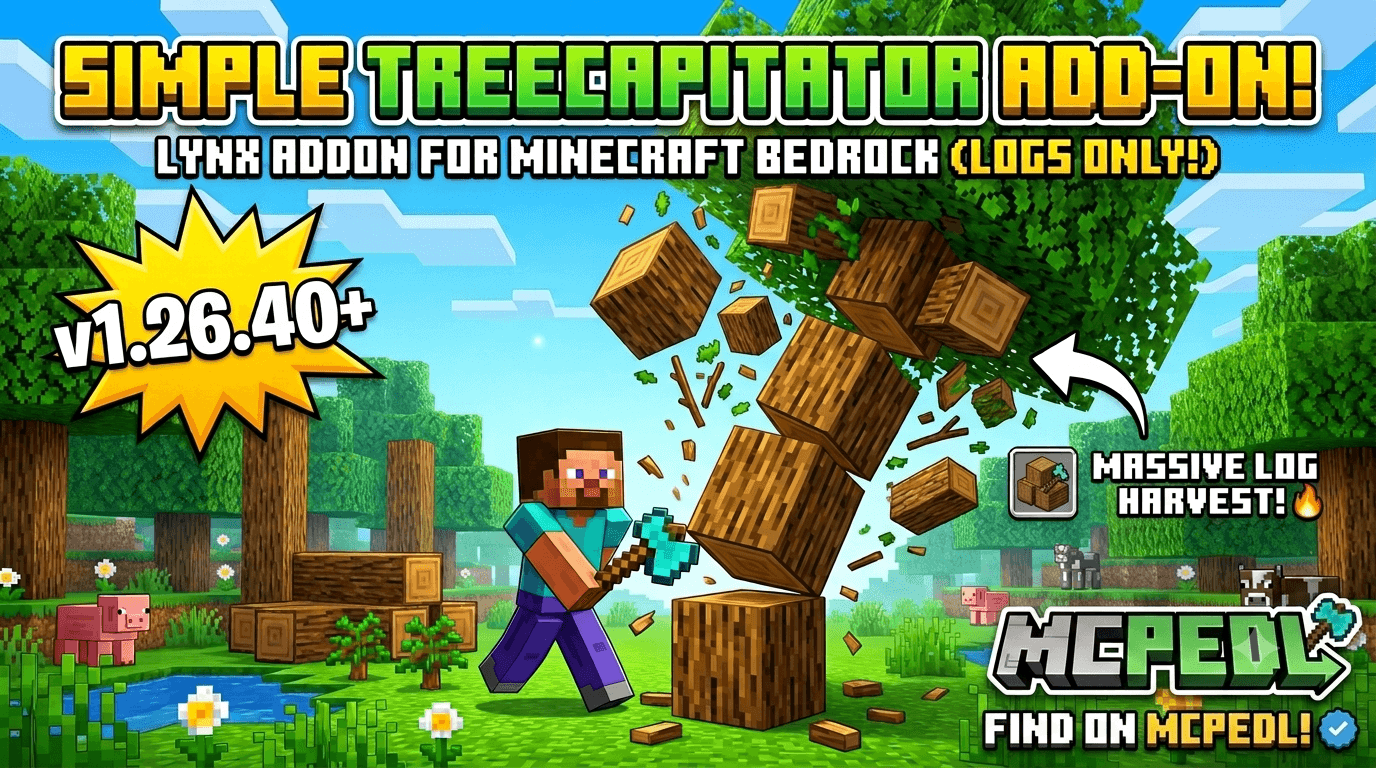
Chop down an entire tree with a single swing! Hold Sneak (Shift) while breaking a log with any axe, and every connected log in that tree
Written by Lynx04.
Lynx Simple Tree Capitator
Chop down an entire tree with a single swing! Hold Sneak (Shift) while breaking a log with any axe, and every connected log in that tree — including diagonal branches on trees like acacia and jungle — comes crashing down instantly.
Features:
Sneak-activated: hold Shift while chopping to fell the whole tree; chop normally (without Shift) to cut just one log, exactly like vanilla
Works with any axe and all wood types, including nether stems (crimson/warped)
Detects diagonally-connected logs, so leaning and irregular tree shapes get fully chopped
Realistic durability cost — one point of damage per log, and fully respects the Unbreaking enchantment
If your axe breaks mid-chop, the process stops immediately, just like vanilla
Capped at a safe number of logs per chop to protect server performance — no lag spikes on giant trees
Leaves are left untouched and decay naturally, keeping the addon lightweight
Pure behavior pack, no resource pack or texture changes — fully compatible with other add-ons
Works on singleplayer, Realms, and dedicated (BDS) servers
Requirements:
Minecraft Bedrock 1.26.40
"Beta APIs" experimental toggle enabled in world settings
Download Addon
How to use:
Equip any axe, hold Sneak, and break a single log — the rest of the tree falls with it.
Advertisement
by Zacek el Serpentín




