
Add-ons
SERP Pokédrock (Pokémon Addon) || v1.34.15 Altars & Type-Charts Update
by Zacek el Serpentín
- Downloads
- 7.7M
- Rating
- 4.2
by TrayePlays
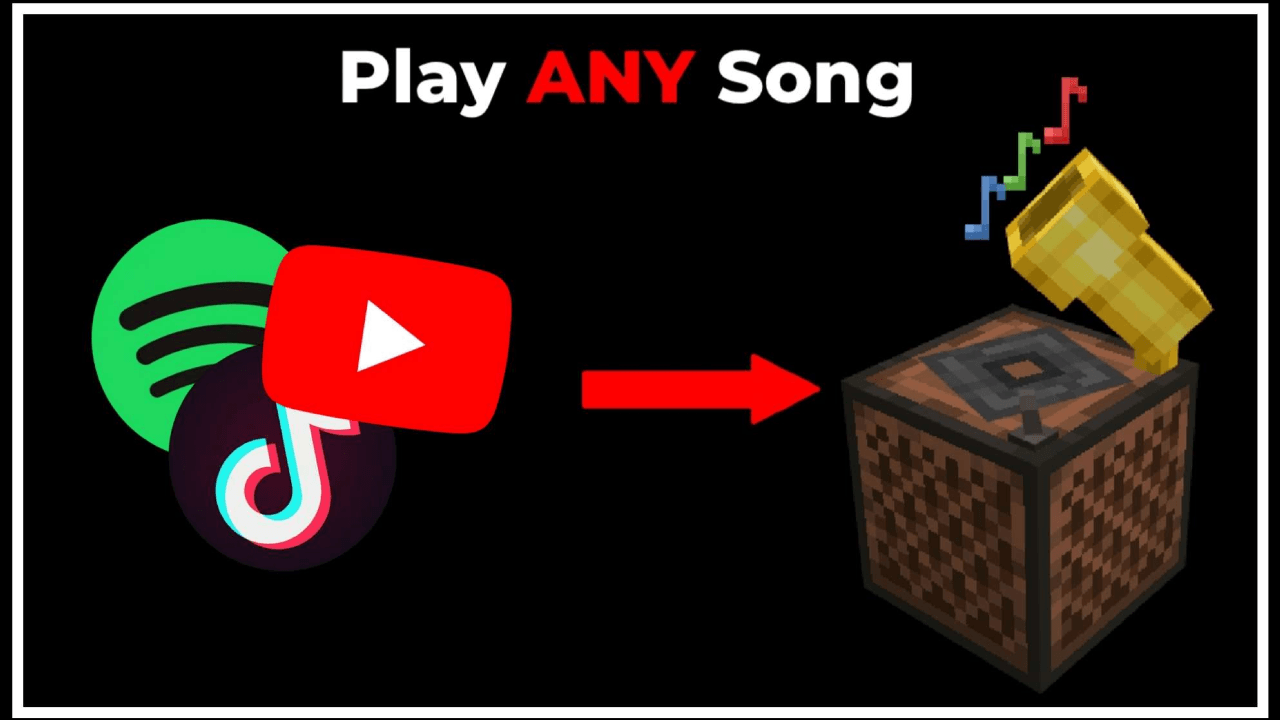
Ever wanted to play your favorite songs in minecraft? Listen along with your friends with this addon! It has over 5 million songs and a constantly updating list.
Written by TrayePlays.
You can search for songs and sort them by newest, popular, or oldest.
You can also make your own song (more on that later) and search for it using an ID.
There are also search tabs for sorting songs by newest, popular, or oldest.
Check these if you don't know what to search for.
You can also play a rhythm game using any of the songs you've downloaded.
In this menu, you can change different properties of the song you're currently playing, like the volume, speed, and whether or not it loops.
You can put any song you've downloaded into the Music Box and manage the songs just like in the Song Manager.
You can also craft the Music Box.
All you need is a note block and some gold, so you can play any song in survival too.
1. Activate the mod.
2. Run /function connect in chat. (This won't work if you don't have internet.)
Even without step 2, you can still play any songs you have already downloaded.
NO EXPERIMENTS NEEDED
To create your songs you can go to https://onlinesequencer.net/ and start creating.
There's also a way to play songs without the mod on ANY world.
All you need to do is:
1. Run /connect traye.ddns.net
2. See a list of songs with .song list <page>
3. Play a song with .song <song title>
The author’s notes for the file uploaded .
-Fixed issue with pack not updating
-Made packs link together so its easier to activate
Advertisement
by Zacek el Serpentín




