
Add-ons
SERP Pokédrock (Pokémon Addon) || v1.34.15 Altars & Type-Charts Update
by Zacek el Serpentín
- Downloads
- 7.7M
- Rating
- 4.2
by Cristaxe
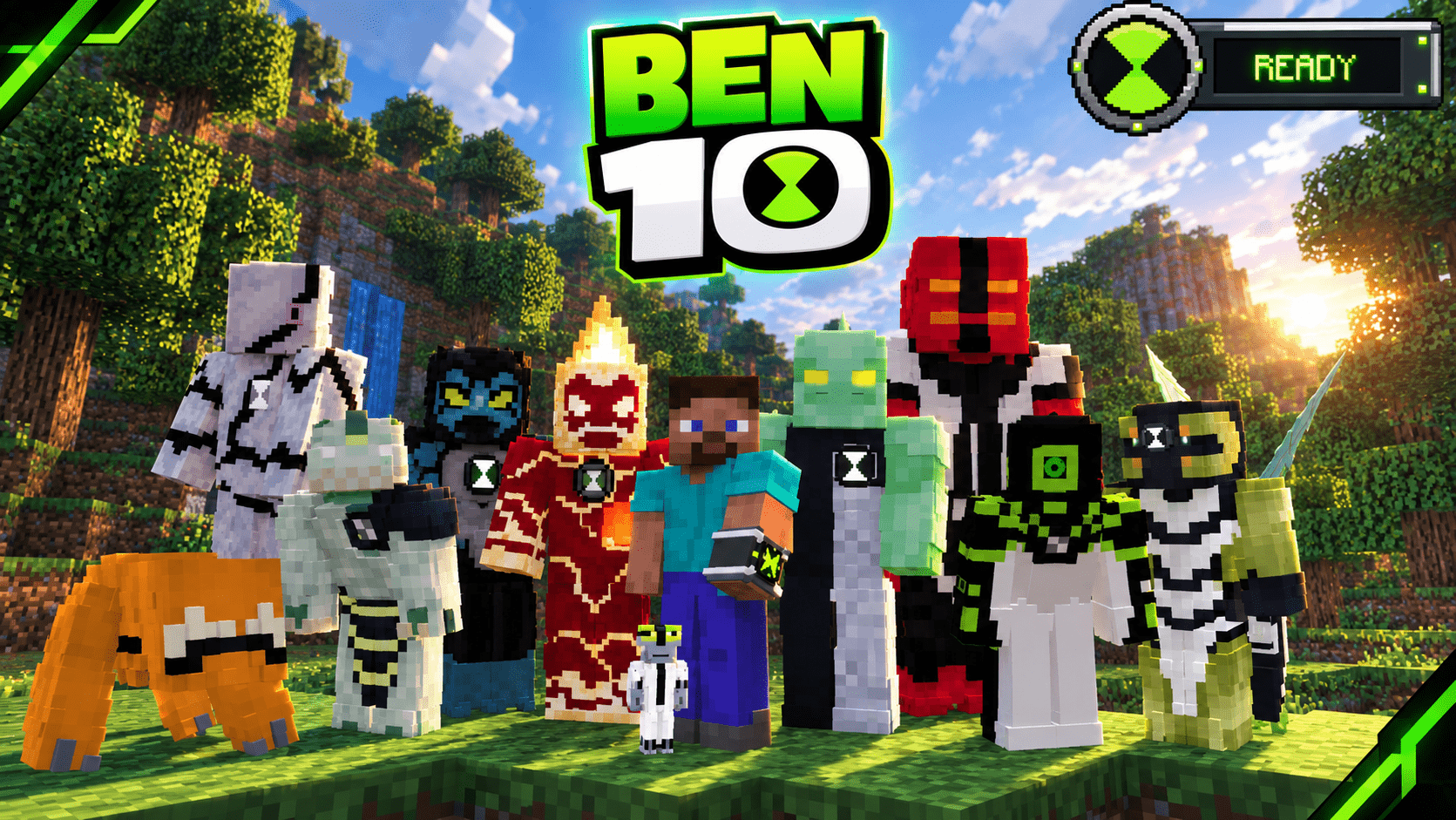
Omnibound is an active passion project for Bedrock players who can't run Java mods. It brings Java-level depth—like custom Omnitrix UIs, smooth transformations, and unique alien...
Written by Cristaxe.
Welcome to OmniBound Ben 10 Add-on.
Hi, I'm Cristaxe, the creator of this project. OmniBound is made for Ben 10 fans who can't run Java mods, but still want to enjoy the Ben 10 universe in Minecraft Bedrock. This add-on is a work in progress, and I'm always adding more aliens, abilities, and improvements. I'd love your ideas. Leave a comment with the aliens or features you'd like to see, I'll read every comment and do my best to reply. Thanks for downloading, playing, and supporting. Your support helps bring more of the Ben 10 universe into Minecraft. More aliens, more abilities, more Omni-Bound—the adventure's just beginning.
💚 Want a sneak peek at what's coming to Omni Bound? Join the Discord to see exclusive sneak peeks, discover new aliens, check out upcoming abilities, and follow development before the next update drops. join the Discord
Controlls
-right click 9th slot to activate your omnitrix.
-use mouse to select your alien then right click to trantsform.
-esc to stop selecting alien.
-crouch and click 9th slot to get a random alien when in base form.
-crouch and right click the ability icon to change your ability
-when grey matter look down and right click to switch your ability
The author’s notes for the file uploaded .
HEY ALL
The Omni-Bound update is out now. It includes 10 aliens, abilities for all of them, survival obtainability, Vilgax and his drones, and revamped versions of previous aliens. Download available now.
Advertisement
by Zacek el Serpentín




