
Add-ons
SERP Pokédrock (Pokémon Addon) || v1.34.15 Altars & Type-Charts Update
by Zacek el Serpentín
- Downloads
- 7.7M
- Rating
- 4.2
by SoyCarepi
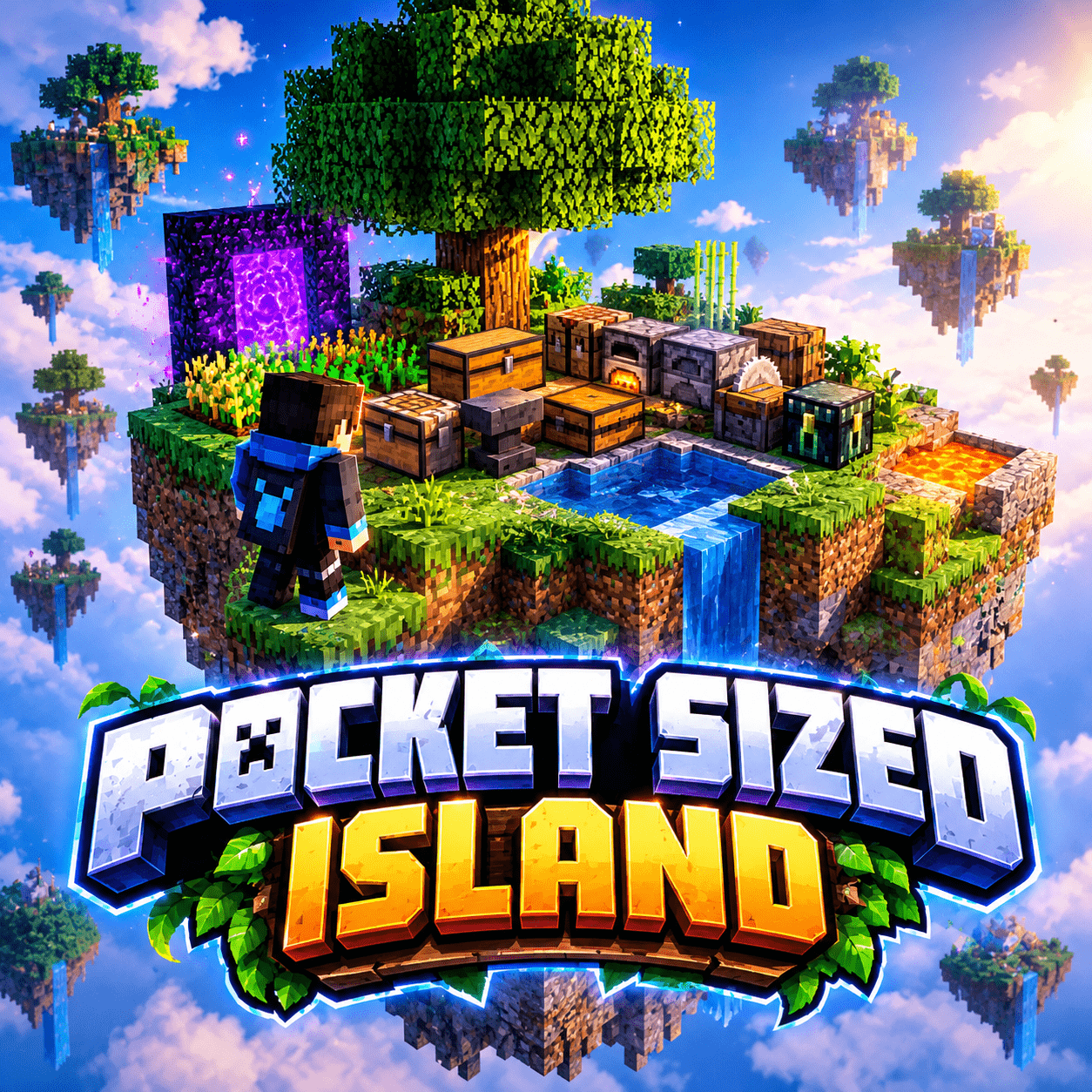
Pocket Island brings your own personal floating island to Minecraft Bedrock! Explore your pocket dimension, use essential crafting stations and storage, and invite friends throu...
Written by SoyCarepi.
- Your own personal pocket island.
- A large tree that gives the island its unique look.
- Crafting tables, furnaces, chests, barrels, and other useful workstations.
- Water and lava pools.
- Multiplayer support with a built-in TPA system.
- Designed to preserve the vanilla Minecraft experience.
- Achievements-friendly: does not disable achievements.
1. Hold a stick in your hand.
2. Use the stick to open the TPA interface.
3. Select the player you want to visit or invite.
4. Send the teleport request.
5. The other player must accept the request before the teleport can proceed.
Use TPA to visit other players and invite friends to your island!
Pocket Island is designed for Survival gameplay and does not disable Minecraft achievements.
Create your own space, organize your resources, explore your pocket dimension, and enjoy Minecraft with your friends!
⚠️ Warning: Be careful when exploring your Pocket Island! If you fall off the island, you will fall into the void and die. Always watch your step!Advertisement
by Zacek el Serpentín




