
Add-ons
SERP Pokédrock (Pokémon Addon) || v1.34.15 Altars & Type-Charts Update
by Zacek el Serpentín
- Downloads
- 7.7M
- Rating
- 4.2
by AddonLab
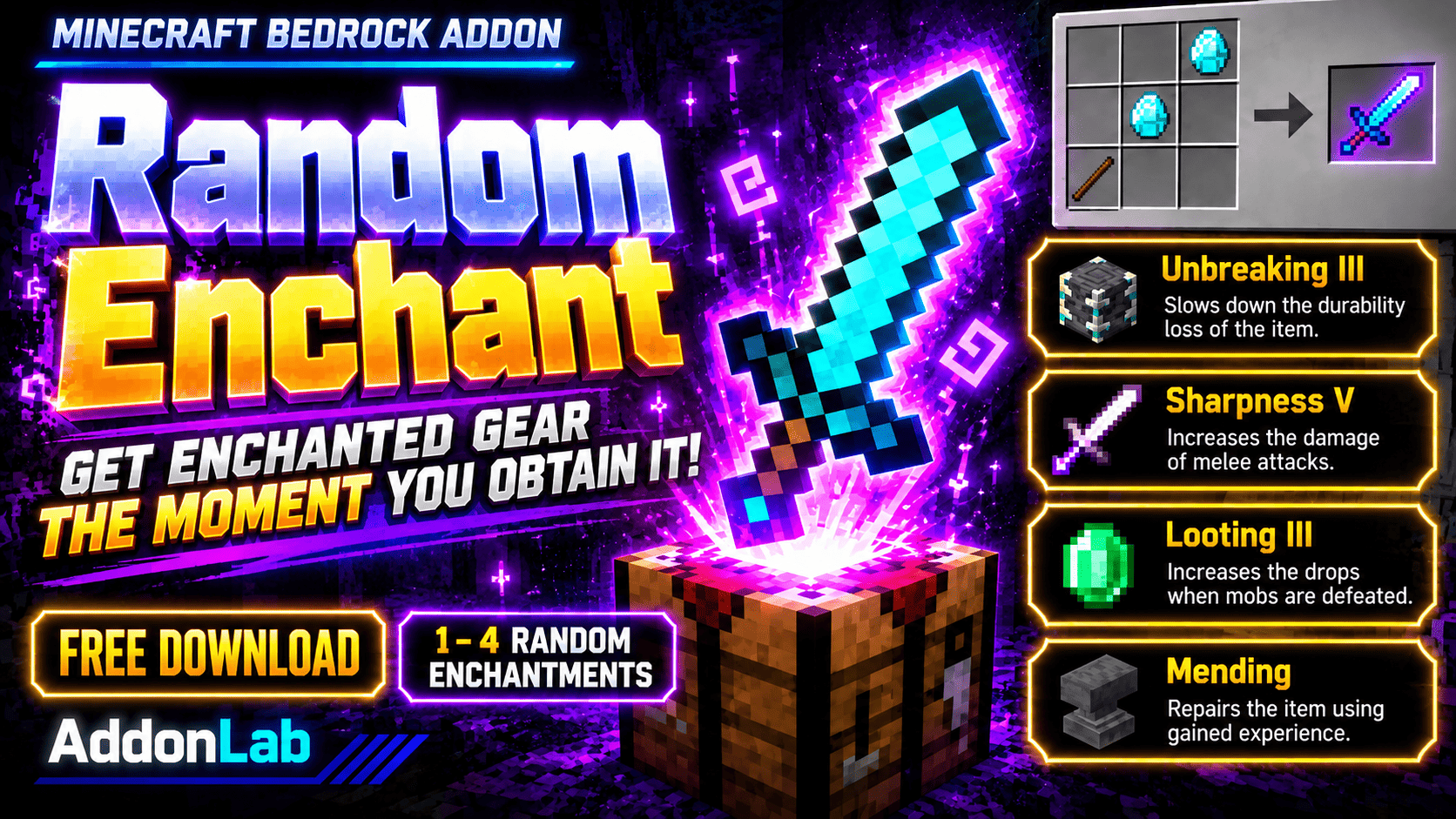
Get 1–4 random enchantments on vanilla gear the first time you obtain it! Every piece of equipment brings a new surprise.
Written by AddonLab.
Every piece of gear is a surprise!
Random Enchant is a free addon for Minecraft Bedrock Edition that automatically adds 1–4 random enchantments to unenchanted vanilla equipment the first time you obtain it.
Even basic equipment can become incredibly powerful from the moment you pick it up!
Each piece of gear receives a random combination of enchantments and levels, making every new item an exciting surprise.
Automatic Enchantments: Unenchanted vanilla gear receives random enchantments when you first obtain it.
1–4 Random Enchantments: Each count has an equal 25% chance of being selected.
Random Enchantment Levels: Both enchantment types and levels are randomly selected within their normal limits.
Vanilla Equipment Support: Works with compatible weapons, tools, armor, and other enchantable vanilla equipment.
Vanilla Enchantment Rules: Incompatible enchantments cannot be combined.
One-Time Enchanting: Equipment is processed only once. Already-enchanted items are preserved.
Enchantment Rulebook: Check the possible enchantments and their selection rates for different equipment types.
English & Japanese Support: The rulebook automatically uses the supported language selected in Minecraft.
Every player receives a Random Enchant Rulebook when they first join with the addon enabled.
Use the rulebook to:
Select an equipment category.
View its available enchantments.
Check the selection probability of each enchantment.
See the probability of each enchantment level.
The displayed rates represent the first enchantment draw. Later draws exclude previously selected and incompatible enchantments.
You can also craft another rulebook using:
1 Book
1 Lapis Lazuli
Download and import the addon into Minecraft Bedrock Edition.
Enable both the Behavior Pack and Resource Pack in your world.
Start playing and obtain a compatible piece of vanilla equipment.
Watch it receive random enchantments automatically!
Use the included rulebook to explore the enchantment probabilities.
No enchanting table, experience levels, or special tools are required to receive random enchantments.
Note: Equipment can receive fewer than four enchantments if there are not enough compatible enchantments available. Items that are already enchanted will not be changed.
Edition: Minecraft Bedrock Edition
Pack Version: 2.1.0
Languages: English and Japanese
Creator: AddonLab
Allowed:
Personal gameplay.
Videos and livestreams featuring this addon, including monetized content.
Not Allowed:
Reuploading or redistributing this addon without permission.
Redistributing modified versions.
Claiming this addon as your own creation.
Extracting or reusing its code or assets in other projects without permission.
Distributing the addon through unauthorized direct download links.
© AddonLab. All rights reserved.
The author’s notes for the file uploaded .
Initial release.
Added automatic random enchanting for compatible vanilla equipment.
Added 1–4 randomly selected enchantments with equal chances for each count.
Added random enchantment levels.
Added compatibility checks to prevent conflicting enchantments.
Added one-time processing to prevent repeated enchantment rolls.
Added an Enchantment Rulebook with equipment-specific selection rates.
Added automatic rulebook distribution and a crafting recipe.
Added English and Japanese language support.
Advertisement
by Zacek el Serpentín




