All scripts
Safe Creeper & Double Jump
BedrockScriptUtilityby NightOps
About this script
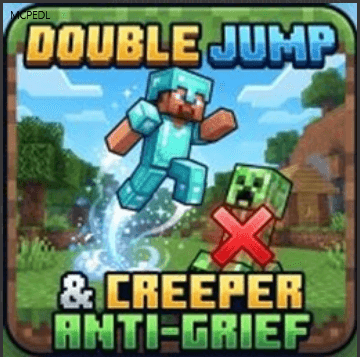
Safe Creeper & Double Jump is a Minecraft Bedrock utility mod that completely prevents creepers from destroying blocks while granting players an acrobatic double-jump ability co...
Read the author’s full description (208 words)
Written by NightOps for the MCPEDL post, shown as published.
-
Tired of having your hard work blown to pieces by unexpected Creeper encounters? Want a vanilla-friendly way to scale massive cliffs and navigate tricky terrain without breaking game balance? Safe Creeper & Double Jump is the ultimate quality-of-life upgrade for Minecraft Bedrock. It eliminates the frustration of base repairs while transforming your survival movement, letting you explore faster and build with total peace of mind.
Features Breakdown
- Creeper Explosion Shield: Creepers still pose a threat to your health bar, but their blasts will no longer destroy a single block. Your builds are permanently safe.
- Dynamic Mid-Air Double Jump: Instantly gain extra vertical height and forward momentum with a quick second tap of your jump key while airborne.
- Built-in Fall Protection: Double-jumping automatically grants a temporary slow-falling effect, making massive drops safe and easy to survive.
- Immersive Feedback: Custom smoke particle bursts and atmospheric sound effects trigger on every double jump for a highly responsive feel.
- Double Jump: Press your Jump Key to leave the ground. While still in mid-air, release and press the Jump Key a second time to execute the double jump.
- Creeper Defense: You don't need to do anything! The anti-griefing protection works automatically in the background the moment the pack is loaded.
How to install
- Download the file below. On iOS or Android, open it from your Downloads with Minecraft; on Windows, double-click it.
- Minecraft imports the pack automatically. Enable it in your world’s settings under Behavior Packs or Resource Packs; an add-on usually needs both.
- Playing on a Realm or server? Everyone needs the same packs, and the host has to enable them.
- Starting a new world? Choose its seed first: the Seed Map shows villages, structures and biomes near spawn for any Bedrock seed.
Advertisement