Skip to content
All add-ons

SepWorks Chest Order

BedrockAdd-onSurvival

by Sepworks

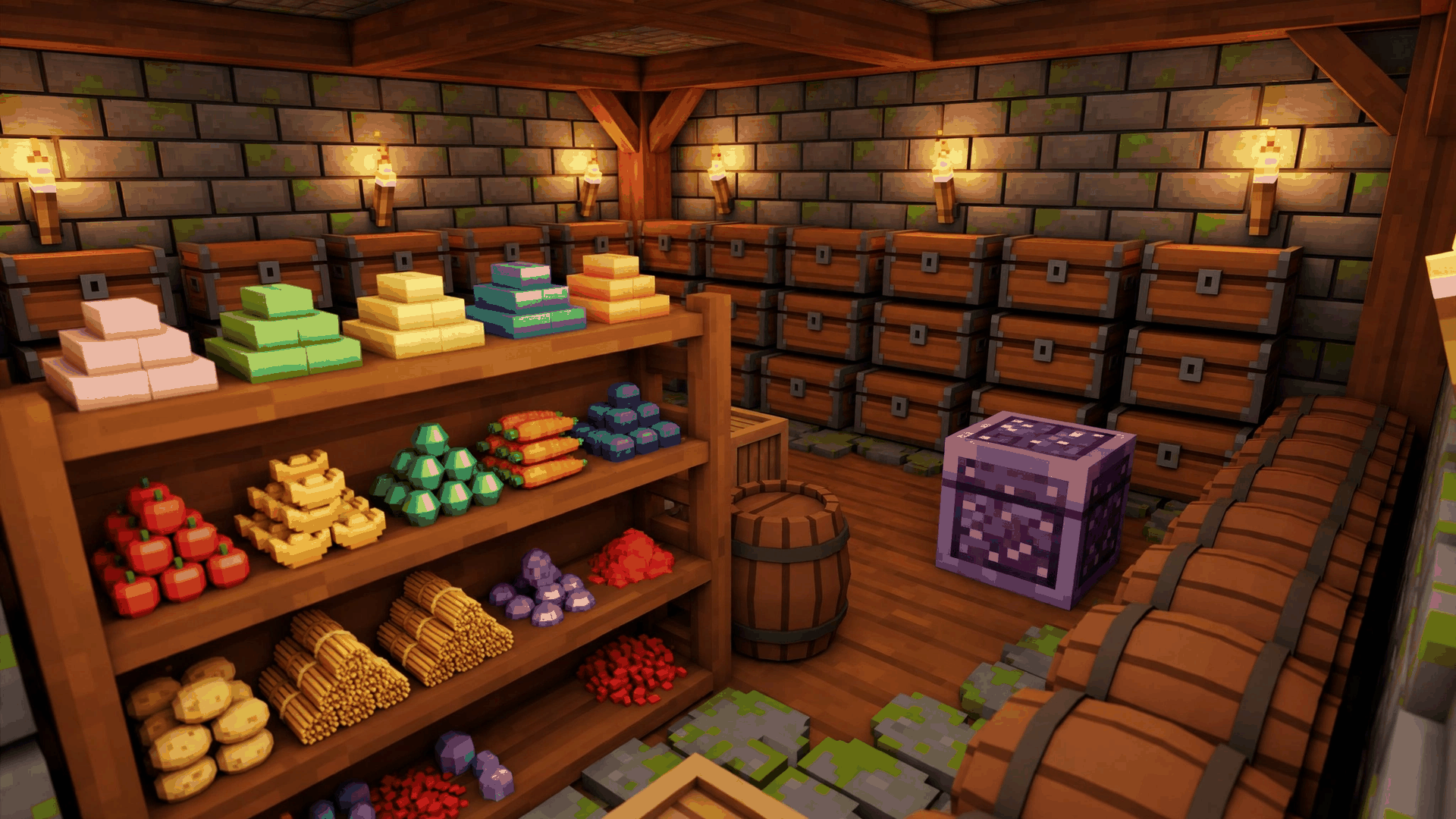
SepWorks Chest Order screenshot 1 of 1

About this add-on

Sorts, compacts and organises chests, barrels, trapped chests and shulker boxes with category-marked storage and area sorting.

Read the author’s full description (291 words)

Written by Sepworks.

What it does SepWorks Chest Order organises real storage in your world: chests, barrels, trapped chests and shulker boxes. Sneak and tap a container to open the organiser, mark it with a category, and let it sort, compact and route items for you — including sorting everything in an area around you at once, and undoing a recent sort if you change your mind.

Features

  • Quick Sort for a single chest, barrel, trapped chest or shulker box.
  • Sort by Area, with area presets from 8x8 up to 32x32, to tidy every container in an area at once.
  • Mark Chest: give a container a category (such as food, tools, blocks or valuables) so matching items prefer it, with a floating category marker.
  • Learn from Chest: teach a container what it should store by learning from the items already inside it.
  • Custom categories, item rules and protected chests, plus an undo option for recent sorts.
  • Achievement-friendly: it runs on stable script APIs with no Beta APIs or experimental gameplay required.

How to use

  1. Activate both the SepWorks Chest Order behaviour pack and resource pack in your world.
  2. Sneak and tap a chest, barrel, trapped chest or shulker box to open the organiser. Normal clicks still open storage as usual.
  3. Choose Quick Sort to tidy one container, or Sort by Area to tidy every container in the chosen area.
  4. Use Mark Chest to give a container a category, and Learn from Chest to teach it which items belong there.
  5. Use the settings menu to create custom categories, set item rules, protect a chest from sorting, or undo a recent sort.

Compatibility

  • Minecraft Bedrock 26.50 and 26.40.
  • Works in Survival worlds; no experimental toggles required.
  • Behaviour pack and resource pack bundle (.mcaddon); activate both packs together.

What’s new in the latest update

The author’s notes for the file uploaded .

1.0.0 — Initial SepWorks release for Bedrock 26.50 and 26.40. Based on Chest Order by PyronMC0 (MIT), with original-author credit retained in the pack file.

How to install

  1. Download the file below. On iOS or Android, open it from your Downloads with Minecraft; on Windows, double-click it.
  2. Minecraft imports the pack automatically. Enable it in your world’s settings under Behavior Packs or Resource Packs; an add-on usually needs both.
  3. Playing on a Realm or server? Everyone needs the same packs, and the host has to enable them.
  4. Starting a new world? Choose its seed first: the Seed Map shows villages, structures and biomes near spawn for any Bedrock seed.