Skip to content
All add-ons

SepWorks Fast Furnace

BedrockAdd-onSurvival

by Sepworks

SepWorks Fast Furnace screenshot 1 of 1

About this add-on

Speeds up smelting in furnaces, blast furnaces and smokers, with simple on-screen settings.

Read the author’s full description (215 words)

Written by Sepworks.

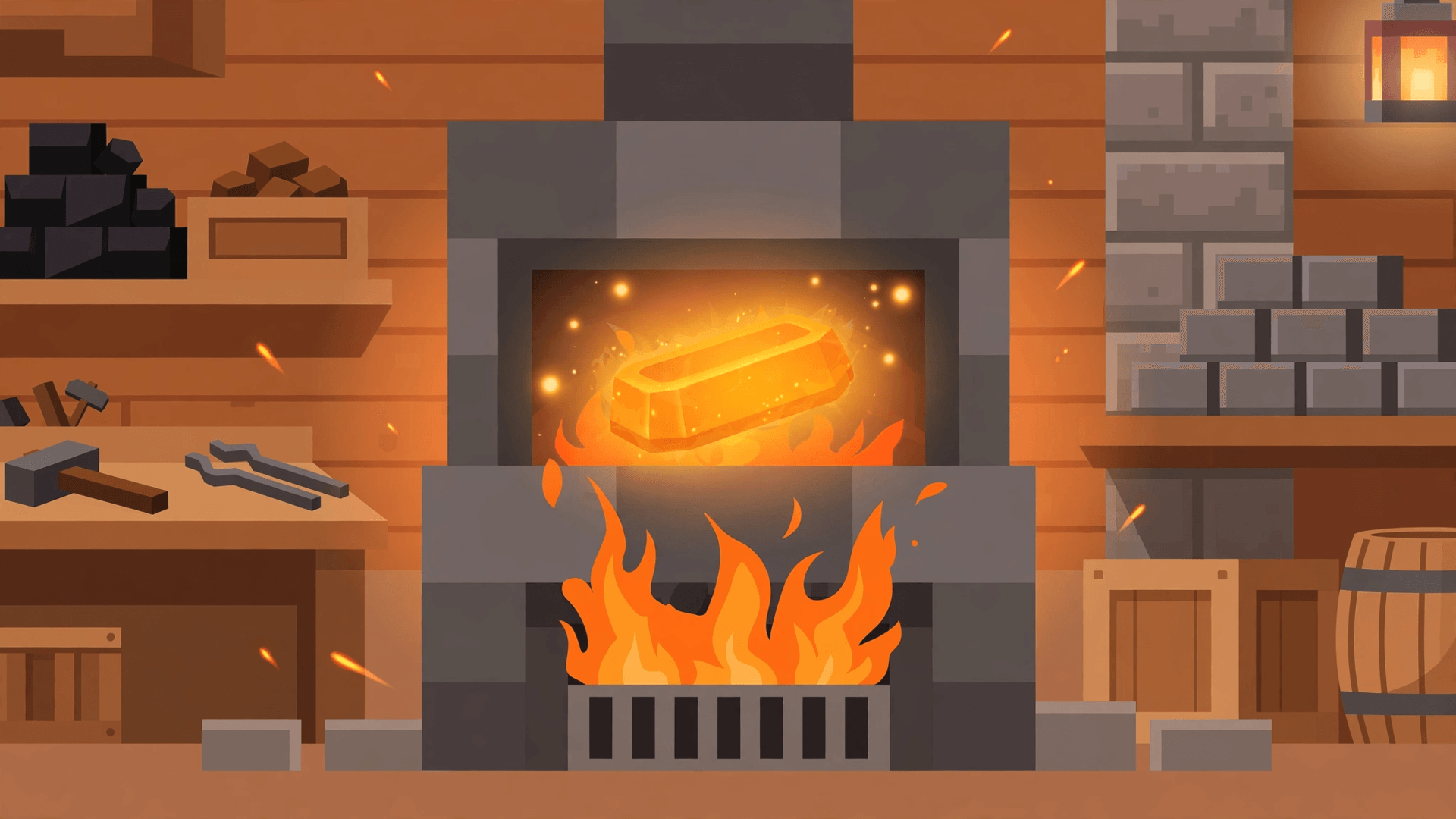
What it does SepWorks Fast Furnace speeds up smelting in the furnace, blast furnace and smoker, so ores, food and other smeltable items finish much faster than in vanilla Minecraft. It works automatically once the pack is active, with no new items to craft and no changes to recipes.

Features

  • Faster smelting for all three furnace types: furnace, blast furnace and smoker.
  • Simple settings menu to turn the addon on or off and adjust particles, sounds, animations and smelting options.
  • Action-bar status display, turned on by default in this SepWorks edition, so you can see furnace progress at a glance.
  • Quick-extract and experience handling for smelted items, plus a scan option to find nearby furnaces.
  • Achievement-friendly: it runs on stable script APIs with no Beta APIs or experimental gameplay required.

How to use

  1. Activate the SepWorks Fast Furnace behaviour pack in your world.
  2. Place fuel and a smeltable item in any furnace, blast furnace or smoker as normal — smelting will run faster automatically.
  3. Type /sepworks:furn in chat to open the settings menu, scan for furnaces, or toggle options.
  4. Use the settings menu to adjust particles, sounds, animations and other options to your preference.

Compatibility

  • Minecraft Bedrock 26.50 and 26.40.
  • Works in Survival worlds; no experimental toggles required.
  • Behaviour pack only; no resource pack is required.

What’s new in the latest update

The author’s notes for the file uploaded .

SepWorks Fast Furnace v1.0.0 — Initial SepWorks release for Bedrock 26.50 and 26.40, based on ToanCao TC Fast Furnace (MIT License).

How to install

  1. Download the file below. On iOS or Android, open it from your Downloads with Minecraft; on Windows, double-click it.
  2. Minecraft imports the pack automatically. Enable it in your world’s settings under Behavior Packs or Resource Packs; an add-on usually needs both.
  3. Playing on a Realm or server? Everyone needs the same packs, and the host has to enable them.
  4. Starting a new world? Choose its seed first: the Seed Map shows villages, structures and biomes near spawn for any Bedrock seed.