Written by Roaround.
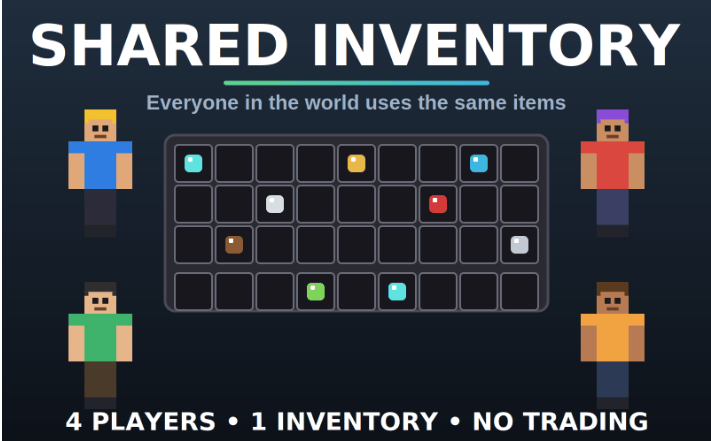
Shared Inventory turns every player in a world into one shared inventory. Anything one player picks up, drops, moves, or equips shows up for everyone else a moment later.
How it works
- All players use the same 36 inventory slots, 4 armor slots, and the offhand.
- Changes sync automatically about five times per second.
- The shared inventory is saved with the world, so it survives restarts.
- When a player joins for the first time, their own items are added to the shared inventory. Anything that doesn’t fit drops at their feet.
- Players who spawn or respawn receive the shared inventory.
Good for
- Survival groups who want one stash
- Building teams who share materials
- Friends who want to split loot without trading
Limitations
- The cursor and crafting grid aren’t shared.
- Shulker box contents aren’t kept.
- If a player dies, their items drop on the ground and leave the shared inventory until someone picks them up.
- Enchantments are restored on a best-effort basis.
- Very fast simultaneous changes to the same slot can drop an item on the ground rather than duplicate it.
Install
- Open SharedInventory.mcaddon. Minecraft will import both packs.
- In your world settings, enable the behavior pack and resource pack.
- Enable Script API experiments if prompted (on some versions).
- Join the world. Your items will merge into the shared inventory.
Uninstall
Disable the packs in world settings. Your shared items stay in the world data until you delete it.
Credits
Created by Roaround.
https://www.youtube.com/@Roaround