Add-ons
SERP Pokédrock (Pokémon Addon) || v1.34.13 New Pokémon & interactions Update
by Zacek el Serpentín
- Downloads
- 7.6M
- Rating
- 4.2
by Willy.
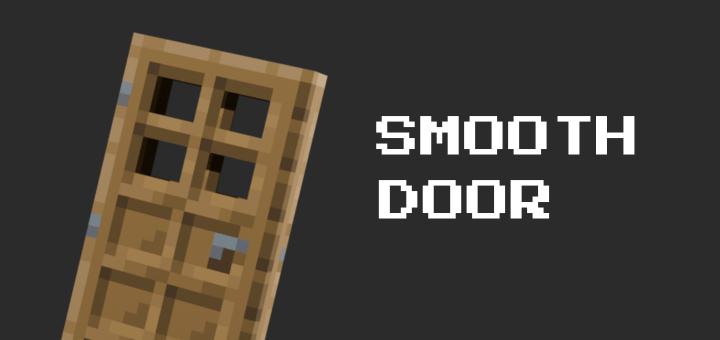
Adds smooth animations to Minecraft doors, making them feel more natural when opening and closing.
Written by Willy. for the MCPEDL post, shown as published.
Adds smooth animations to vanilla doors, making them feel more natural when opening and closing. Instead of instantly switching between their open and closed states, doors smoothly transition between the two, giving your Minecraft world a more polished and immersive feel while keeping the original vanilla door design and functionality.
If you want to use a texture pack together with this addon, open SMOOTH DOOR MERGER.
Add both the texture pack and this addon, then click Merge & Download. This will create a new Smooth Door addon that uses the door textures from your texture pack.
NOTE: Only the door textures will be adjusted. You still need to install the original texture pack in your world, and make sure the Smooth Door resource pack is placed at the top of the pack list to avoid duplicate models.
The author’s notes for the file uploaded .
Advertisement
by Zacek el Serpentín




