Add-ons
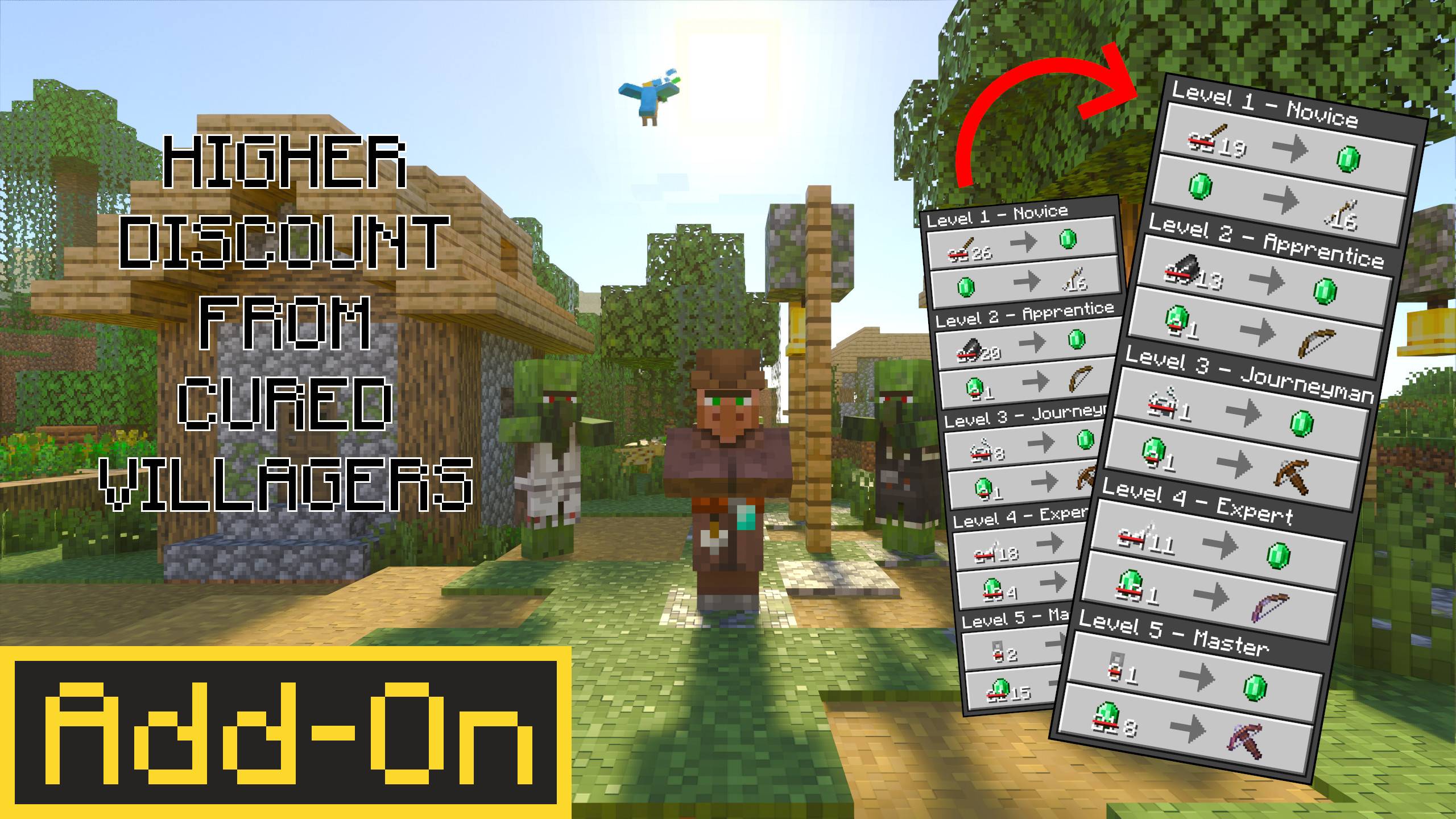
[Mason Update] Higher Discount From Cured Villagers - Achievements restored
by INTOR
- Downloads
- 4M
- Rating
- 3.8
by ArshadAbdulKadir
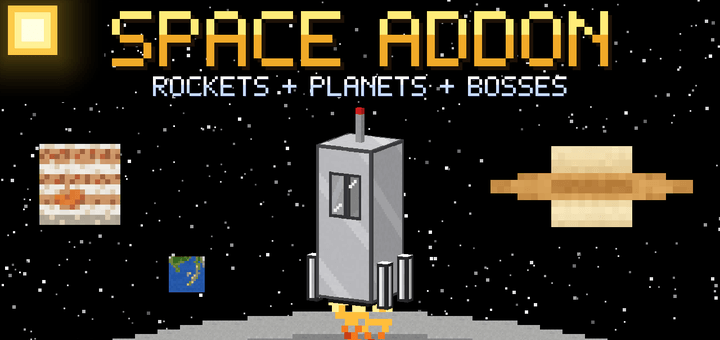
Build rockets and explore 14 worlds, from the Moon and Mars to Jupiter's and Saturn's moons, with custom skies, gravity, bosses and space mobs!
Written by ArshadAbdulKadir.
Blast off from Earth and explore the solar system!
Craft a rocket, launch it from your launch pad, and visit 14 different planets and moons, each with its own surface, sky, gravity and dangers.
🚀 Features
14 worlds to explore: the Moon, Mars, Venus, Mercury, Phobos, Deimos, Ceres, the Asteroid Belt, Io, Europa, Ganymede, Callisto, Titan and Enceladus
14 rockets: sit inside and watch them take off
Landers: arrive in a lander, then use an Earth Module to fly home. A parachute opens automatically over Earth.
Custom skies: see Earth from the Moon, a giant Sun from Mercury, huge Jupiter from its moons and ringed Saturn from Titan
Different gravity on every world, from floaty Moon jumps to super-low gravity on tiny moons
Space Suit: wear the full set or you'll run out of oxygen
Dungeons and bosses: the Evolved Lost Zombie (Mars), Skeleton (Venus), Spider (Mercury) and Bat (Asteroid Belt), each guarding treasure
Space mobs: zombies, skeletons, spiders and creepers in space helmets that come out at night on Mars, Venus and Mercury
Ruby and Sapphire: new ores, gems and full tool sets
Cheese Ore on the Moon (yes, really!)
Meteors that fall at night
Buggy to drive around
Huge Asteroid Belt to hop across, with a hidden dungeon far out in the field
🎮 How to play
Craft Launch Pads and place 9 in a 3×3 square on Earth.
Craft a rocket and place it on the middle block.
Get in and press Launch!
To go home, hold an Earth Module and tap a Lander.
⚙️ Requirements
Minecraft Bedrock 1.21.90 or newer
Play in a new world for the best experience
Inspired by Galacticraft. Some tool textures are based on community pixel art.
Made with help from AI.
Advertisement
by INTOR