Add-ons
SERP Pokédrock (Pokémon Addon) || v1.34.13 New Pokémon & interactions Update
by Zacek el Serpentín
- Downloads
- 7.6M
- Rating
- 4.2
by YouTube: Dante Gaming
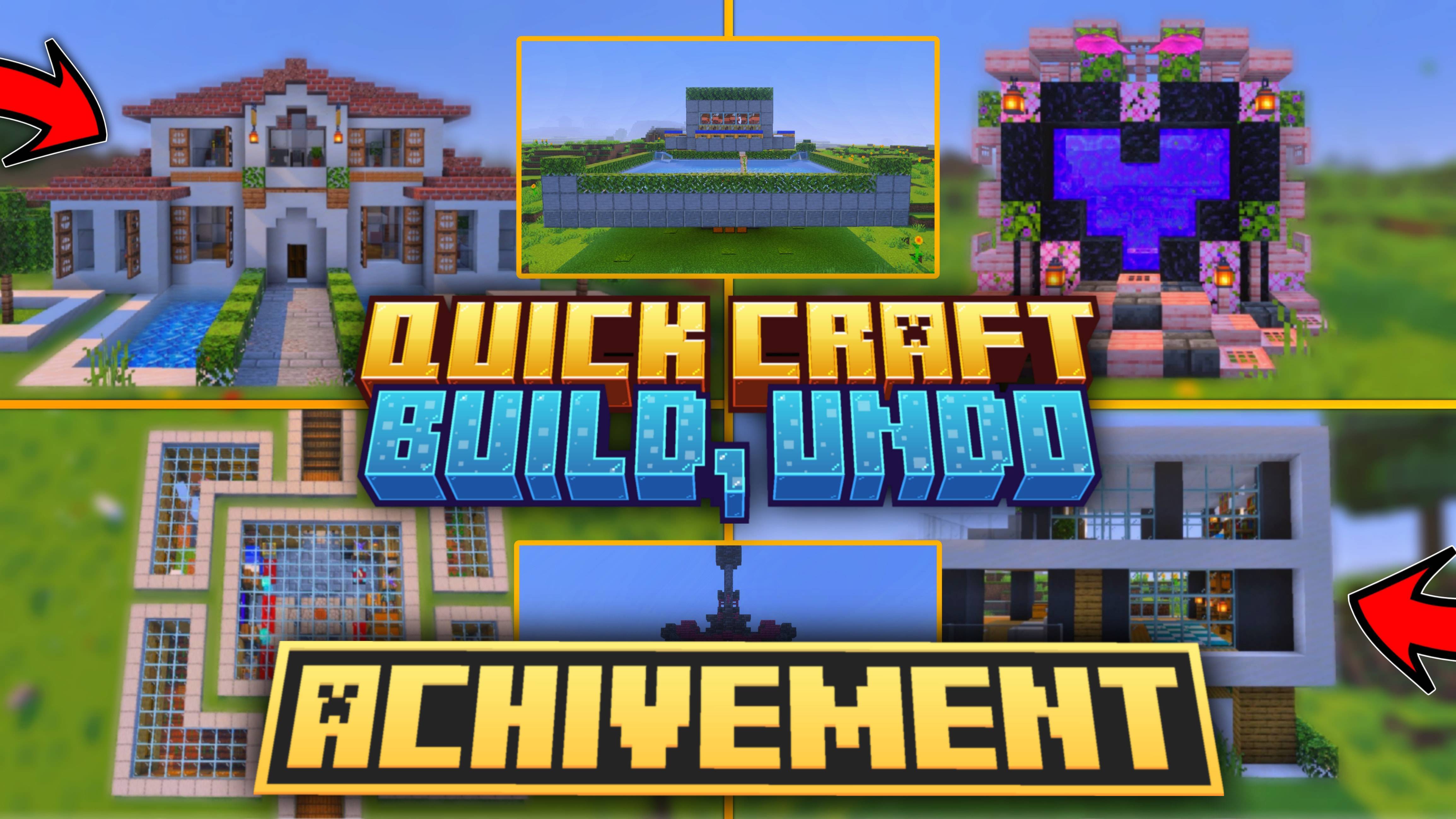
Building structures is fun, but sometimes it takes too much time. With Quick Craft 3.0, you can create amazing builds instantly with just one click!
Written by YouTube: Dante Gaming for the MCPEDL post, shown as published.
Quick Craft 3.0 – Build Structures in One Click!
Building structures is fun, but sometimes it takes too much time. With Quick Craft 3.0, you can create amazing builds instantly with just one click!
2. Use the Hammer anywhere you want to build, and a menu will open.
3. Select a category (like houses, farms, portals, underground bases, etc.).
4. Choose the structure you like from the list and click the button – the structure will instantly appear in front of you.
5. Didn’t like the build or want to place it somewhere else? Just use the Hammer again and press the Undo button to remove the last built structure.
Watch This Video For Better Understanding:
Follow Me On Instagram: https://www.instagram.com/dante__gaming?igsh=bml6eDN2dHNlaTk0
With Quick Craft 3.0, you can instantly build modern houses, castles, nether portals, farms, underground bases, and much more.
All custom JavaScript files, UI logic, and structure data within this pack are the intellectual property of Dante Gaming. Modification, redistribution, or claiming this code as your own without explicit permission is strictly prohibited.
The author’s notes for the file uploaded .
This update brings a fresh collection of new structures, including roleplay structures, beautiful cherry houses, decorative builds, and much more. Whether you're building a town, creating a roleplay world, or upgrading your survival base, there's something new to explore!
From cherry-themed homes to a football stadium, school, and underground house, these new structures give you even more possibilities for your Minecraft world.
Update to Quick Craft v3.8 and start building! 🚀
💬 Have suggestions for the next update? Let me know in the comments!
Advertisement
by Zacek el Serpentín




