All scripts
Swap Block
BedrockScriptUtilityby butaixianran
About this script
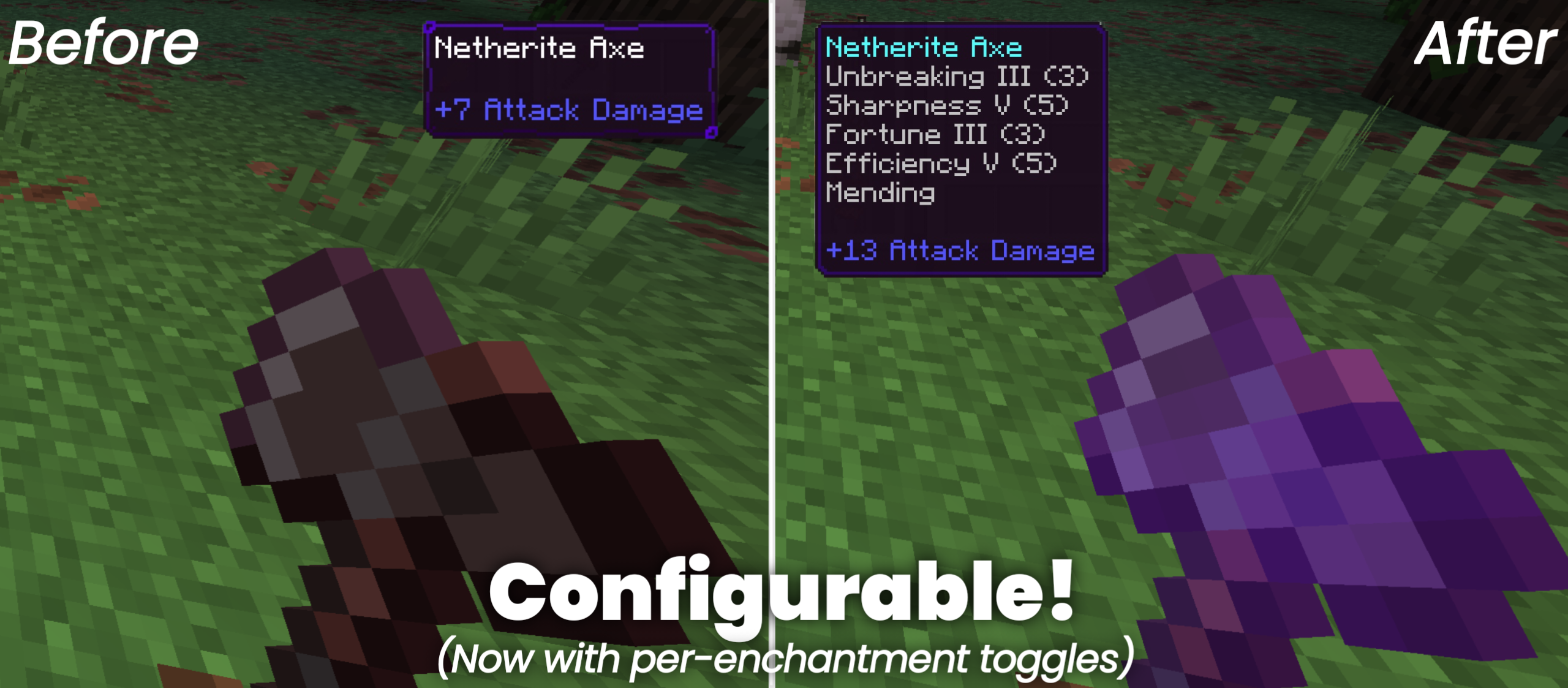
After breaking a block, automatically replace it with the placeable block held in the player's mainhand, preserving orientation when possible. Useful for creative mode.
Read the author’s full description (33 words)
Written by butaixianran for the MCPEDL post, shown as published.
After breaking a block, automatically replace it with the placeable block held in the player's mainhand, preserving orientation when possible.
Very useful in creative mode, when you are replacing a lot of blocks.
What’s new in the latest update
The author’s notes for the file uploaded .
* v1.0.1: when broken block is the same block type as the one in hand, won't swap them anymore.
How to install
- Download the file below. On iOS or Android, open it from your Downloads with Minecraft; on Windows, double-click it.
- Minecraft imports the pack automatically. Enable it in your world’s settings under Behavior Packs or Resource Packs; an add-on usually needs both.
- Playing on a Realm or server? Everyone needs the same packs, and the host has to enable them.
- Starting a new world? Choose its seed first: the Seed Map shows villages, structures and biomes near spawn for any Bedrock seed.
Advertisement