Vein miner
BedrockScriptUtilityby @TamilCrafters
About this script
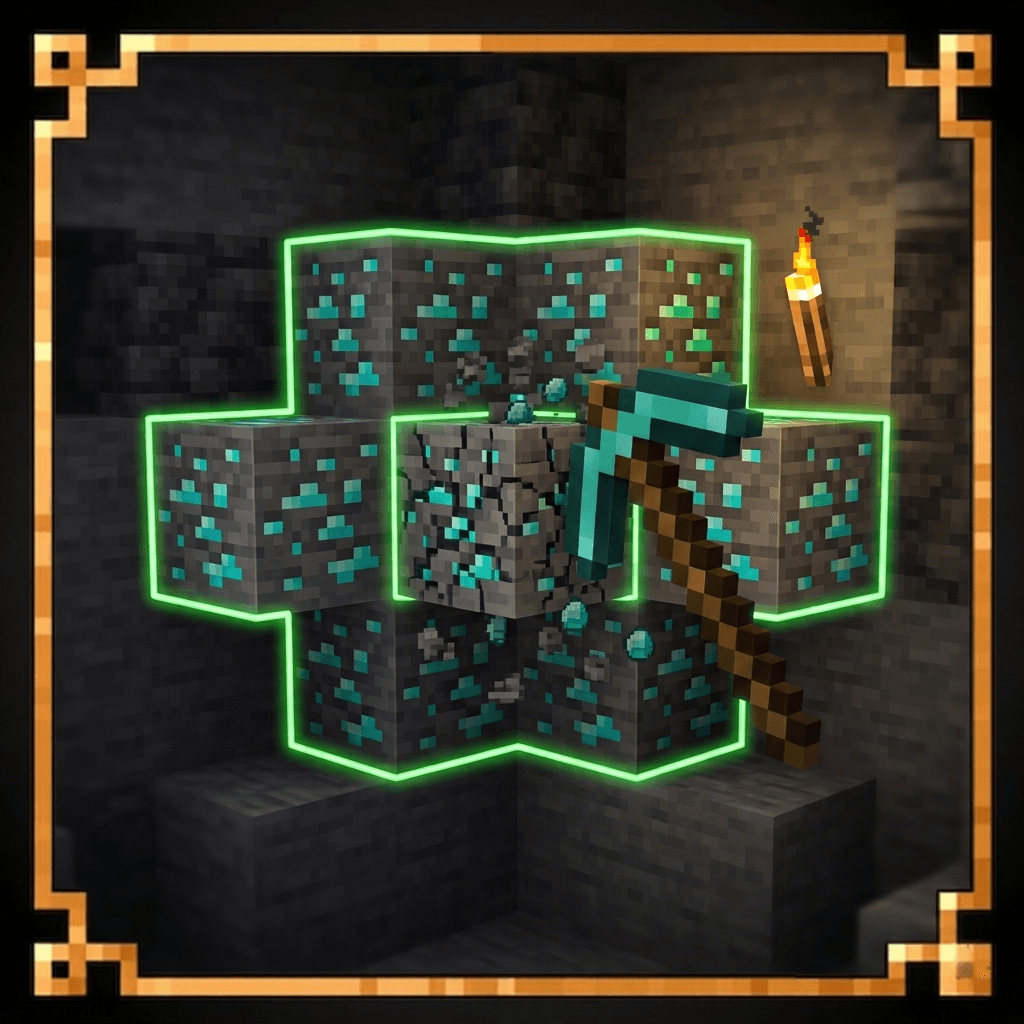
Mine connected ore veins instantly with a single block break while keeping your survival experience balanced. This Behaviour Pack supports the most common Minecraft ores and is ...
Read the author’s full description (167 words)
Written by @TamilCrafters for the MCPEDL post, shown as published.
Supported Blocks
- Coal Ore
- Deepslate Coal Ore
- Copper Ore
- Deepslate Copper Ore
- Iron Ore
- Deepslate Iron Ore
- Redstone Ore
- Deepslate Redstone Ore
- Nether Gold Ore
- Nether Quartz Ore
- Quartz Ore
- Gold Ore
- Deepslate Gold Ore
- Lapis Ore
- Deepslate Lapis Ore
- Diamond Ore
- Deepslate Diamond Ore
- Emerald Ore
- Deepslate Emerald Ore
- Ancient Debris
- Amethyst Block
- Budding Amethyst
Features
✔ Achievement Friendly
✔ Fast and smooth vein mining
✔ Works with supported ore blocks only
✔ Survival balanced gameplay
✔ Lightweight Behaviour Pack
✔ No experimental features required
AI Disclaimer:
Some images in this project may be AI-generated or AI-enhanced and are used for showcase/presentation purposes.
Warning ⚠️
• Do NOT share a direct download link to this pack.
• Please share only the Forge or MCPEDL page.
• Do NOT edit, modify, decompile, or redistribute the code without permission.
• Re-uploading this pack without permission is not allowed.
Download Policy
Please support the project by downloading only from the official Forge or MCPEDL page. Avoid using unofficial mirrors or direct download links.
Thank you for supporting the original creator!
What’s new in the latest update
The author’s notes for the file uploaded .
# v1.1Changes:
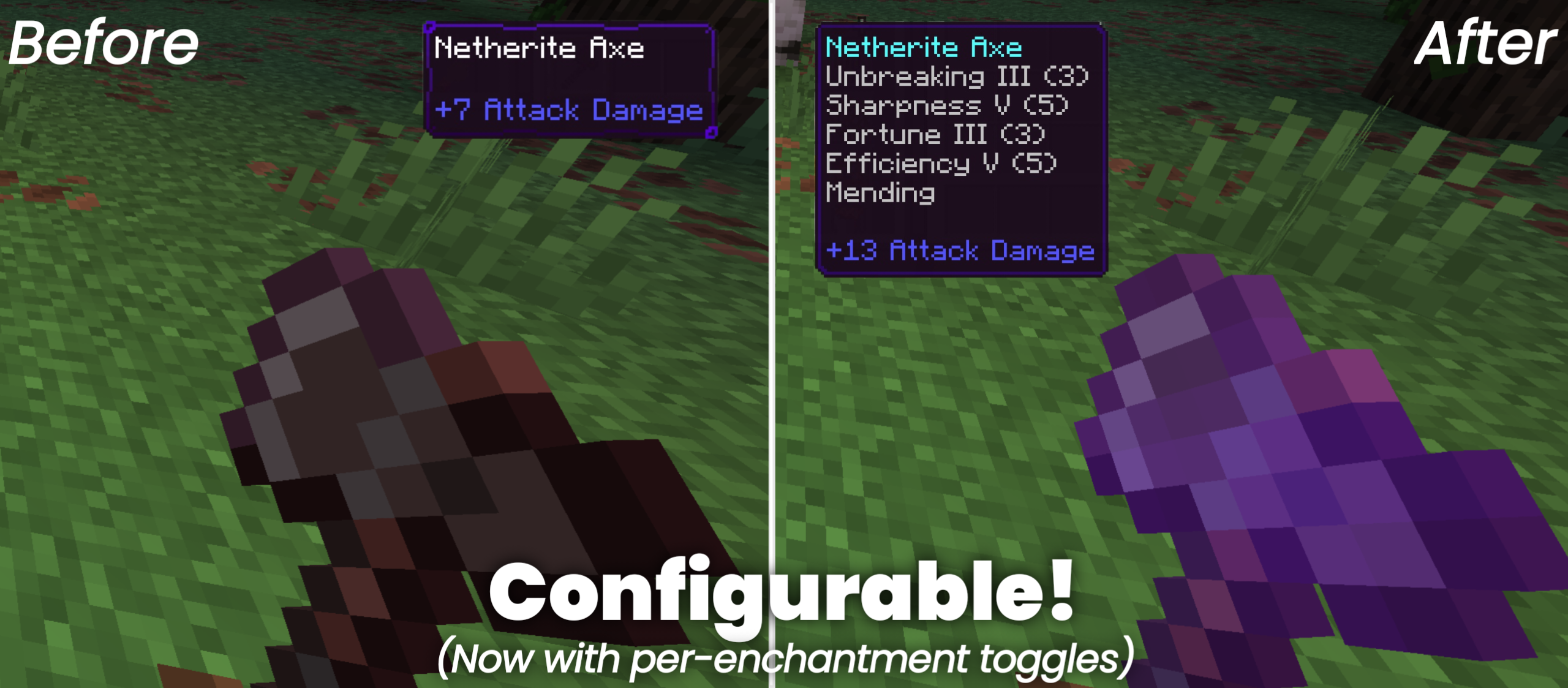
✦ Silk Touch → connected blocks drop the ore block itself (no XP — matches vanilla Silk Touch behaviour)
✦ XP orb still Drop when no Silk Touch
✦ Fortune → more drops per connected block
✦ Lit redstone normalizer (BFS + destroy both states)
How to install
- Download the file below. On iOS or Android, open it from your Downloads with Minecraft; on Windows, double-click it.
- Minecraft imports the pack automatically. Enable it in your world’s settings under Behavior Packs or Resource Packs; an add-on usually needs both.
- Playing on a Realm or server? Everyone needs the same packs, and the host has to enable them.
- Starting a new world? Choose its seed first: the Seed Map shows villages, structures and biomes near spawn for any Bedrock seed.
Advertisement