Verity - Bedrock Edition
BedrockAdd-onHorrorby PnTMC
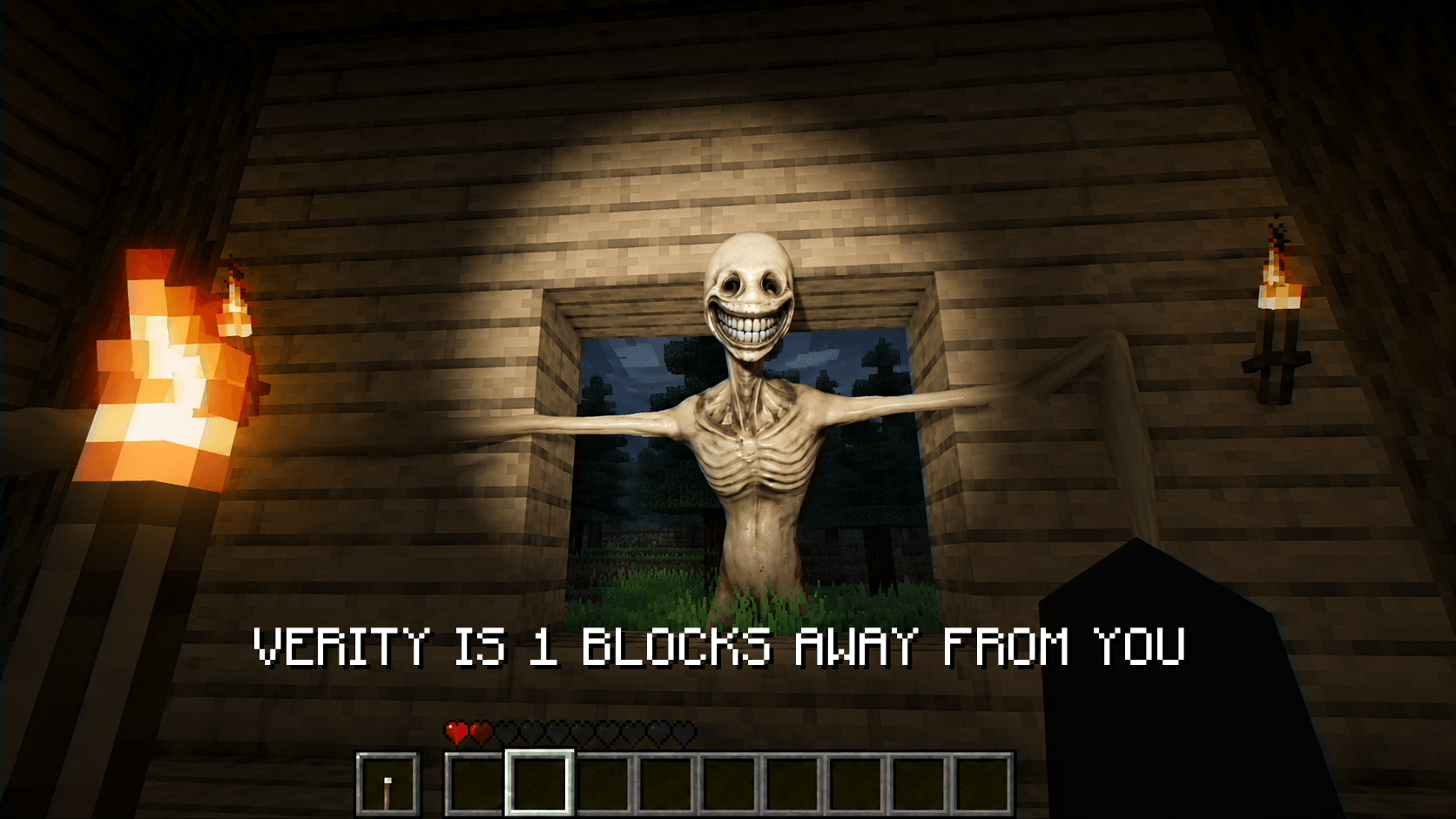
About this add-on
A little helper friend but don't ask him about the village in the east and don't leave him...
Read the author’s full description (328 words)
Written by PnTMC for the MCPEDL post, shown as published.
DESCRIPTION
ADDON DEVELOPED BY @PnTMC
CREDITS :
VERITY BY @ThatMob
ADDON DEVELOPED BY @PnTMC
SOME SOUNDS by @SadSnowMC
Based on ThatMob's Verity ARG series on YouTube: here
Feel free to use the ball model for your videos, projects, or contents, but please credit this Verity project >.< (Note: This is a poly-mesh model; a plugin is required to make it visible in blockbench.)
Note: If you want to use the Verity Monster model, textures, or sounds, please contact @ThatMob.
────────────────────────────
VERITY
A personal helper friend
can't die - older than minecraft
────────────────────────────
HOW TO PLAY?
If he's on the ground, you can chat with him, but if he's in your inventory, wake him up by chatting "Hey Verity". Don't go too far because Verity can't hear you.
Absolutely do not invite another friend if you have been in Verity's world for two days; he doesn't like that.
You can ask him anything because he knows everything (mathematics, ore locations, animal sounds, any sound at all, you can even ask him to play a song if you're bored, etc.).
Absolutely do not make him angry.
He cannot die.
If you have any further questions, please visit the PnTMC YouTube channel and leave a comment on the community post.
HOW TO SETUP?
Visit this link to read the SETUP GUIDE :
https://github.com/PnTMC/Verity-Bedrock-Edition-Setup-Guide
Visit this link to get the SETUP FILES :
https://github.com/PnTMC/Verity-Bedrock-Edition-Setup-Guide/releases/
────────────────────────────
REQUIRED
V26.10 above
You need to enable experiments (Beta APIs).
This addon includes an actual AI, Voicechat , TTS so you need to setup it , read HOW TO SETUP above
────────────────────────────
NOTES
This project was developed in the Cursor IDE and utilized many of it's AI powered programming and debugging tools
Do NOT reupload, redistribute, or publicly modify this addon without explicit permission. Private modifications for personal use are allowed.
------------
Please give feedback if you encounter any errors. Feedback on my YouTube channel is easier for me to read because I'm quite lazy about checking CursedForge comments XD
WATCH THIS VIDEO for MORE :
1.0.0
2.0.0
3.0.0
Images
Video
How to install
- Download the file below. On iOS or Android, open it from your Downloads with Minecraft; on Windows, double-click it.
- Minecraft imports the pack automatically. Enable it in your world’s settings under Behavior Packs or Resource Packs; an add-on usually needs both.
- Playing on a Realm or server? Everyone needs the same packs, and the host has to enable them.
- Starting a new world? Choose its seed first: the Seed Map shows villages, structures and biomes near spawn for any Bedrock seed.
Advertisement