Written by reodev_addons.
Villager Trade OP
Villagers become much more useful. Emerald costs are lower, the loot is better, and the top trades give you powerful gear.
What it changes
- OP trades: Armorers, weaponsmiths and toolsmiths sell enchanted diamond gear, and at Master level they sell Netherite gear with Mending.
- Cheaper trading: Emerald prices are lower than vanilla, and the top-level gear costs emerald blocks instead of huge piles of emeralds.
- Better enchanted books: Librarians sell high-level books such as Unbreaking III, Efficiency V, Fortune III and Mending. The best ones unlock as the villager levels up.
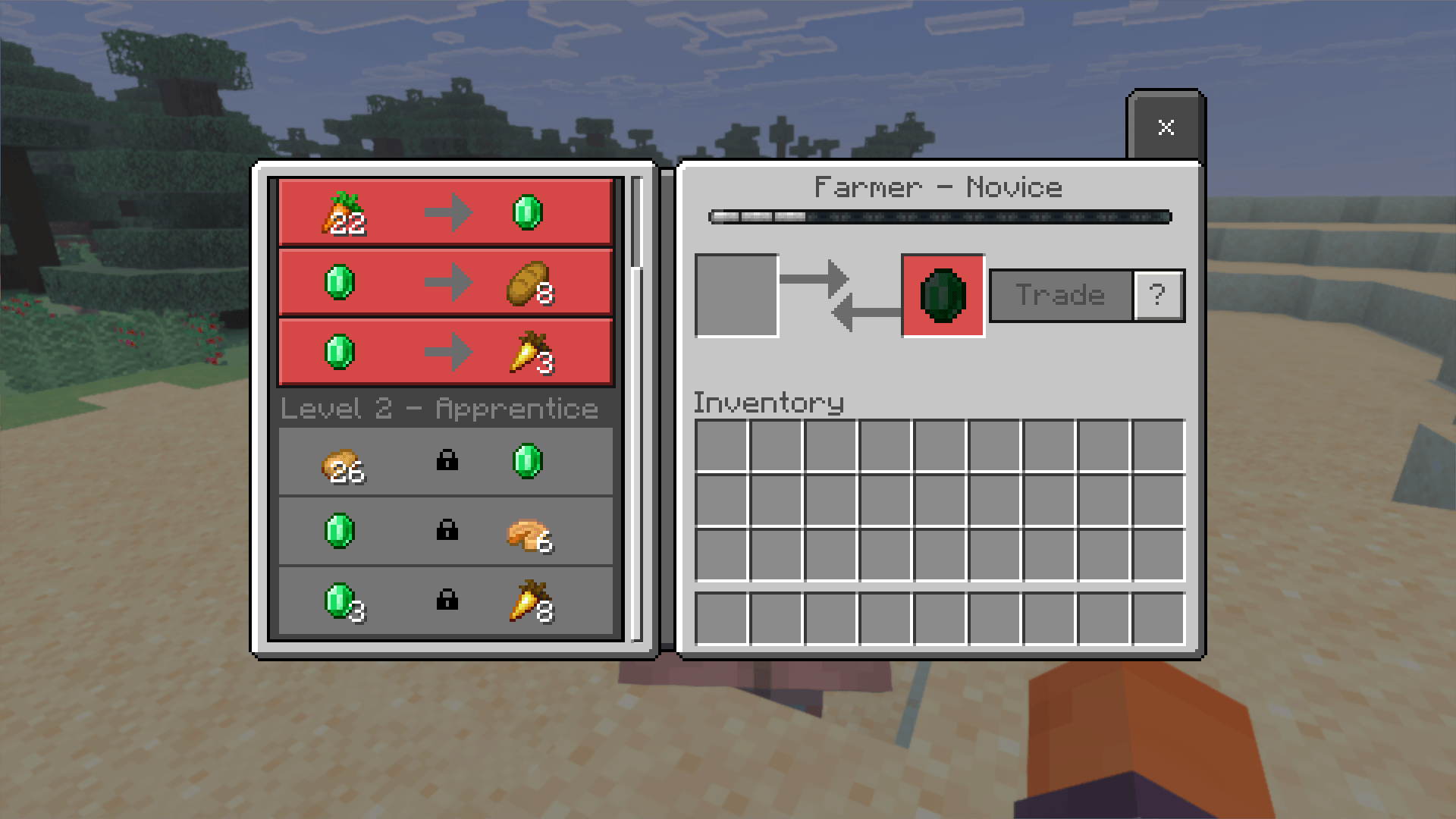
- Upgraded professions: Librarian, armorer, weaponsmith, toolsmith, cleric and farmer all have new trades at every level.
- Rare rewards: Higher levels offer diamonds, Netherite scrap and ingots, totems of undying, enchanted golden apples, nether stars and an Elytra.
- Balanced progression: Better rewards unlock as villagers level up, and the strongest trades have fewer uses per restock.
- Different villagers, different loot: Two villagers with the same job get different random trades. Each level also keeps a few guaranteed emerald-buying trades.
- Job outfits: Armorers, weaponsmiths, toolsmiths, librarians, clerics, farmers, butchers, cartographers, fishermen, fletchers, leatherworkers, shepherds and stonemasons get outfits that match their job.
Setup
- Includes a behavior pack (trades) and a resource pack (outfits). Turn on both in your world.
- Villagers keep trades they already have, so use new villagers.
- Villager professions, leveling and restocking work as normal.