Written by brgamers_addons.
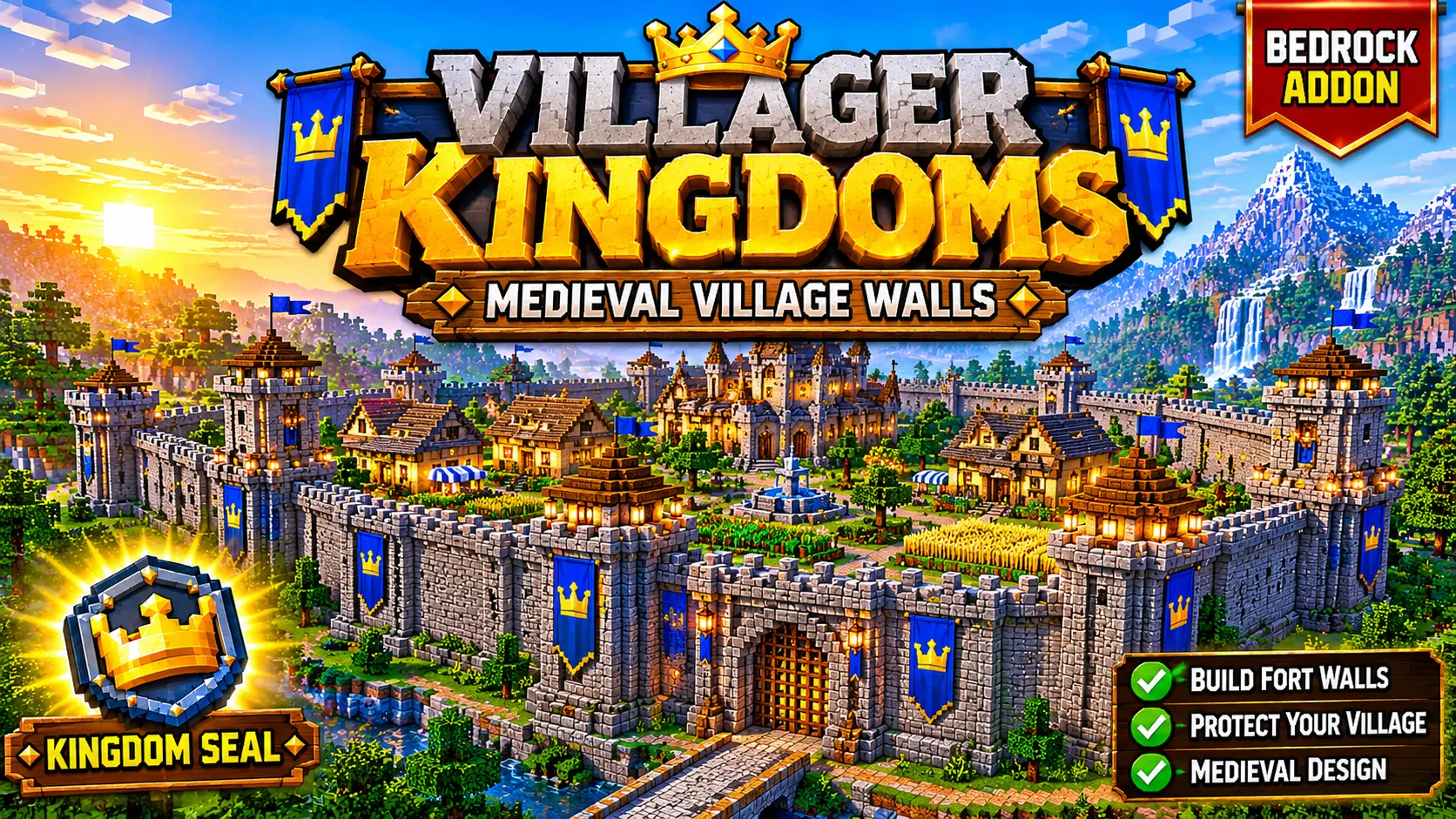
VILLAGER KINGDOMS
MEDIEVAL VILLAGE WALLS { This is worked at mid village }
Turn your chosen village into a fortified medieval kingdom! Use the Kingdom Seal to begin your kingdom-building journey, surround your settlement with defensive walls, and give your village a powerful medieval appearance.
📜 1. Kingdom Seal — Crafting Recipe
Craft the Kingdom Seal using a Crafting Table. Arrange the ingredients in the exact 3×3 pattern below.
Slot 1
Slot 2
Slot 3
Gold Ingot
Gold Ingot
Gold Ingot
Iron Nugget
Emerald
Iron Nugget
Gold Ingot
Amethyst Shard
Paper
Ingredients checklist:
- 4 × Gold Ingots
- 2 × Iron Nuggets
- 1 × Emerald
- 1 × Amethyst Shard
- 1 × Paper
Important: The pattern and ingredients above must match the actual kingdom_seal.json recipe included in your uploaded addon. Verify the in-game recipe before publishing this description.
⚔️ 2. How to Use
- Install the addon: Import the .mcaddon file into Minecraft Bedrock.
- Enable the packs: Activate the addon’s Behavior Pack and Resource Pack in your world settings.
- Craft the Kingdom Seal: Use the recipe above, or obtain the item using the method supported by your addon.
- Choose your village: Travel to the village you want to fortify. Make sure the area has enough room for construction.
- Use the Kingdom Seal: Follow the addon’s in-game interaction to start the fortification process.
- Allow construction to finish: Stay nearby and give the system time to build the defensive structures.
Note: Exact activation controls, required player distance, construction time, and placement restrictions depend on the implemented addon behaviour. Check these steps in-game before publishing them as guaranteed instructions.
🏰 3. Features
- Medieval Kingdom Theme: Give your village a fortified medieval look.
- Defensive Stone Walls: Build a protective perimeter around a settlement.
- Watchtowers: Add height and a defensive appearance to the village skyline.
- Kingdom Gates: Create prominent entrances to your fortified settlement.
- Kingdom Seal: A special item used to initiate the fortification mechanic.
- Village-Focused Gameplay: Choose a village to develop rather than automatically transforming every village in the world.
🛠️ 4. Compatibility & Requirements
- Game: Minecraft Bedrock Edition
- Target version: 1.21.100
- Required packs: Enable both the included Behavior Pack and Resource Pack, if supplied separately by the import.
- World recommendation: Test the addon in a backup or new world before using it in your main survival world.
❓ 5. Troubleshooting
- Kingdom Seal recipe not appearing: Confirm that the Behavior Pack is enabled and check the Content Log for recipe errors.
- Item or textures missing: Check that both required packs imported and are active in the world.
- Construction does not start: Check the item interaction method and ensure the selected village area is suitable.
- Unexpected results: Test in a separate world and report the exact error message along with your Minecraft version.
📌 6. Important Information
This addon is designed around a medieval village-fortification concept. Actual construction results can depend on the village layout, available space, and the addon’s implementation. Always keep a backup of important worlds.
🌐 Visit BRGAMERS
Discover more Minecraft content, projects, and updates on our website.
VISIT BRGAMERS.ONLINE
Images