Skip to content
All shaders & texture packs

YashGameplay's Main UI

BedrockTexture packOther

by YashGameplay

Rating
3.8 / 5
Downloads
22,685 downloads
Last update
Updated
Published on
Published on MCPEDL
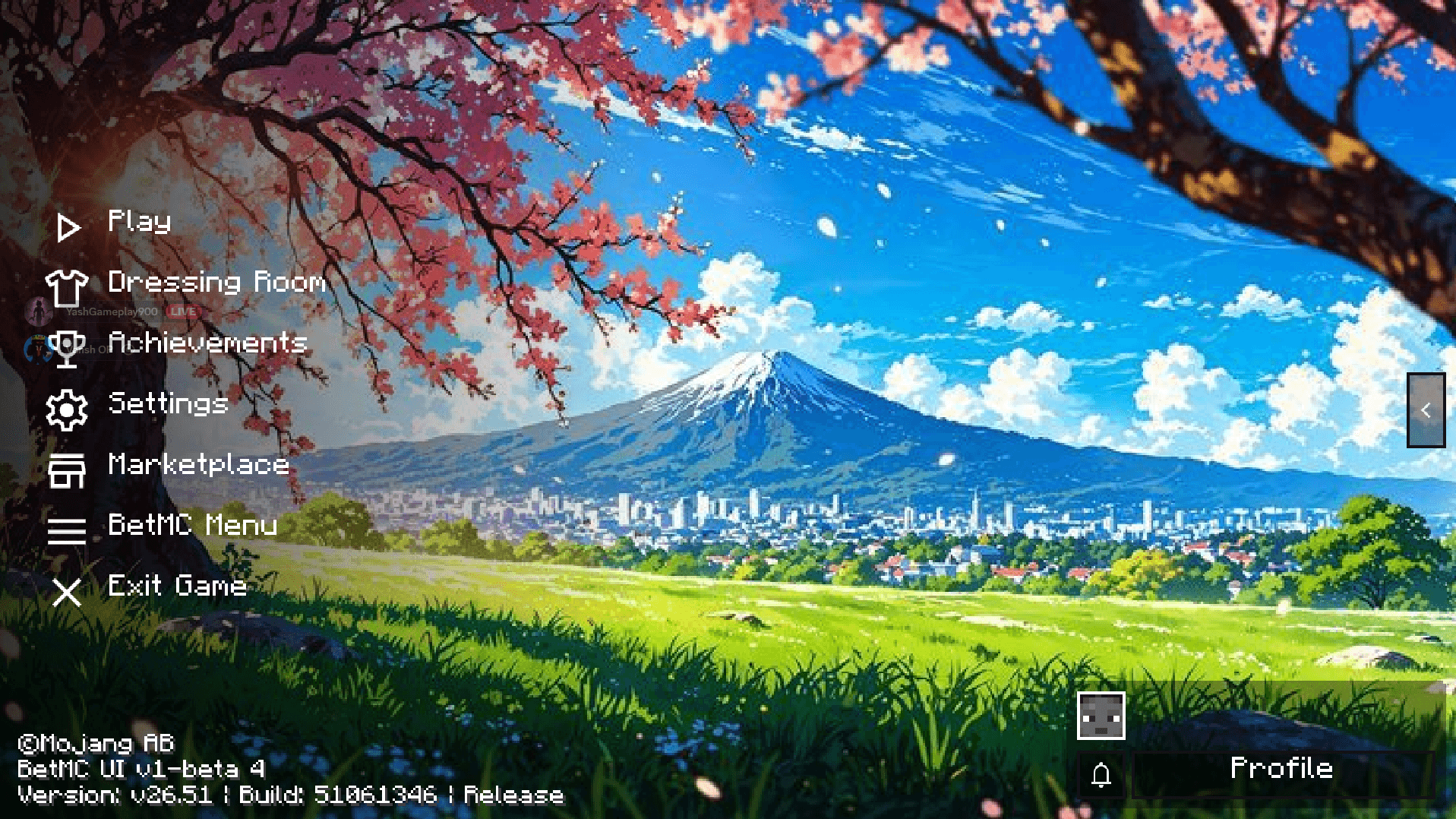
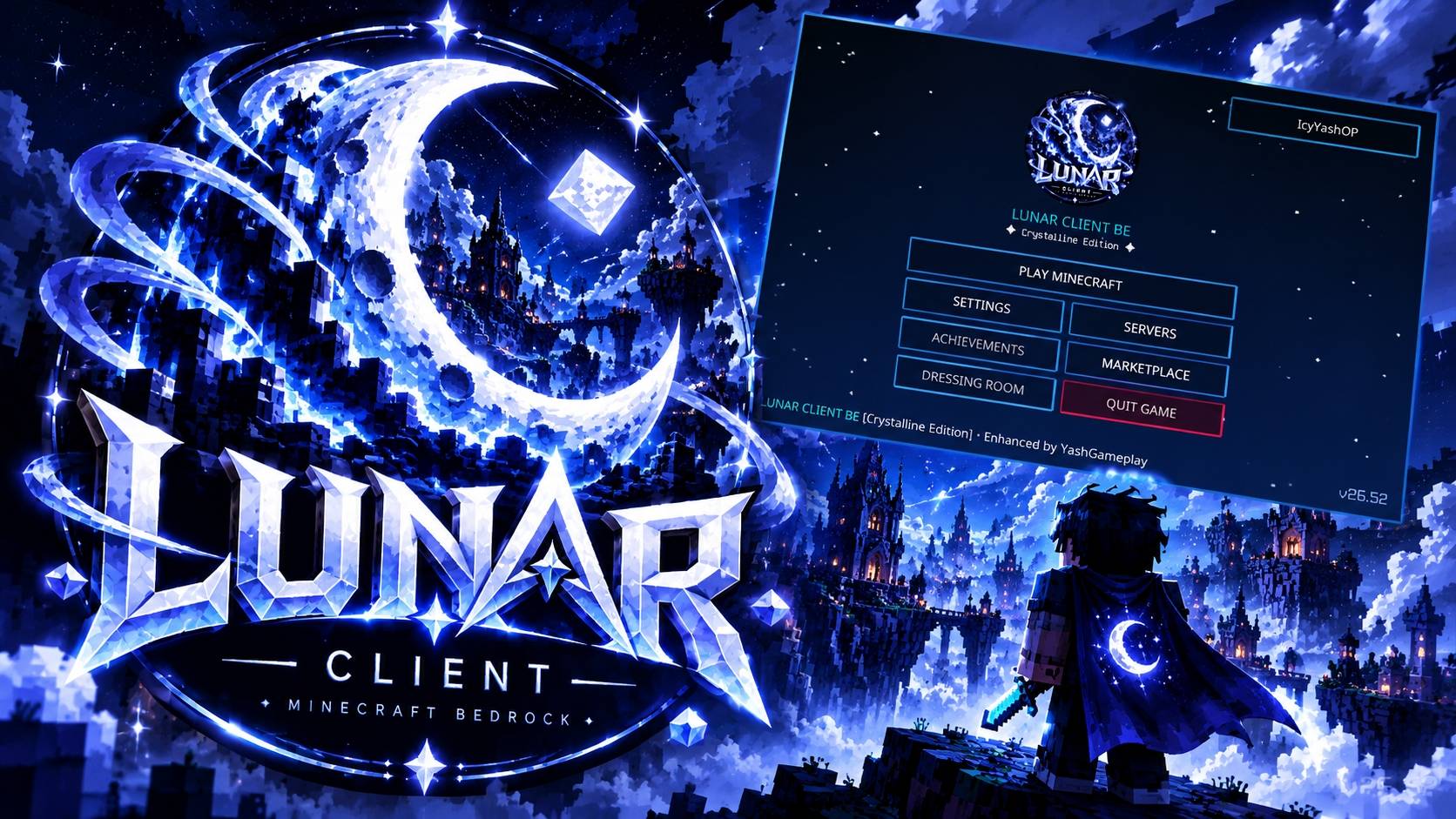
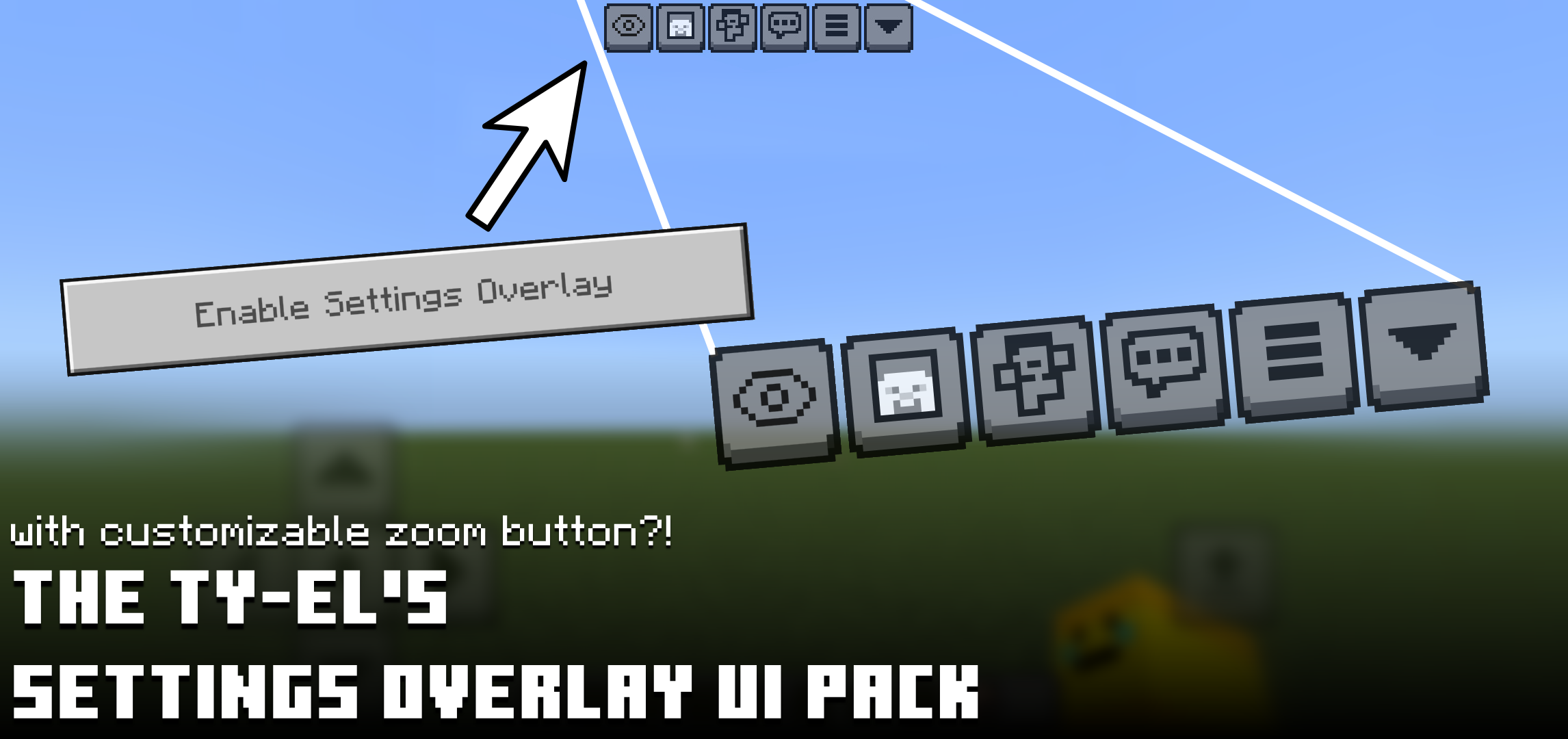
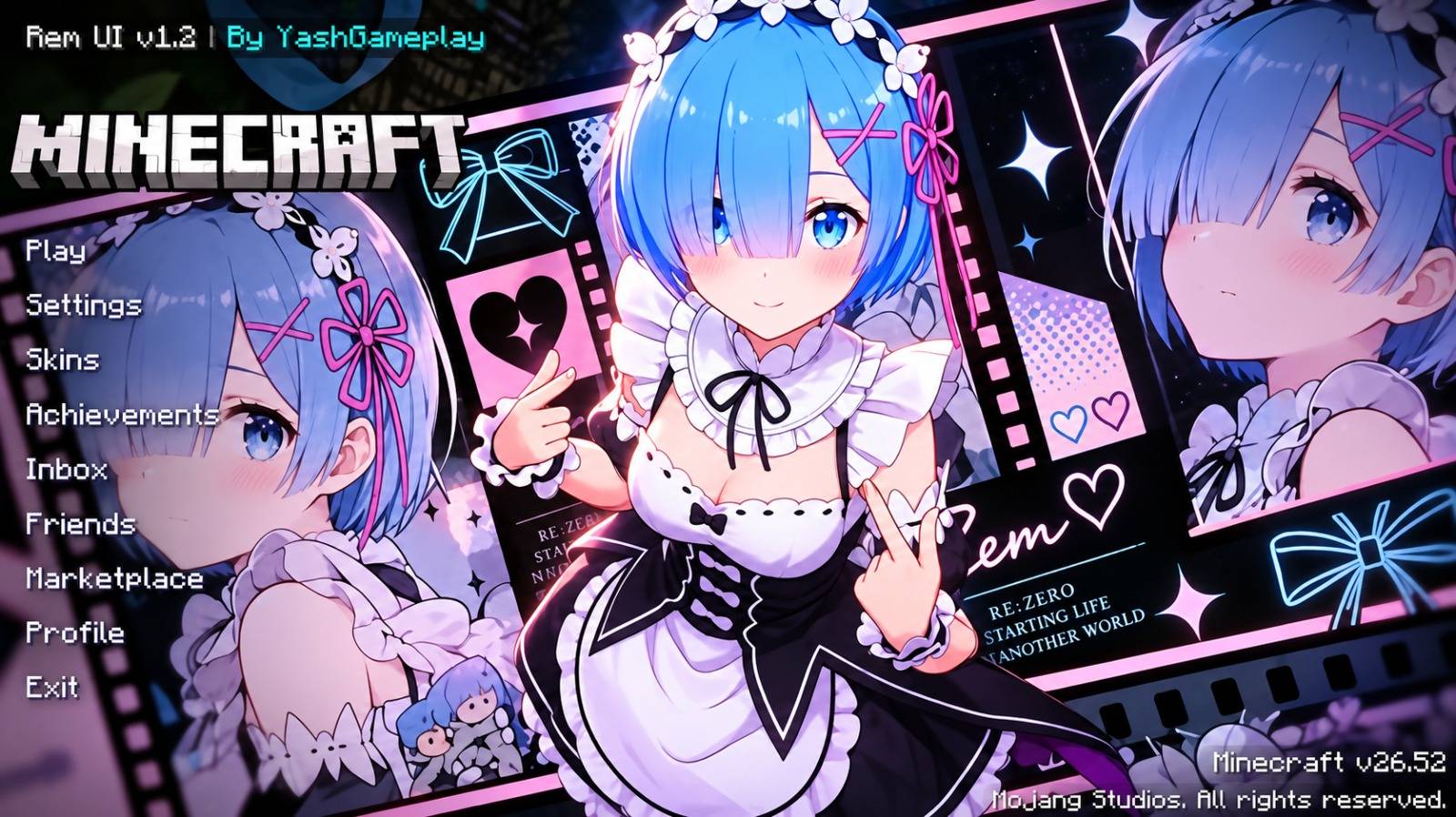
YashGameplay's Main UI screenshot 1 of 3

About this texture pack

YashGameplay's Main UI is a 16x resource pack that redesigns the Bedrock main menu and several in-game screens. The author's summary presents it as the foundation that anime-themed and animated UI add-ons build on. Version 3.5 is the newest file, uploaded 24 October 2026.

What it adds

Screens it replaces

The pack ships its own copies of vanilla UI screen files, so it changes the screens themselves rather than only their textures.

  • Menus: start_screen.json, play_screen.json, pause_screen.json, progress_screen.json and add_external_server_screen.json.
  • Settings: settings_screen.json, settings_sections/general_section.json, settings_sections/settings_common.json, settings_sections/world_section.json, storage_management.json and permissions_screen.json.
  • In-game: hud_screen.json, chat_screen.json, chat_settings_menu_screen.json, inventory_screen.json, chest_screen.json and scoreboards.json.
  • Also replaced: _ui_defs.json, content_log_history_screen.json and host_options_screen.json.

Other files in the pack

The download holds 150 files. Textures are few: 7 in textures/ui, 1 in textures/environment and 1 in textures/misc.

  • 5 particle files and 8 fog files.
  • 1 font file.
  • A biomes_client.json file, which sets water colour and fog per biome.

What the v3.5 changelog says

The author says version 3.5 audited 91 JSON UI templates against the Bedrock 1.20 and 1.21 UI schemas to remove deprecation warnings, and reduced start-up work for the Start, Settings, Play and Pause screens.

  • The changelog says the Java-style chat lock, the mainhand durability counter and the coordinate overlays were retained.
  • The start screen title watermark now reads v3.5, according to the author.

Requirements and compatibility

  • The manifest's minimum game version is 1.20.0.
  • One resource pack only. There is no behavior pack, so no script modules.
  • File size: 3.97 MB as one .mcpack; 4.0 MB compressed and 5.5 MB unpacked, 150 files inside.
  • The vanilla screen files listed above are replaced. Another pack that changes the same screens will clash with it, and the pack higher in the list wins.

Get started

  1. Install it: how to install Minecraft Bedrock add-ons covers .mcaddon, .mcpack and .mcworld files on iOS, Android and Windows.
  2. Activate YashGameplay's Main UI as a resource pack and open the main menu to see the redesigned layout.
  3. If you also use a compatible anime or animated UI add-on, activate both packs, since the author presents this one as the foundation for such add-ons.

Version history

  • YashGameplay_Main_UI_v3.5.mcpack · 3.97 MB. Adds the v3.5 changelog described above.
  • YashGameplay_Main_UI_v3.4.mcpack · 3.97 MB. The previous file.
  • YashGameplay_Main_UI_v3.3.mcpack · 3.97 MB.
  • YashGameplay_Main_UI_v3.2.mcpack · 3.97 MB. The page lists 7 files in total.

Questions and answers

Which Minecraft version does YashGameplay's Main UI need?
Its manifest sets a minimum of 1.20.0. The author says v3.5 targets the Bedrock 1.20 and 1.21 UI schemas.
Does it clash with other UI packs?
It replaces vanilla screen files such as hud_screen.json, chat_screen.json and inventory_screen.json. Any other pack that changes the same screens will clash, and the pack higher in the list wins.
What is in the download?
One resource pack with 150 files: 7 UI textures, 5 particle files, 8 fog files and 1 font file.

How we know

The numbers, names and commands on this page were read from the pack’s own files and from MCPEDL on . We did not play it, and we host no copy of it.

Read from: the publisher's page: page · the publisher's page: summary · the publisher's page: files · the publisher's page: changelog 2026-11-01 · file:YashGameplay_Main_UI_v3.5.mcpack · manifest.json · textures/ · particles/ · fogs/ · biomes_client.json · font/ · ui/