All scripts
Back to OLD UI
BedrockScriptPlayersby TrayePlays
About this script
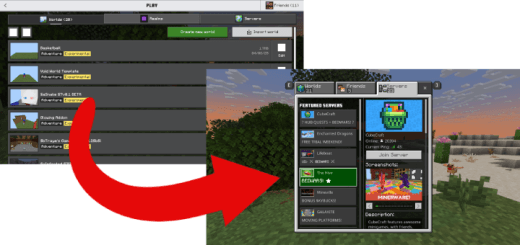
Do you like this new UI that Mojang has forced upon all players? Well if you don't I have the perfect add-on for you. With this add-on you can go back to the old UI.
Read the author’s full description (73 words)
Written by TrayePlays.
For this add-on I added a custom command to get to the old UI. You can do "/scriptevent traye:ui" to access the form. This form also shows up on join. If you wanted to still play your world you can simply just hit the cancel button to do so. ALSO when you click the transfer button JUST WAIT until it says you can press OK
VIDEO FOR PEOPLE WHO NEED HELP HERE: https://www.youtube.com/watch?v=oTPlYZfbEKY
Video
How to install
- Download the file below. On iOS or Android, open it from your Downloads with Minecraft; on Windows, double-click it.
- Minecraft imports the pack automatically. Enable it in your world’s settings under Behavior Packs or Resource Packs; an add-on usually needs both.
- Playing on a Realm or server? Everyone needs the same packs, and the host has to enable them.
- Starting a new world? Choose its seed first: the Seed Map shows villages, structures and biomes near spawn for any Bedrock seed.
Advertisement