Better Days Played
BedrockTexture packPvpby DimzCraft
About this texture pack
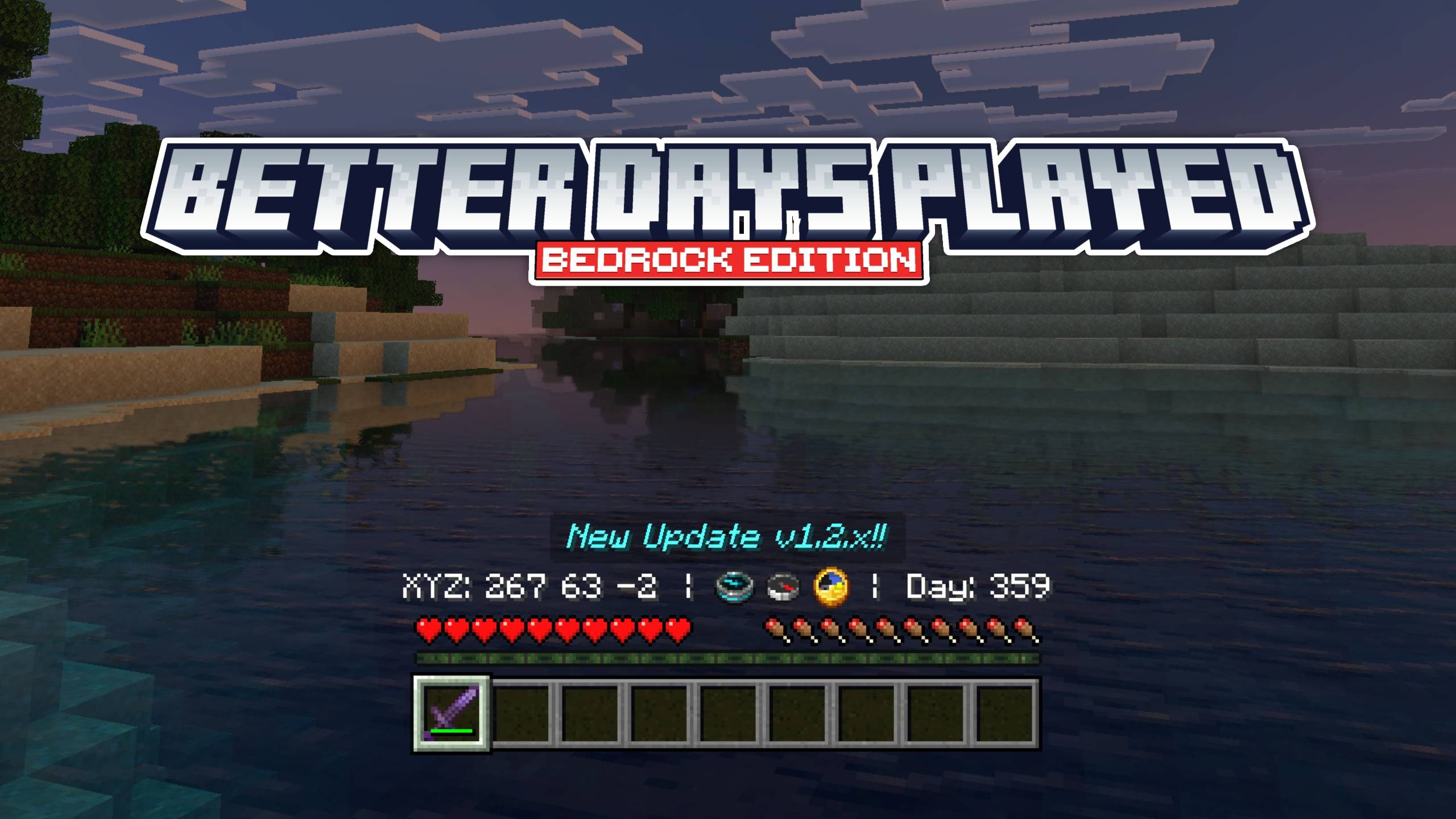
Customize the display of days played and coordinates above the hotbar, with multiple variants available!
Read the author’s full description (205 words)
Written by DimzCraft for the MCPEDL post, shown as published.
Exactly, with this resource pack the display of days played and coordinates looks better, more precisely you don’t need to look at the top left to check days played or coordinates :v.
So yeah how do you use it? it’s pretty easy just install the resource pack as usual and make sure you enable Show Days Played and Show Coordinates in the game settings, check the other things section below.
Showcase Video
watch if you don't understand or want to know how it works!
Other Things
setting options that must be enabled
subpacks (press settings in resourcepack), you can change the display, tip: use subpack 2 and use coordinates/daysplayed only for the display in the middle
If you are familiar with coding, use this if a compass changes to something else, change it to the new compass id.
Known issue: If you use an addon with custom items, there is a possibility that the compass renderer will error (recommended to use subpack type 2), and if you use it on a server that does not activate days played or show coordinates, the resourcepack will not work.
Join Our Community
discussions, submit suggestions, report bugs and more
Discord Server | Telegram Group | Whatsapp Group( 62 only)
Images
What’s new in the latest update
The author’s notes for the file uploaded .
v1.2.6
- Update: Recovery Compass item ID for 26.50
Video
How to install
- Download the file below. On iOS or Android, open it from your Downloads with Minecraft; on Windows, double-click it.
- Minecraft imports the pack automatically. Enable it in your world’s settings under Behavior Packs or Resource Packs; an add-on usually needs both.
- Playing on a Realm or server? Everyone needs the same packs, and the host has to enable them.
Advertisement