FPS Booster | Fps Boost
BedrockTexture packPvpby RisabGamerz
About this texture pack
The Only Real MCPE FPS booster! Boost performance and enjoy smooth gameplay. Reduces lag and heat, fully compatible with 1.21+. Perfect for low-end devices and ideal for PvP. Ou...
Read the author’s full description (173 words)
Written by RisabGamerz for the MCPEDL post, shown as published.
Say goodbye to lag and hello to smooth, high-FPS gameplay! This is one of the best performance-boosting packs for Minecraft Pocket Edition, optimized to give you the maximum possible FPS and seamless performance. Whether you're on version 1.16 or 1.21 , this pack works like OptiFine for MCPE—but better. No other pack can match its speed and efficiency. It Is Made For Maximum Fps boost.
Key Features:
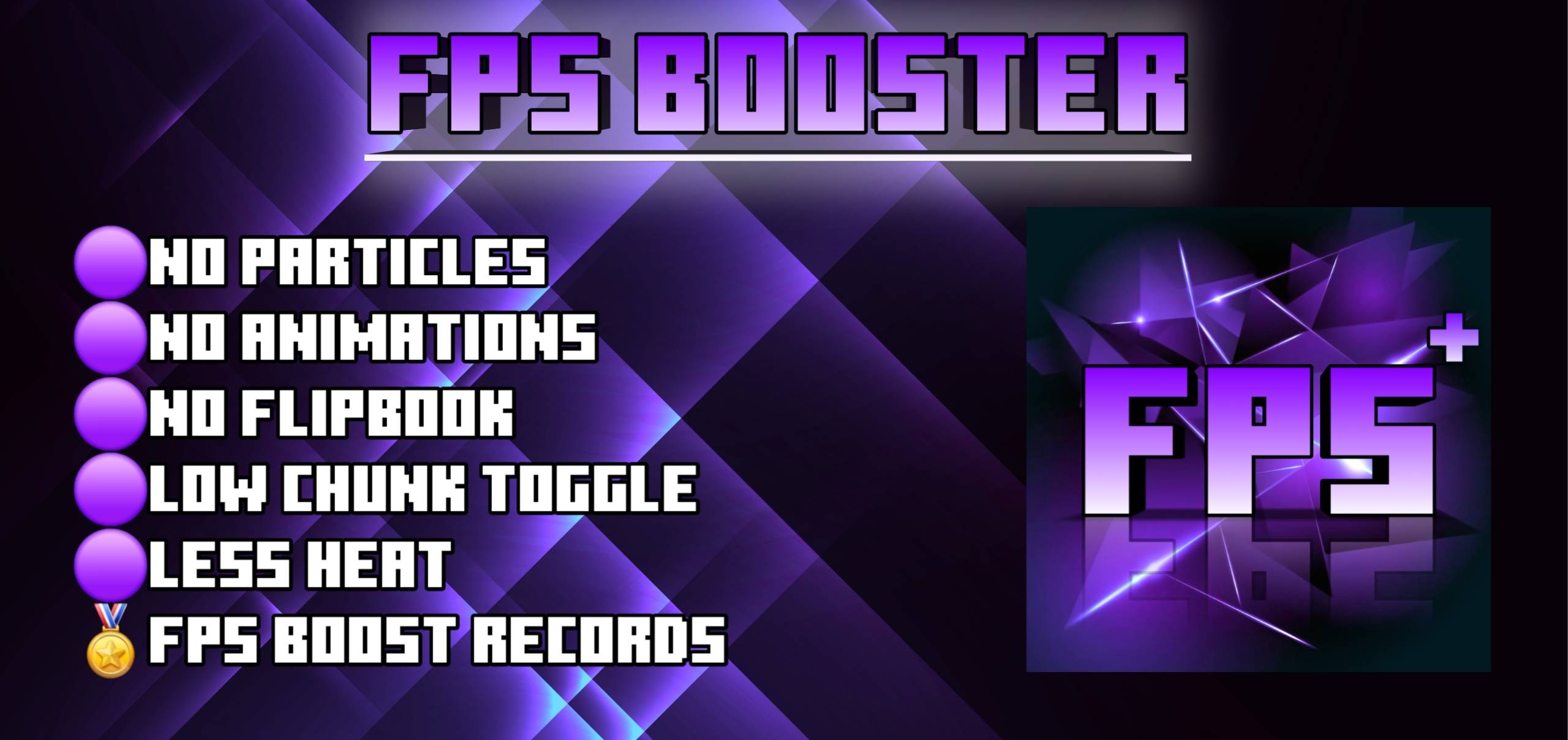
❌ No Particles – Clearer visuals, smoother play
❌ No Animations – Reduces unnecessary GPU load
🚫 No Lag Spikes – Enjoy uninterrupted gameplay
❄️ Less Heat – Keeps your device cooler during long sessions
⚙️ 2/3/4 Render Distance Limiter – Fine-tuned performance for any device
🏅Highest Record Of Increasing 80 Fps
Scroll Down For Download⬇️
Images:
Socials:
Join our discord :
Support On Kofi:
You Are Allowed To:
- Showcase my work in videos/streams if you give proper credit (e.g., link to the official download).
- Edit file for personal use only
You Are Not Allowed To:
- Distribute through monetized links (AdFly, Linkvertise, etc.).
- Edit and re-share my projects
If You Give Low Rating ,You Should Comment the reason
What’s new in the latest update
The author’s notes for the file uploaded .
Verified that it works in Latest versions too
Video
How to install
- Download the file below. On iOS or Android, open it from your Downloads with Minecraft; on Windows, double-click it.
- Minecraft imports the pack automatically. Enable it in your world’s settings under Behavior Packs or Resource Packs; an add-on usually needs both.
- Playing on a Realm or server? Everyone needs the same packs, and the host has to enable them.
Advertisement