Better Fps (Fps Boost)
BedrockTexture packPvpby CraftStudio
About this texture pack
Better FPS is a performance focused pack designed to make your game run smoother without changing the core vanilla look.
Read the author’s full description (438 words)
Written by CraftStudio.
BETTER FPS (FPS Boost)
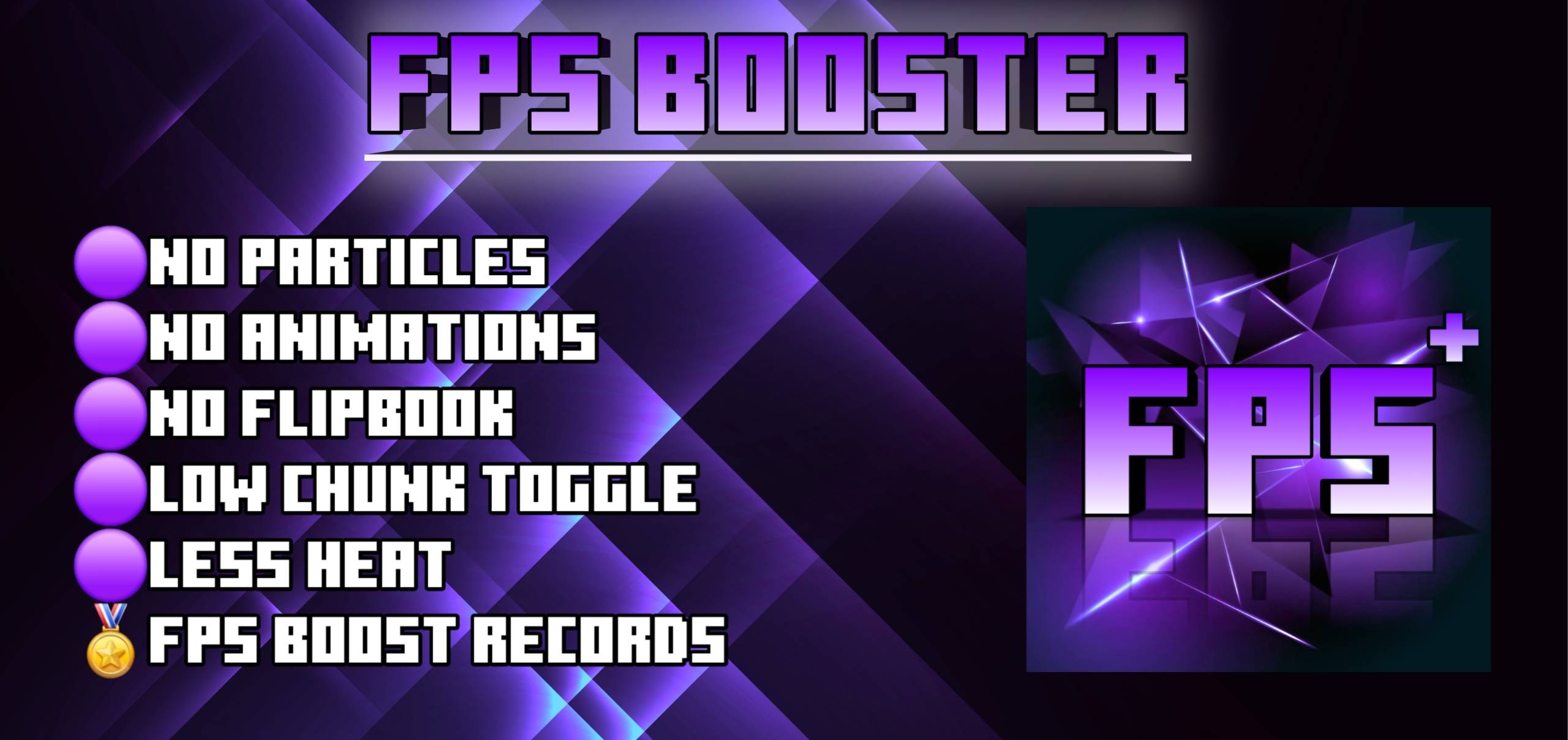
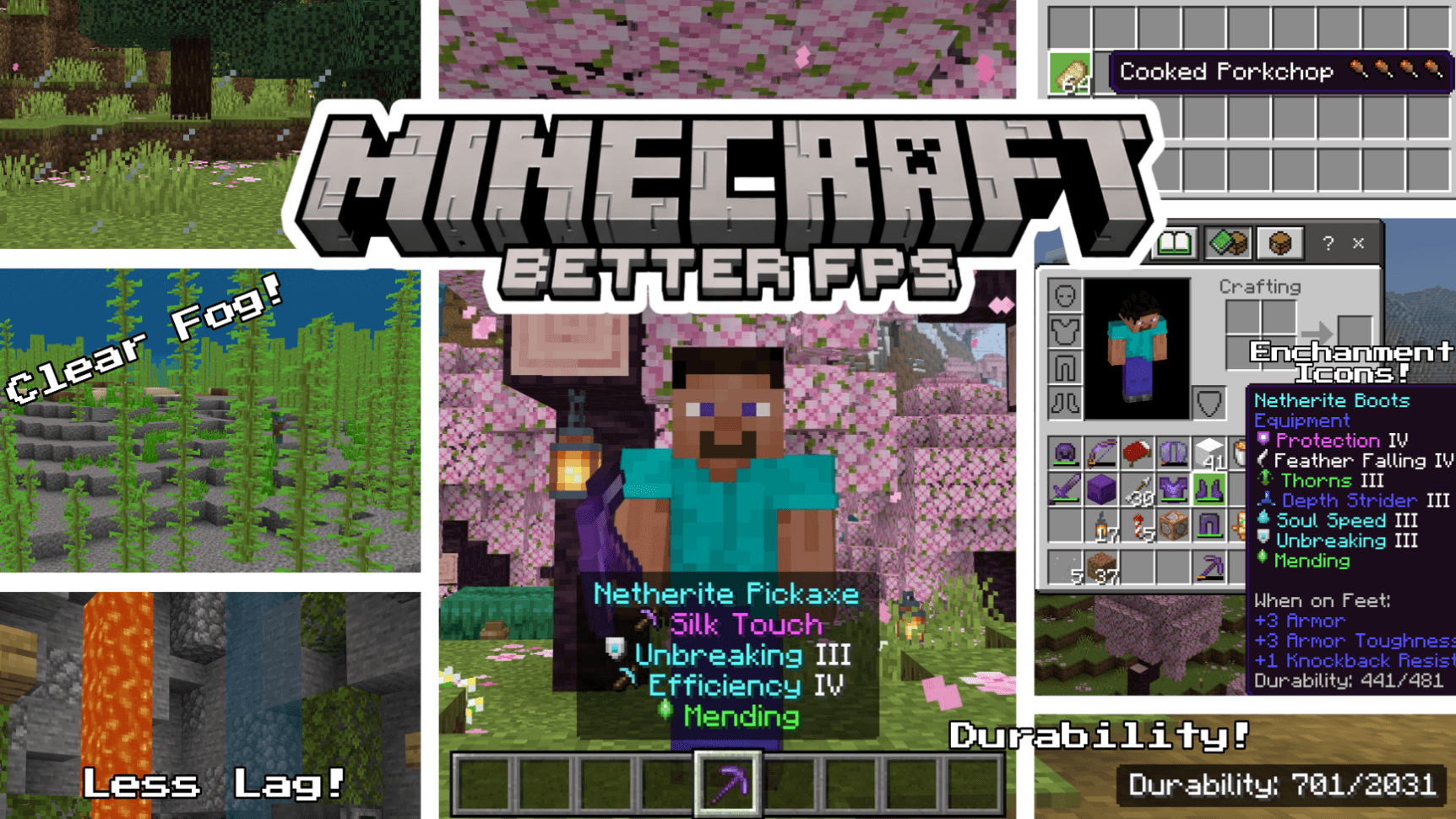
Better FPS is a performance focused resource pack for Minecraft Bedrock Edition that boosts your FPS without changing the core vanilla look. Less lag, smoother gameplay, and useful quality-of-life features, all in one lightweight pack.
⚙️ In-Game Settings
Tap the gear icon next to the pack in your pack list:
- Potion & Spell Particles — the swirls around potion effects, witches, evokers and cauldrons (Max FPS mode)
- Geyser & Gas Particles — geyser columns, plumes and puffs in both modes, plus noxious gas in Max FPS
- XP Orb Render — stop experience orbs drawing entirely. They still work and still get collected, so this is a big gain at grinders
📦 Pack Settings (Subpacks)
Choose your performance level in Pack Settings after applying the pack!
- 🟢 Default — Full Better FPS experience with all optimizations, 48 heavy particles removed
- 🔴 Max FPS — Everything in Default 176 particles removed Fast Better Grass Static Blocks for maximum performance
⚡ FPS Optimizations
- Static Blocks (Max FPS) — 76 of 80 animated block textures frozen to a single frame, including lanterns, magma, sculk, nether stems and furnaces
- Static Water & Lava — Removed all animation frames from water, lava, and cauldron water textures
- Static Nether Portal — No more flickering portal animation
- Static Campfire & Soul Campfire — Frozen to a single frame
- Static Kelp & Seagrass — All 6 kelp variants seagrass tall seagrass made static
- Static Bubble Columns — All bubble column textures frozen
- Reduced Particles — 48 particle effects trimmed in Default mode, 176 in Max FPS
- Clear Glass — Clean borderless glass and glass panes (all 16 colors tinted)
- Optimized Fog — clear fog for all 89 biomes, from 94 fog definitions, for clearer, less demanding rendering
- Blocky VV Shadows — Shadows quantized to 16px instead of soft-filtered
- Smaller Environment Textures — Reduced sun, moon, and weather textures
- Reduced Color Maps — Lighter foliage and grass color maps
- Low-Detail Shield — Simplified shield model and animation
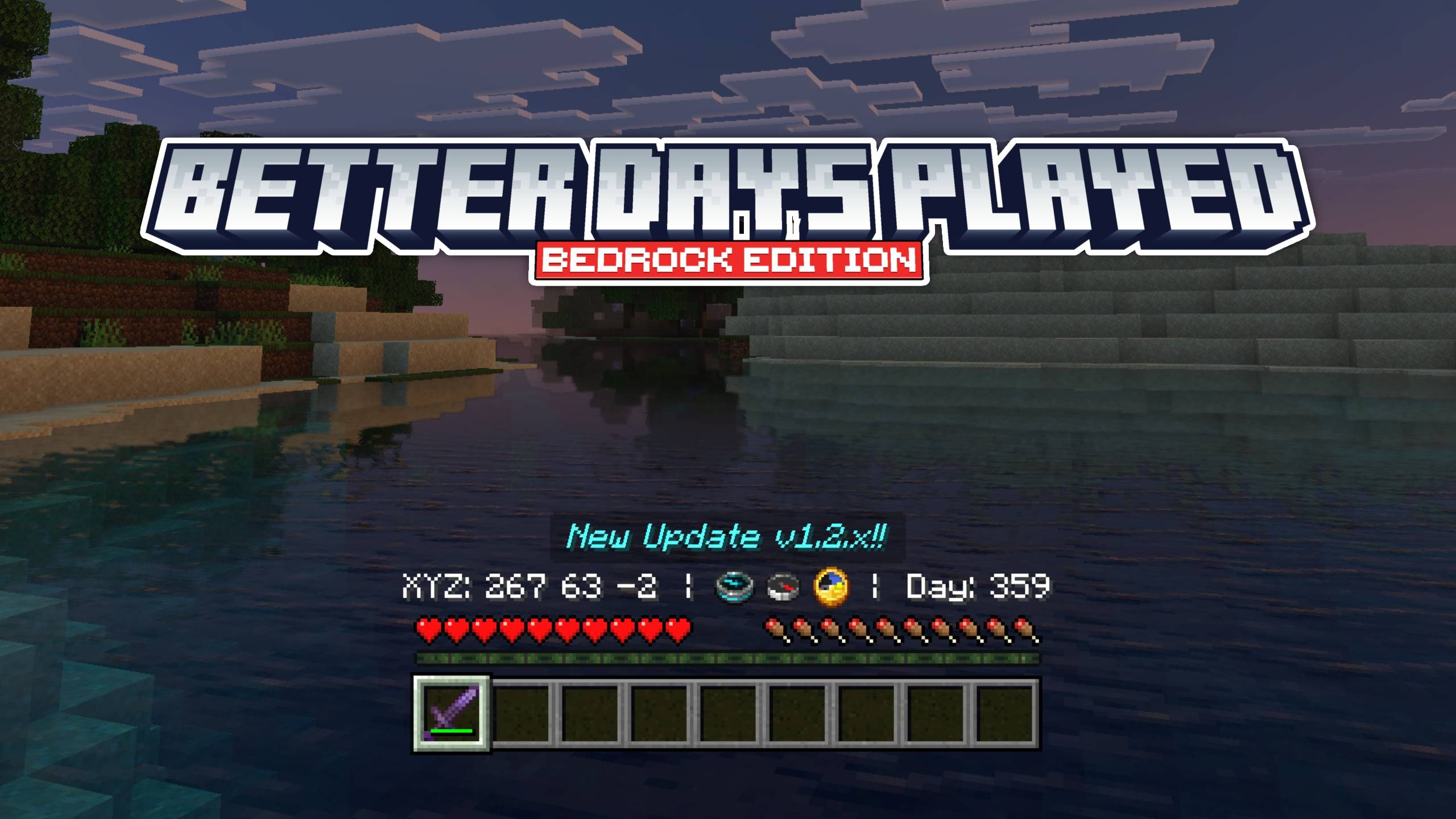
🍗 Food Stats Display
See hunger points restored directly on food item names! Small drumstick icons show exactly how much hunger each food gives, no more guessing.
- 41 food items covered (all vanilla foods)
- Full drumstick = 2 hunger points, half drumstick = 1 point
- Skull icon on harmful foods (Rotten Flesh, Spider Eye, Pufferfish, Raw Chicken, Poisonous Potato)
✨ Enchantment Icons
Colored icons appear next to every enchantment name, making it easy to identify enchantments at a glance.
- 42 enchantments covered (including Lunge from Mounts of Mayhem)
- Unique pixel art icon for each enchantment
- Color-coded names by category (red for damage, cyan for utility, purple for protection, green for mending/fortune, etc.)
💬 Feedback & Issues: If you find any bugs or have suggestions, leave a comment below! ⭐ If you enjoy the pack, please leave a rating, it helps a lot!
Video
How to install
- Download the file below. On iOS or Android, open it from your Downloads with Minecraft; on Windows, double-click it.
- Minecraft imports the pack automatically. Enable it in your world’s settings under Behavior Packs or Resource Packs; an add-on usually needs both.
- Playing on a Realm or server? Everyone needs the same packs, and the host has to enable them.
Advertisement