Blurry's Java PvP
BedrockAdd-onPvpby Blurry FACE
About this add-on
A recreation of Java's combat system for Minecraft Bedrock Includes timed hits, cooldowns, improved knockback, and QOL features. Created by Catalyst Interactive.
Read the author’s full description (398 words)
Written by Blurry FACE for the MCPEDL post, shown as published.
(Click the image to head to their website)
Sponsored by Purpify
Blurry’s Java PvP is proudly sponsored by Purpify. Host your own Minecraft server with fast setup, reliable performance, and 24/7 access for you and your friends. By using the code "BLURRY" in checkout you will support the addon and its development.
Java Combat in Bedrock
This addon recreates the most important Java mechanics inside Minecraft Bedrock Edition.
Sprint hits deal Java-like knockback, the attack indicator shows when your next hit is ready, and swords can perform sweep attacks to hit multiple nearby entities.
It fixes many issues people have with Bedrock combat to make it feel sharper, more skill-based, and closer to the Java experience, all while keeping everything inside Bedrock.
Community Discord
https://discord.gg/cEZNbuNzE9
Frequent updates about new versions and meet other people who use the addon!!!
Early Access
https://patreon.blurrypvp.net/
Get early access to new updates and support the development of the addon!!!
Attack Indicator & Knockback Hits
The attack indicator will show how long you need to wait before your next fully charged hit, and landing a hit while sprinting gives the same knockback as Java.
Sweeping Edge
Sweeping Edge lets swords perform a sweep attack, which can hit multiple nearby entities.
Right Click Shield
You can instantly raise the shield without needing to crouch.
Input Device Shield Input Mouse & Keyboard Right Mouse Button Controller Left Trigger Mobile Interact ButtonJava Saturation
Food heals for more, and faster. There is a built in bar to see how much saturation you have left.
Offhand Food
You are also able to put food in your offhand and eat it directly from there.
Action Mouse & Keyboard Controller Mobile Put food in offhand Double Crouch Double Crouch Double Crouch Eat from offhand Right Mouse Button Left Trigger Interact ButtonDouble crouch is the default offhand input.
Attribute Swapping
Switching from a spear back to any hotbar slot fast enough will allow you to use the attributes of the spear while holding a different item.
Configuration Menu
Command Configuration Affects /admin_config World Config Server-wide features /config Personal Config Client-side featuresAdditional Features
Doors create air pockets like Java
TNT Minecarts instantly explode
Cobwebs automatically get cleared by water
Bedrock bug fix
Requirements
Requirement Needed player.json No Experimental Features No⚠️ WARNING: Removing the addon will delete all weapons. Test this on a backup or seperate world first. Use at your own caution ⚠️
Images
What’s new in the latest update
The author’s notes for the file uploaded .
Added:
- Added a new stun slam method
- Works similar to breach swap
- Axe only
Fixed:
- Armor durability now behaves correctly
- Shield properly resets when not in the offhand
- Admin config is now restricted correctly
- Sweep hits now affect entities in the correct radius
- Fixed an issue where repeated hits caused players to float
How to install
- Download the file below. On iOS or Android, open it from your Downloads with Minecraft; on Windows, double-click it.
- Minecraft imports the pack automatically. Enable it in your world’s settings under Behavior Packs or Resource Packs; an add-on usually needs both.
- Playing on a Realm or server? Everyone needs the same packs, and the host has to enable them.
- Starting a new world? Choose its seed first: the Seed Map shows villages, structures and biomes near spawn for any Bedrock seed.
Advertisement
More add-ons
- Add-ons
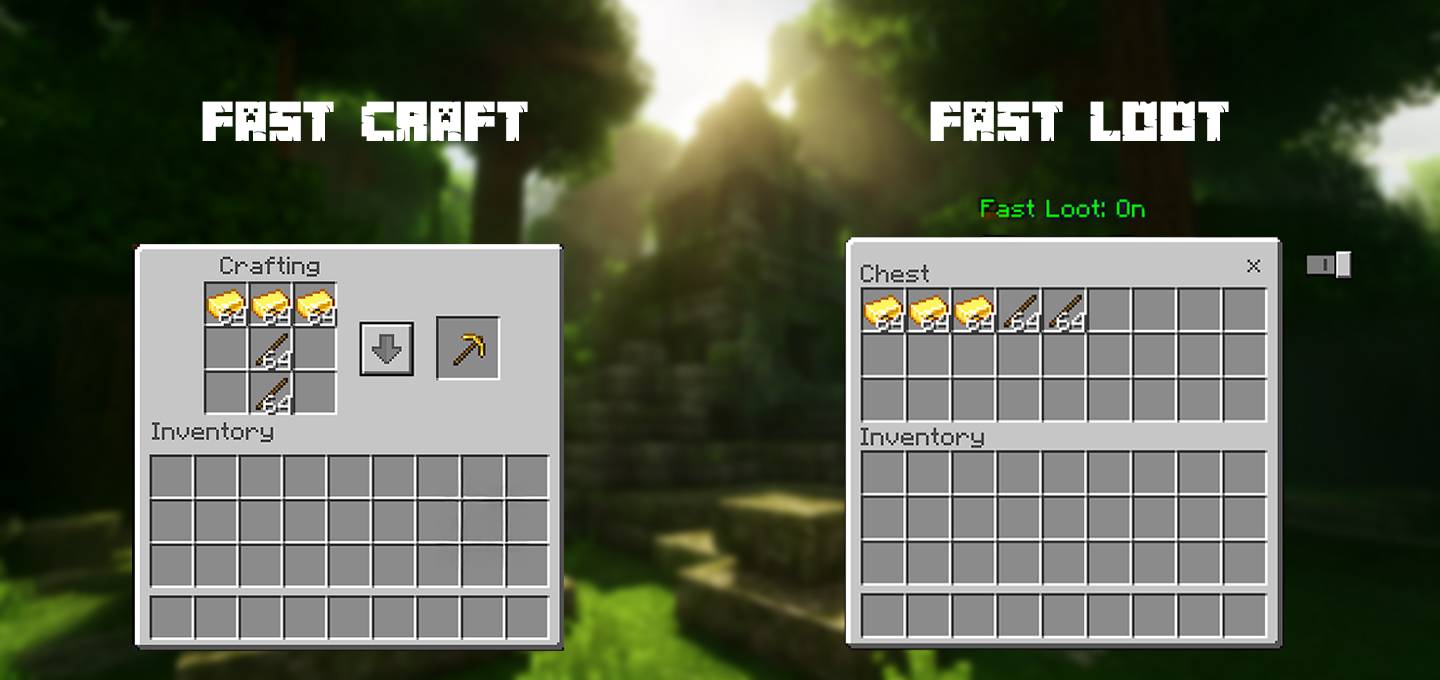
Fast Craft & Fast loot Texture pack | Quick Craft & Quick Loot!
by Mod MCPE
- Downloads
- 1.6M
- Rating
- 3.8