Boosted FPS (Optimized Performance)
BedrockTexture packPvpby XiaoCraft
About this texture pack
Lightweight FPS-boosting texture pack designed to improve performance on low-end devices without sacrificing clean visuals. Perfect for smooth gameplay in the latest version of ...
Read the author’s full description (705 words)
Written by XiaoCraft.
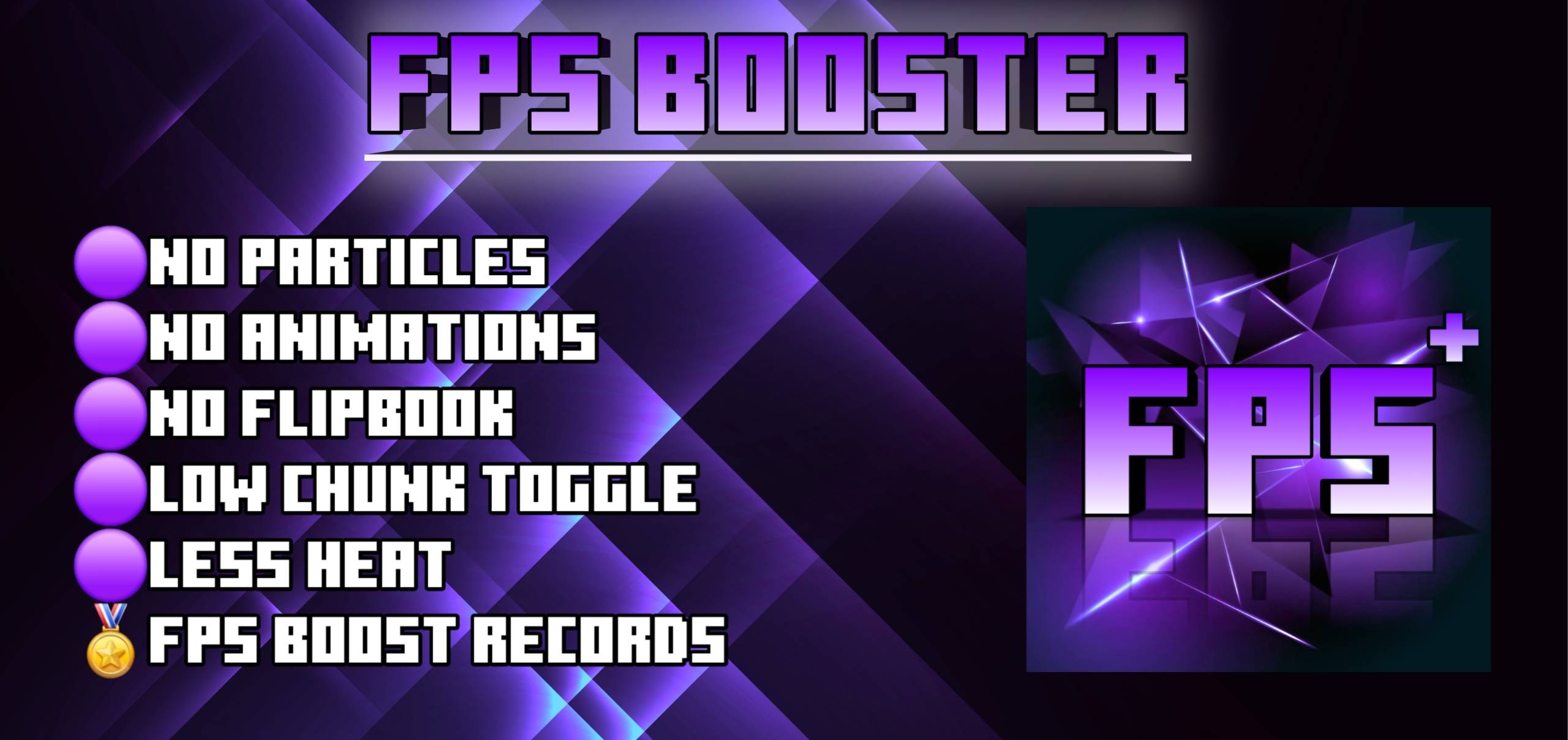
A lightweight resource pack built to maximize frame rates on Minecraft Bedrock Edition without losing the core vanilla feel. Fog, particles, block animations, sounds and UI are all tuned for smoother, more stable gameplay on every device.
- Keeps a clean, vanilla-style look with no heavy visual changes
- Built for stable, lag-free gameplay on any hardware
⚙️ In-Game Settings
Tap the gear icon on the pack. Every control starts fully on (100% / On), so nothing is cut until you change it. All controls work in both subpacks.
Control Default Covers Particle Amount (0–100%) 100 Scales how many particles each effect below spawns Potion Effects On Swirls on you and on mobs, splash potions and lingering clouds Witch & Evoker Magic On Witch magic puffs and evoker spell casts Arrow Trails On The trail behind tipped arrows Cauldron Effects On Drips and splashes around filled cauldrons Geysers On Geyser columns, plumes and puffs Noxious Gas On Drifting gas clouds around geyser fields Sulfur Particles On Sulfur bubbles and cubes in sulfur caves Experience Orbs On Hides the orbs; they are still collected🎮 Two Selectable Subpacks
Pick the subpack that fits how you play. You can switch at any time from the pack list.
1. Pure FPS: maximum performance. Removes 177 of the game's 192 particle effects and uses short-range fog. → Best for: the weakest devices and the highest possible FPS
2. PvP FPS: a performance boost with combat-focused extras. Removes only the 48 heaviest particle effects, so bubbles, boss fights and enchanting tables still look right. Adds clear long-distance fog, the PvP HUD tools and a more saturated colormap. → Best for: PvP players who still want the performance gain
🔧 What's Optimized
- Fog: Every one of the 89 biomes in 26.50 has its own fog entry, plus a catch-all default. None of the pack's fog definitions add volumetric fog, so Vibrant Visuals' most expensive fog effect is never added. Pure FPS pulls the fog in close; PvP FPS pushes it out for maximum sightlines.
- Particles: Pure FPS removes explosions, smoke, portals, bubbles, falling dust and leaves, campfire smoke, geysers, and dragon, guardian and enchanting table effects. PvP FPS removes the 48 heaviest. Potion and spell particles are never removed in either mode because they carry gameplay information. You control them with the toggles instead.
- Block animations: Water, lava, portals, sea lanterns, campfires, cauldrons, kelp, seagrass and bubble columns use single-frame textures, so they stop animating. Fire stays animated so it's easy to see, but with half the vanilla frame count.
- Sounds: Rain audio is silenced, and the poplar leaf ambient loop is turned down and shortened in range.
- Animations: A lightweight enchanting table book animation. PvP FPS also adds a low-shield animation that keeps a held shield out of your view.
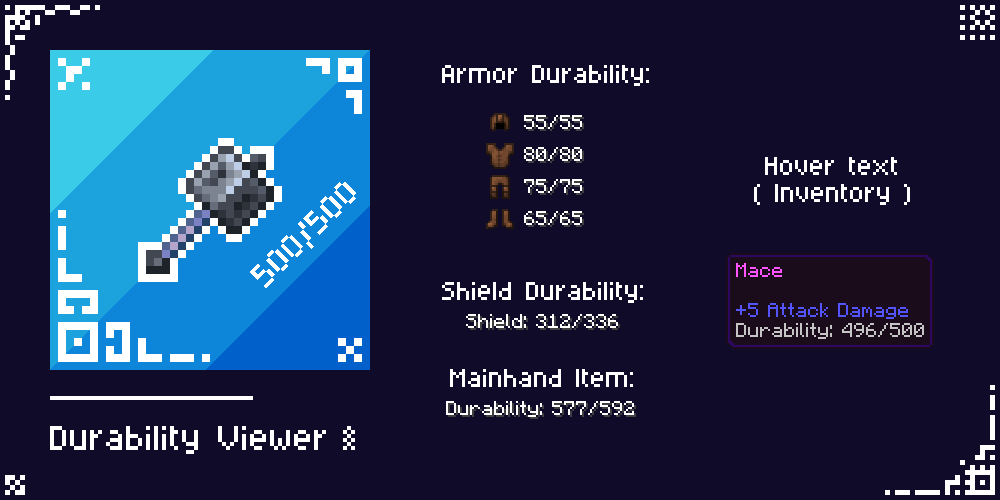
- UI: Clean, high-contrast UI text and no vignette in both subpacks. PvP FPS also adds a numbered hotbar, a quick-craft button on the crafting, stonecutter and trade screens, and a durability display in the bottom-left corner.
- Colour-coded enchantments: Enchantment names are coloured by type in all 29 game languages, so you can read gear at a glance. Coordinates and the days counter are shortened to a compact format.
- Device tiering: Low-memory devices automatically pick Pure FPS instead of the heavier subpack.
🎯 Best Use Cases
- Maximum FPS boost
- Low-end phones, tablets and PCs
- Older hardware or weak GPUs
- Survival, PvP and long play sessions
- Less device heating and stutter
🛠 Compatibility
- Minecraft Bedrock Edition 1.26.40 , updated for 26.50
- Android, iOS/iPadOS, Windows 10/11, Xbox, PlayStation
- Works in single-player, on servers and on Realms
- Compatible with most add-ons. Place Boosted FPS below any pack whose visuals you want to keep, since it overrides fog, particles and UI screens
- Built for performance, so it isn't designed to run alongside shader packs
📥 Installation
- Download the .mcpack file
- Open it, and Minecraft imports it automatically
- Go to Settings → Global Resources (or World → Resource Packs for a single world)
- Activate Boosted FPS (Optimized Performance)
- Tap the pack, choose Pure FPS or PvP FPS, then use the ⚙️ gear to tune the particle controls
❤️ Support & Feedback
If Boosted FPS improves your gameplay, please leave a ⭐ rating and a comment. It helps the pack reach more players. Bug reports, suggestions and subpack ideas are always welcome in the Comments tab.
How to install
- Download the file below. On iOS or Android, open it from your Downloads with Minecraft; on Windows, double-click it.
- Minecraft imports the pack automatically. Enable it in your world’s settings under Behavior Packs or Resource Packs; an add-on usually needs both.
- Playing on a Realm or server? Everyone needs the same packs, and the host has to enable them.
Advertisement