All add-ons
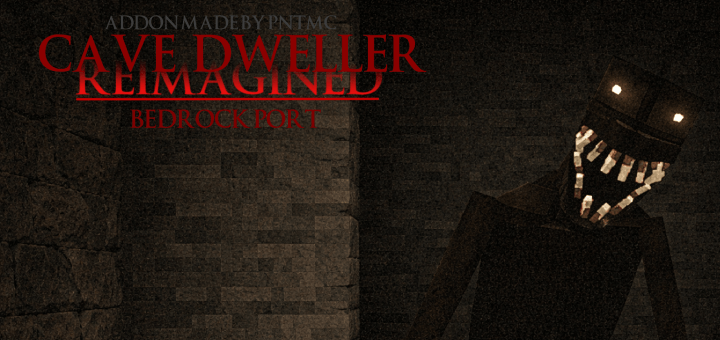
Cave Dweller: Reimagined | Bedrock Port - 100% Accurate to Original
BedrockAdd-onHorrorby PnTMC
About this add-on
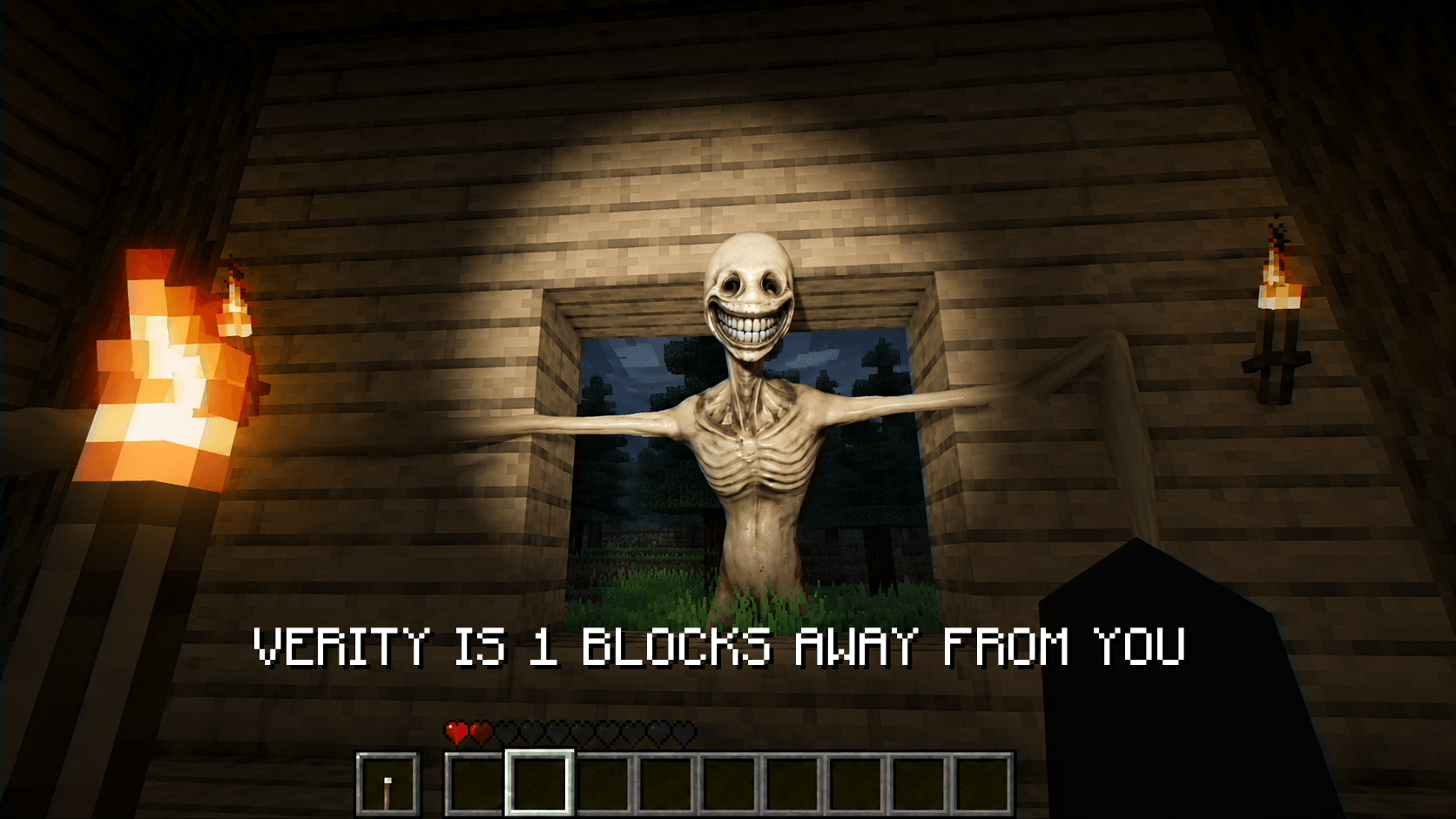
Adds a cave monster to the game! | closely matching the Java version with almost no differences, and optimized for mobile and low-end devices
Read the author’s full description (197 words)
Written by PnTMC for the MCPEDL post, shown as published.
ACHIEVEMENTS FRIENDLY
This addon is a Bedrock Edition recreation of Cave Dweller Reimagined, faithfully adapting the atmosphere and core gameplay from the original Java mod.
Original Java Mod by @idk_someguy: https://www.curseforge.com/minecraft/mc-mods/cave-dweller-reimagined
----------------------
Cave Dweller's AI in this addon is super peak (climb , chase,etc.)
See the port in the video below — everything is 100% accurate!
Try it yourself for the best experience. Be careful when you're mining xD
----------------------
⚠ This is NOT the original Java mod.
This is a full Bedrock Edition port rewritten using Minecraft Bedrock systems and Script API.
----------------------
🔹 Differences from the original Java version:
- Fully rewritten for Minecraft Bedrock Edition.
- AI behavior adapted to Bedrock limitations.
- Certain mechanics adjusted due to engine differences.
- Optimized for Bedrock multiplayer compatibility.
- Some features may slightly differ due to technical differences between Java and Bedrock Editions.
----------------------
If you use this addon in videos, you must clearly credit, tag me and also give proper credit to @idk_someguy as the original creator.
Do NOT reupload, redistribute, or publicly modify this addon without explicit permission.
Private modifications for personal use are allowed.
If you encounter any issues or missing features, please leave a comment on this project page
Watch This Video for MORE INFORMATION:
What’s new in the latest update
The author’s notes for the file uploaded .
- fixed movement
- improved AI
Video
How to install
- Download the file below. On iOS or Android, open it from your Downloads with Minecraft; on Windows, double-click it.
- Minecraft imports the pack automatically. Enable it in your world’s settings under Behavior Packs or Resource Packs; an add-on usually needs both.
- Playing on a Realm or server? Everyone needs the same packs, and the host has to enable them.
- Starting a new world? Choose its seed first: the Seed Map shows villages, structures and biomes near spawn for any Bedrock seed.
Advertisement