Cleaner Wool
BedrockTexture packPvpby JustGamerzYT
About this texture pack
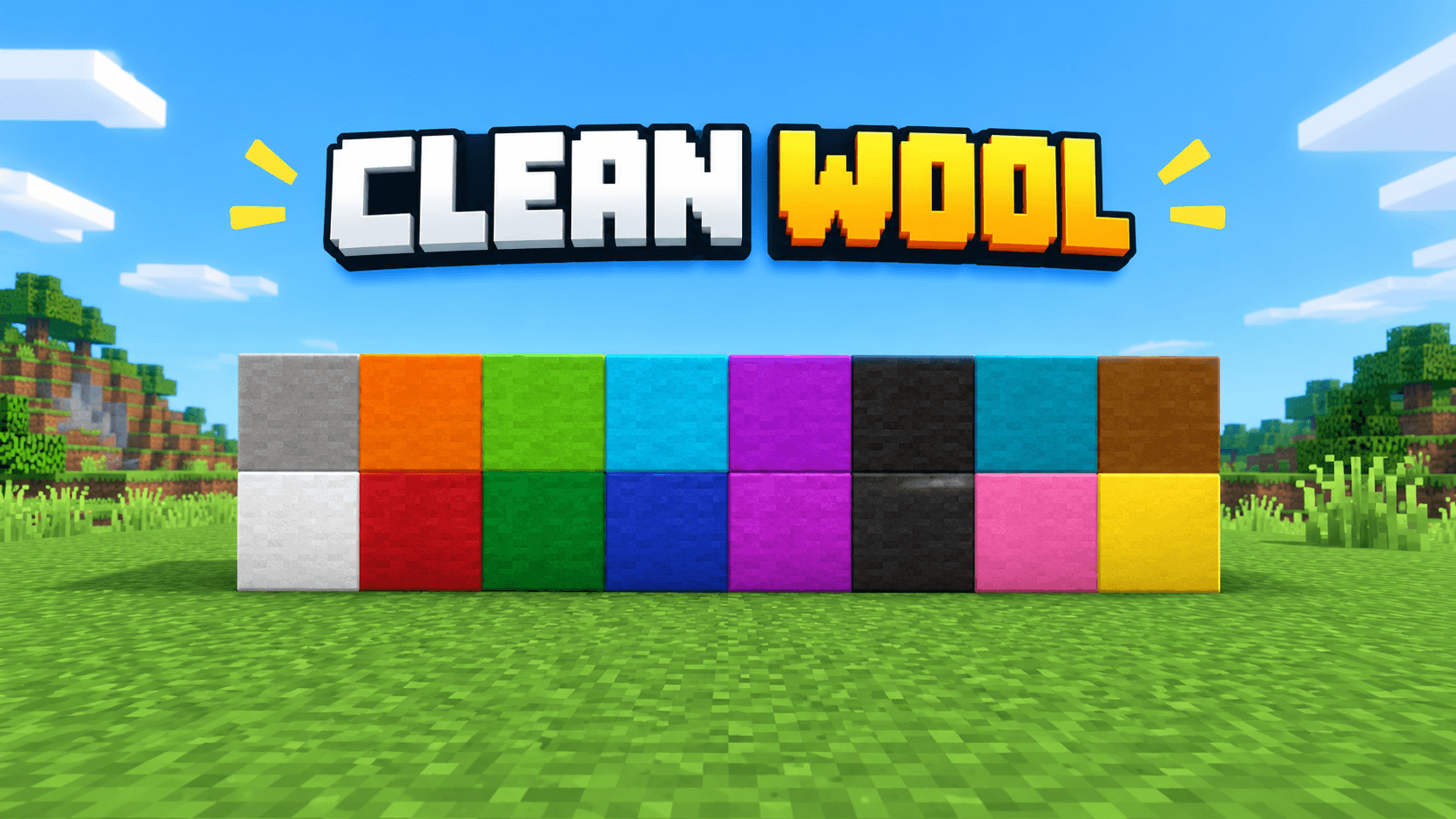
This texture pack cleans the wool texture
Read the author’s full description (169 words)
Written by JustGamerzYT.
Clean Wool Texture Pack | Minecraft PE & Bedrock
Clean Wool is a Minecraft Bedrock Edition texture pack designed to give wool blocks a clean, vibrant, and visually appealing look. Whether you're building colorful structures, decorating your world, or creating PvP arenas, this pack is made for players who love simple and colorful Minecraft textures.
✨ Features
🎨 Vibrant wool colors for colorful builds.
🧱 Clean-looking wool block textures.
🏗️ Great for building, decoration, and creative projects.
⚔️ Suitable for PvP arenas and wool-based builds.
📱 Made for Minecraft Bedrock Edition and MCPE.
🌍 Enjoy a fresh visual style in your Minecraft worlds.
📱 Compatibility
Game: Minecraft Bedrock Edition / Minecraft PE
Pack type: Texture Pack / Resource Pack
Name: Clean Wool
📥 How to Install
1. Download the Clean Wool resource pack.
2. Open the `.mcpack` file with Minecraft.
3. Wait for the import to complete.
4. Open your world settings.
5. Navigate to Resource Packs → My Packs.
6. Activate Clean Wool and enjoy!
Give your Minecraft world a cleaner, more colorful wool style with Clean Wool!**
Created by JustGamerzYT.
Images
How to install
- Download the file below. On iOS or Android, open it from your Downloads with Minecraft; on Windows, double-click it.
- Minecraft imports the pack automatically. Enable it in your world’s settings under Behavior Packs or Resource Packs; an add-on usually needs both.
- Playing on a Realm or server? Everyone needs the same packs, and the host has to enable them.
Advertisement