Complex Left Hand
BedrockTexture packOtherby BigGamers4u
About this texture pack
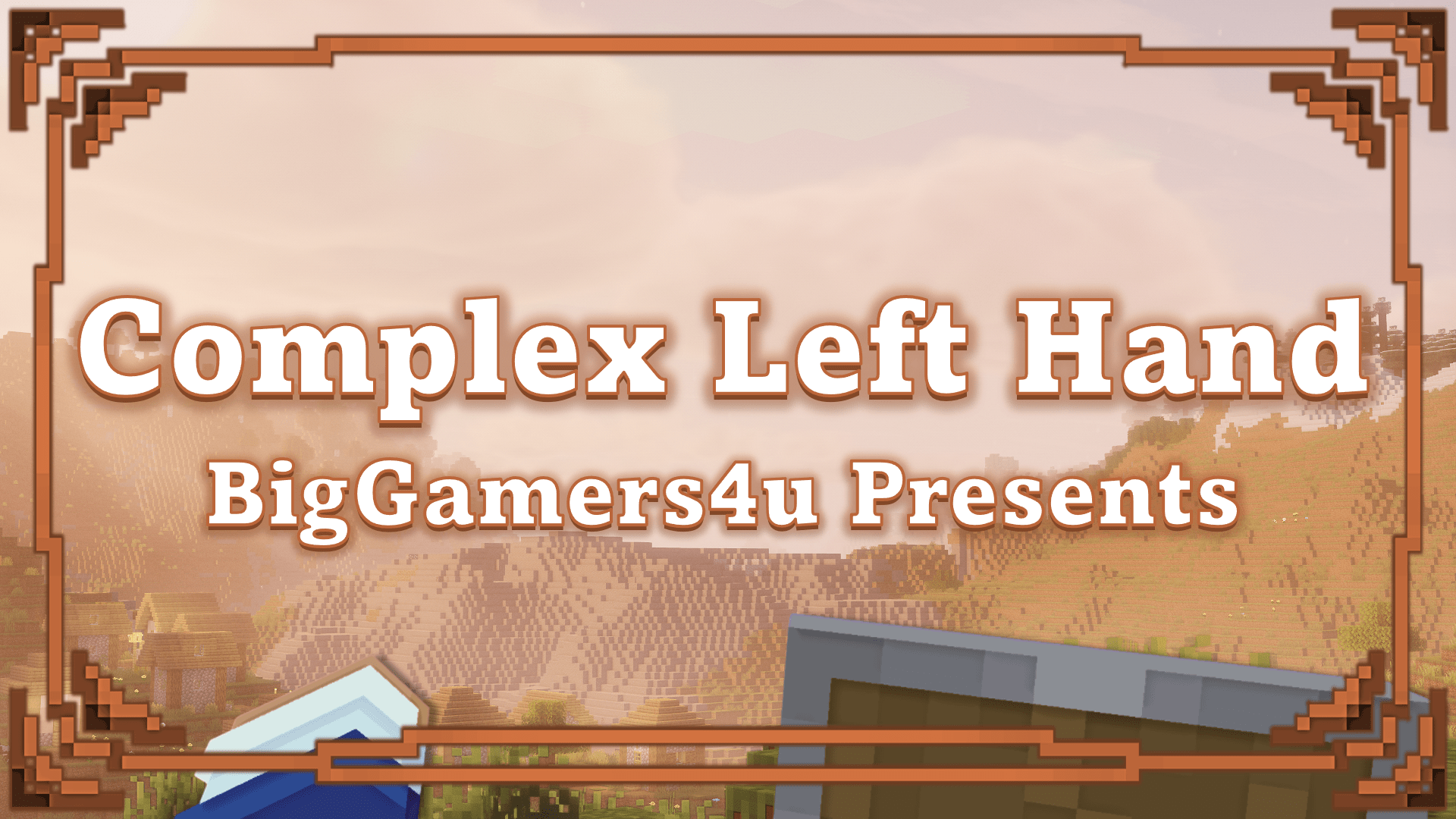
Struggling to find an excellent left hand resource pack? For those who use their left hand or just want to, it does the job and is great for content creators; the pack is almost...
Read the author’s full description (195 words)
Written by BigGamers4u.
[ Note ]
Compatible extension with Blurry's Java PvP
Pack isn't compatible with Blurry's Java PvP if this pack is in global resources
There are still a few bugs that needs fixing. The pack will have more updates on improvement.
Version 26.2.0 uses player.entity.json.
Version 26.2.1 stops using the cape method
Riley came up with the idea for this pack; therefore, I have to give him credit for it as I didn't intend to create a left handed texture pack.
Check him out - 65KRiley - YouTube
Other left hand texture packs change the position to make it look like you're using left hand; however, that's not the case with this one. You actually use your left hand as your main hand and your right hand stays in the same position.
Picture example - Visible Offhand
Picture - Complex Left Hand
Items that go in the off hand which is now right hand show in your right hand and not the left hand.
Blocks are supported for both hands, left hand and right hand
Pack Config will be in the pack settings
If you want to change the position and rotation of the hands, you can to adjust to your liking.
What’s new in the latest update
The author’s notes for the file uploaded .
- Shield now doesn't show when bow/crossbow is charging/charged
- Added the block and items from the Wilderness Bound update
- Fixed the left hand spear animations in first person
- Fixed sculk vein not showing texture
- Added view model to ajdust first person
- Fixed sprint jumping
- Added offhand trident from Blurry's Java PvP
- Fixed Blurry's Shield blocking while sneaking
- Fixed a bug where you still use Blurry's swing attack animation while it's off
- Changed the bow animation
How to install
- Download the file below. On iOS or Android, open it from your Downloads with Minecraft; on Windows, double-click it.
- Minecraft imports the pack automatically. Enable it in your world’s settings under Behavior Packs or Resource Packs; an add-on usually needs both.
- Playing on a Realm or server? Everyone needs the same packs, and the host has to enable them.
- Starting a new world? Choose its seed first: the Seed Map shows villages, structures and biomes near spawn for any Bedrock seed.
Advertisement