Custom Skins For Console
BedrockTexture packPlayersby PillowFort Studios
About this texture pack
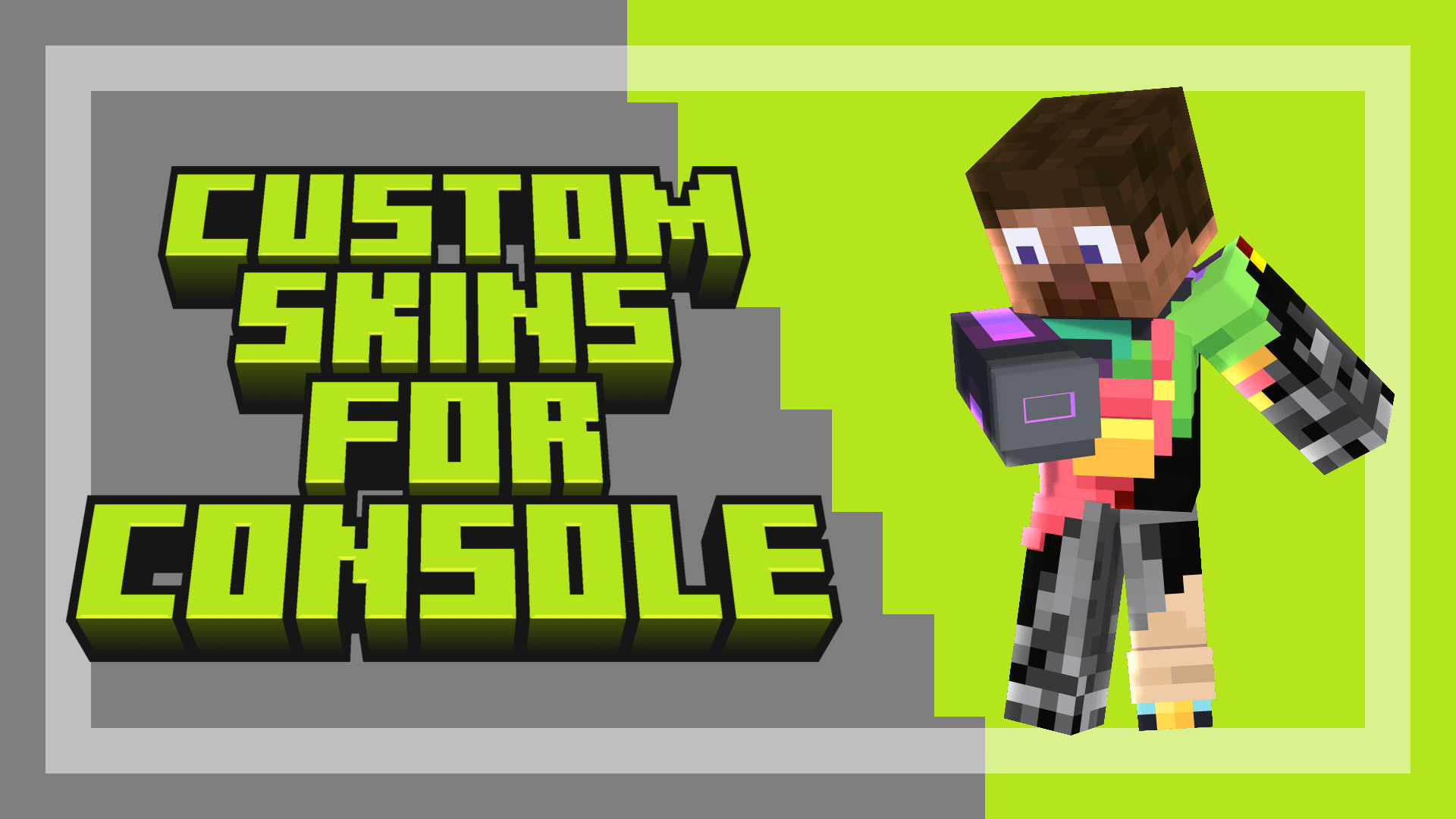
Console players can finally enjoy custom skins!
Read the author’s full description (179 words)
Written by PillowFort Studios.
Custom Skins For Console Resource pack will make console players able to use their own custom skins!
Warning: Persona skins are not compatible due to a bedrock limitation, this is a known issue.
PACK SHOWCASE:
EXTERNAL PACKS ON CONSOLE GUIDE VIDEO:
IMPORTANT INFORMATION:
-How to add your own skin: (You must do this before importing the pack to consoles)
Inside textures/skins/ replace skin1.png, skin2.png or skin3.png with your file. Keep the exact file names
Optional: to rename a skin in the menu, edit the text value of that option in manifest.json (for example "text": "Skin 1")
This method is easier than adding a new skin entry.
For more information about how to add mores skins options, check the "Information.txt" file inside the resource pack.
-A&S Expressions (A&S Compatibility subpack only):
If your custom skin uses the Actions & Stuff Expressions layout, blinking, eye movement and eyebrows will work on it.
Requires the Actions & Stuff pack below this pack, with "Enable Expressions" turned on in the A&S settings
Learn how to make an Expressions Skin at orevillestudios.com/actions-&-stuff/expressions
What’s new in the latest update
The author’s notes for the file uploaded .
A&S compatibility subpack:
-Invisible bugs (fixed)
-Added compatibility with A&S 1.13
Vanilla subpack:
-Chestplate not moving along with the player body (fixed)
Video
How to install
- Download the file below. On iOS or Android, open it from your Downloads with Minecraft; on Windows, double-click it.
- Minecraft imports the pack automatically. Enable it in your world’s settings under Behavior Packs or Resource Packs; an add-on usually needs both.
- Playing on a Realm or server? Everyone needs the same packs, and the host has to enable them.
- Starting a new world? Choose its seed first: the Seed Map shows villages, structures and biomes near spawn for any Bedrock seed.
Advertisement