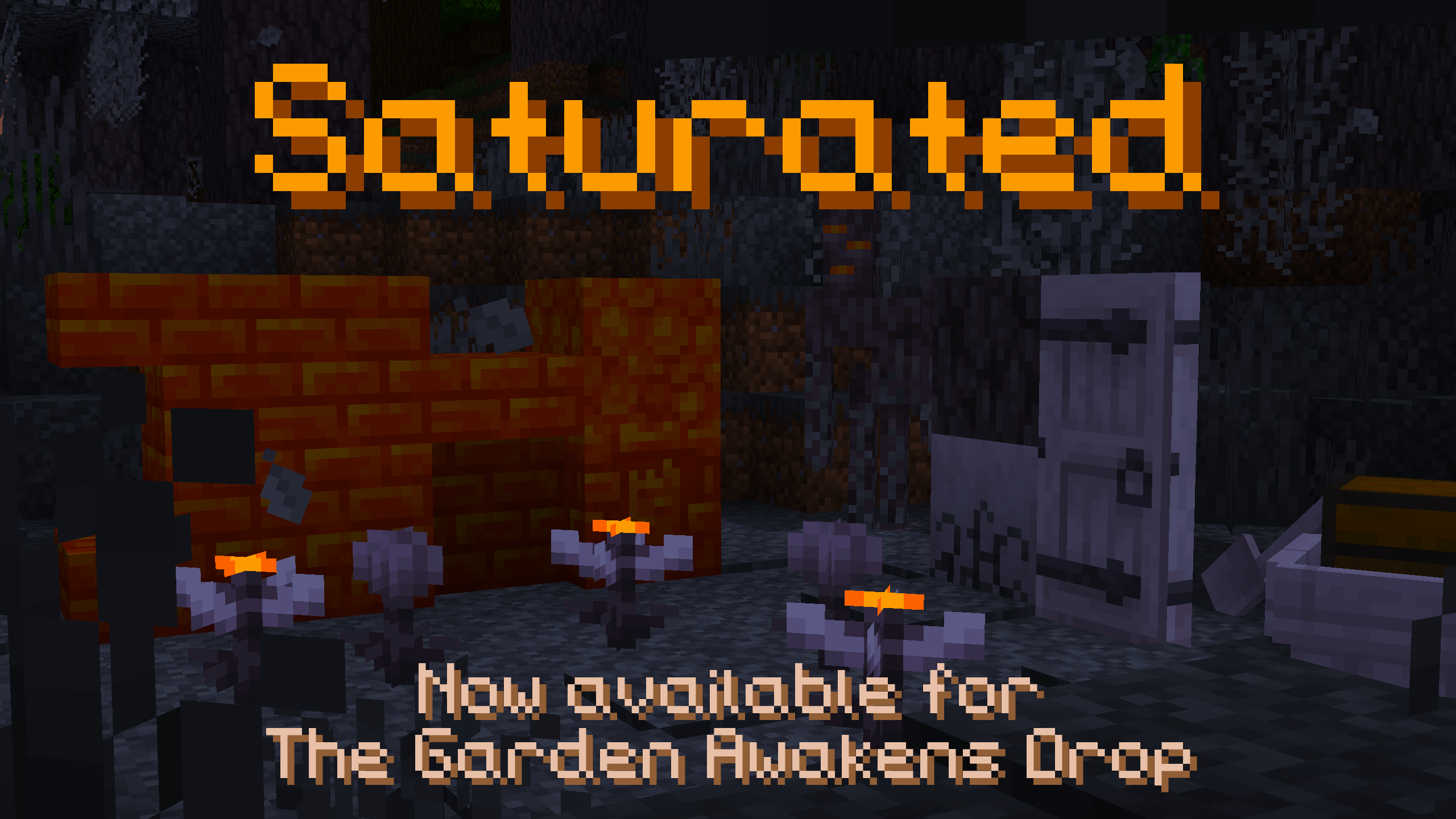
Dark_Inventory_GUI
BedrockTexture packOtherby TwisterPrince
About this texture pack
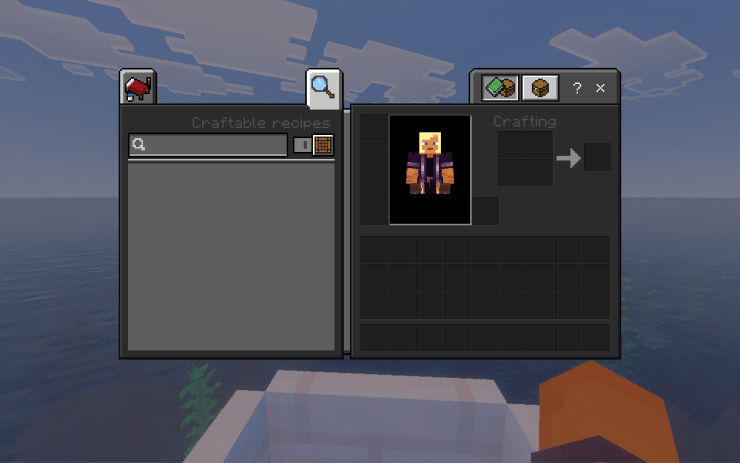
I made a Bedrock resource pack Dark_Inventory_GUI that turns the inventory, chest and crafting screens dark , though I haven't tested it in-game.
Read the author’s full description (181 words)
Written by TwisterPrince for the MCPEDL post, shown as published.
Dark Inventory GUI
A dark mode interface pack for Minecraft Bedrock Edition. It replaces the bright default gray menus with a clean, dark theme that's easier on the eyes, especially during long sessions or at night.
Features
● Dark gray panel backgrounds with a subtle bevel
● Darker inset item slots for better contrast with your items
● Matching hotbar selection and slot hover highlights
● Works on the inventory, chest, and crafting screens
Installation
- Download the .mcpack file.
- Open it, and Minecraft will import it automatically.
- Go to Settings → Global Resources and activate Dark Inventory GUI.
Compatibility
● Minecraft Bedrock Edition 1.20 and above
● Not compatible with Java Edition
● Changes only the interface and does not affect gameplay, blocks, or items
● May not override every screen on all versions, because some Bedrock menus use different textures
Planned updates
● Buttons and pause menu
● Hotbar and HUD bars
● Workstations such as the furnace, anvil, and enchanting table
● Creative inventory and villager trading screens
Feedback
Found a screen that still looks bright? Leave a comment with the screen name and your Minecraft version, and I'll look into it.
How to install
- Download the file below. On iOS or Android, open it from your Downloads with Minecraft; on Windows, double-click it.
- Minecraft imports the pack automatically. Enable it in your world’s settings under Behavior Packs or Resource Packs; an add-on usually needs both.
- Playing on a Realm or server? Everyone needs the same packs, and the host has to enable them.
- Starting a new world? Choose its seed first: the Seed Map shows villages, structures and biomes near spawn for any Bedrock seed.
Advertisement