Fazbear's Restocked - Bedrock
BedrockAdd-onHorrorby Hyrxs~
About this add-on
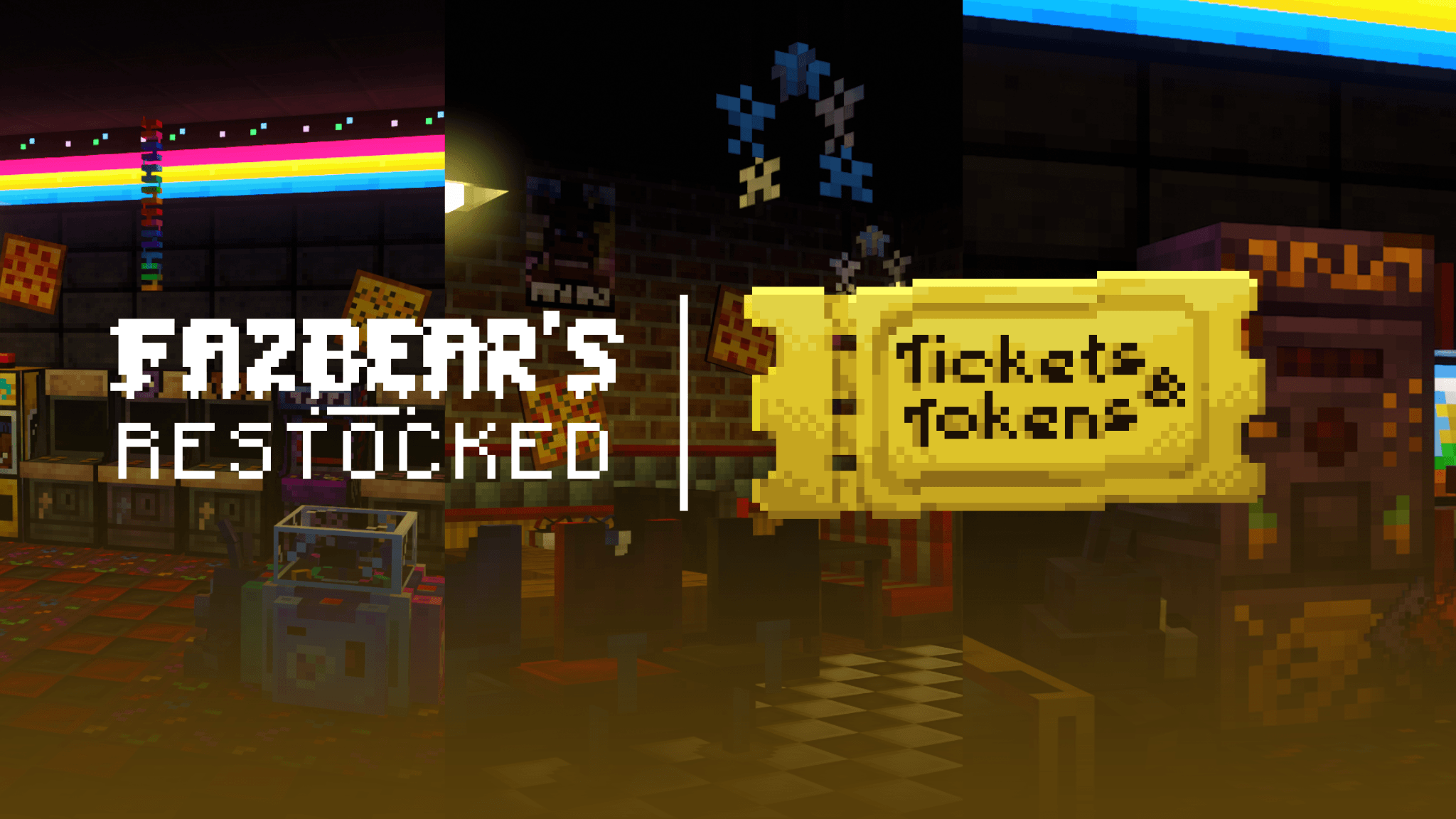
Ready for an imagined FNAF experience in MC? Fazbear's Restocked is here!
Read the author’s full description (275 words)
Written by Hyrxs~.
Ready for a reimagined FNAF experience in Minecraft?
With tons of cool, advanced mechanics that will make your pizzeria feel alive and functional, create complex or basic power systems, connect security cameras and monitor the area with dynamic connections, open your own functioning pizzeria, and even… survive the nights with animatronics!
Decorate your pizzeria with decorative/solid blocks with variations and functions—and of course, this is just a small percentage of the content… 👀
Build anything from a small family restaurant to a massive entertainment center using a large collection of themed blocks, furniture, and structural pieces
Create dining areas, arcades, stages, party rooms, kitchens, offices, and more with tools designed to make every location feel unique
- Building blocks and structural pieces
- Arcades, stages, booths, and themed rooms
- Furniture and decorative props
- Designed for both creative projects and roleplay
Bring your pizzeria to life with functional systems that add interaction and immersion to your builds
Connect security cameras, create monitoring stations, and design layouts that feel active, connected, and operational
- Security camera network
- Dynamic camera connections
- Statues editor
- Functional and interactive systems
- Basic and advanced power setups
Bring every room to life with detailed props and customizable blocks
- Hundreds of decorative elements
- Multiple variants for many blocks
- Detailed models, textures, and visual effects
- Flexible customization for any build style
— And much more to discover throughout the project —
Follow us on our social media channels so you don't miss any upcoming teasers
SpoilerA project created by
⏤⏤⏤⏤⏤⏤⏤⏤⏤⏤⏤⏤⏤⏤⏤⏤⏤⏤⏤⏤
HEAD-DIRECTOR
Polar Frederick
CREATOR
Hyrxs | _hyrxs_
CODERS
Hyrxs
Warden45e
ZachDoesGames
MODELING & TEXTURING
Mansam
DrixsMC
Kristoffer
Foxisgaming_
Egor_kilok
Purga
Tinfly
TheFantasticBob
Guip
ANIMATING
Mr.Forbidden
Blackout
CONCEPT ART
𝑨𝑹𝑻𝑴𝑶𝑵𝑮𝑬𝑹 | Electro
Guip | guipcbonnie
Images
What’s new in the latest update
The author’s notes for the file uploaded .
Fazbear's Restocked — Public Beta 2.2
NEW FEATURES
Light settings reworked
The light block settings have been reworked—and now come with new features! You can change the lighting color of certain blocks, make some of them blink, or even set others to have lower-intensity light emission
Main Page
On this main page, you have the following options:
- "Light Intensity": This adjusts the emission intensity levels of the block.
- "Light Color": This changes the light color of blocks like "Office light" and "Ceiling light"
- "Flicker mode": This makes the block blink either very quickly or very slowly, or disables the spark particles.
Below, you also have the following options:
- "Show line": Displays a visual trace of the linked block.
- "TP to switch": This teleports you to the switch so you can find it faster.
- "Disconnect": This one is self-explanatory
Light intensity
Some blocks allow you to adjust their intensity level; reducing the light intensity means they won't illuminate the room as much—which might be useful for dusty/rustic builds, or if you're using RTX and don't want them to be overly bright
Light Color
A visual menu with all 16 MC colors so you can customize the "Office light" and "Ceiling light" blocks to your liking! Yes, black is outdated, but oh well...
Flicker Mode
Choose the speed at which the block flickers to give your pizzeria a truly cool and unique atmosphere
Customizable Signs via Commands (BETA)
You can now dynamically update and control custom Fazbear wall signs through commands! This allows map makers and command block creators to create live scoreboards, dynamic timers, ticket counters, or automated pizzeria signs without opening a menu
Command Syntax
Signs are updated directly using the custom command:
/fr:signraw <x> <y> <z> <line> <text>- Coordinates (<x> <y> <z>): Integer block coordinates of the wall sign.
- Line Selection (<line>):
- Set to 0 to overwrite all lines at once or clear the sign (passing "" clears it)
- Set to a specific line number (1-2 for standard signs, 1-4 for small signs) to edit that line only
- Quoted Text Argument ("<text>"): The text argument must always be wrapped in quotes ("..."). It directly supports inline tags, Minecraft color codes, and dynamic scoreboard placeholders:
- Dynamic Scoreboard Placeholders: Live scoreboard values that auto-refresh every few ticks on the sign:
- %score:<objective>% or %score:<objective>:@p% — displays the target score (e.g. %score:tokens%)
- %score:<objective>:* — displays scores for all participants
- Inline Formatting Tags: Customize text formatting directly inside the quotes:
- Sizing: [size:1], [scale:0.5], [scale:auto]
- Alignment: [align:left], [align:center], [align:right]
- Colors: Standard Minecraft color codes (§e, §a, §f, etc.) or tags like [color:gold]
- Shadow & Visibility: [shadow], and [hidden] (hides the sign mesh, rendering floating text directly on the wall)
- Example /fr:signraw X Y Z L "[size:1] [align:center] §eTokens: §f%score:tokens%"
Block Link Info
Now all blocks display accurate information—such as the generator showing its current energy in real-time, light blocks indicating which source block they are linked to, and so on
OPTIMIZATIONS & FIXES
- An issue with 3x3 doors leaving behind a glitched entity when the player moved away (specifically involving unloaded chunks) has been fixed; this should no longer happen, but please report it if it does
- Fixed a bug where API-registered blocks left behind the VFX entity when destroyed
- Missing icons were added to some block variants - (Warden)
TECHNICAL UPDATES (FR API CREATORS)
API VERSION CHANGED
2.0.0 > 3.0.0
API
- Added asPlush method to the Extension API builder to register custom plush blocks
- Requires fr:plush in the block's minecraft:custom_components list
- Requires fr:placed ([1, 0]) and fr:is_placed_on (["full", "box", "medium_box", "chair"]) states in the block definition
- Uses geometry.inv_cube when fr:placed == 0 while the interaction entity is active
- Added setPlushProperties to configure plush interaction parameters:
- entityId: string identifier of the animated entity to spawn on player interaction
- squeakSound: sound event identifier to play when clicked (e.g. fnaf1_plushie)
- clickAnimation: animation identifier to play during interaction (e.g. animation.fr_freddy_plush.click)
- animationDuration: duration in ticks before the entity is removed and block state is restored
- Added FRAPI.triggerPlush method and fr_api:trigger_plush script event to trigger plush squish and sound effects remotely by coordinates
- Added asStatue method to the Extension API builder to register custom animatronic statues
- Requires client entity properties fr:pose, fr:variant, and fr:style with client_sync: true
- Added setStatueProperties to define configurable options for statue entities:
- poses: array of objects defining available stance animations ({ name, icon, type })
- variants: array of objects defining texture variations ({ name, icon, type })
- styles: array of numeric indices for mesh or accessory variations
- Updated registerBlockVariants to accept a secondaryVariants array (or { primary, secondary } object), enabling secondary page pagination in the variant selection UI
- Added asChair method and setChairProperties to register seating blocks with custom seat position offsets (spawnOffset), party chair toggles, and item rejection filters
- Added asPoster method and setPosterProperties to configure 3-tier wall placement (fr:position) based on face-click coordinate thresholds (topThreshold, bottomThreshold)
- Added asGenerator and asCamera builder methods for power systems and surveillance cameras
Blocks
- Plush blocks now dynamically adjust their vertical translation and collision box depending on the block below:
- Full blocks: default placement (full)
- Cardboard boxes: offset down by -0.4 (box)
- Medium cardboard boxes: offset down by -0.2 (medium_box)
- Chairs: offset down by -0.4 (chair)
- Blocks marked with the tag:fr:its_chair component now automatically allow custom plushies to be placed directly on the seat cushion with correct vertical alignment
User Interface
- Added multi-page navigation to the Block Variants settings menu when secondaryVariants are registered
- Displays primary variants on page 1 and secondary variants on page 2
- Custom animatronic statues now display an interactive configuration menu when interacted with using a wrench
How to install
- Download the file below. On iOS or Android, open it from your Downloads with Minecraft; on Windows, double-click it.
- Minecraft imports the pack automatically. Enable it in your world’s settings under Behavior Packs or Resource Packs; an add-on usually needs both.
- Playing on a Realm or server? Everyone needs the same packs, and the host has to enable them.
- Starting a new world? Choose its seed first: the Seed Map shows villages, structures and biomes near spawn for any Bedrock seed.
Advertisement