All texture packs
Full Grass | Better Grass
BedrockTexture packPerformanceby Ghoulcat_studios
About this texture pack
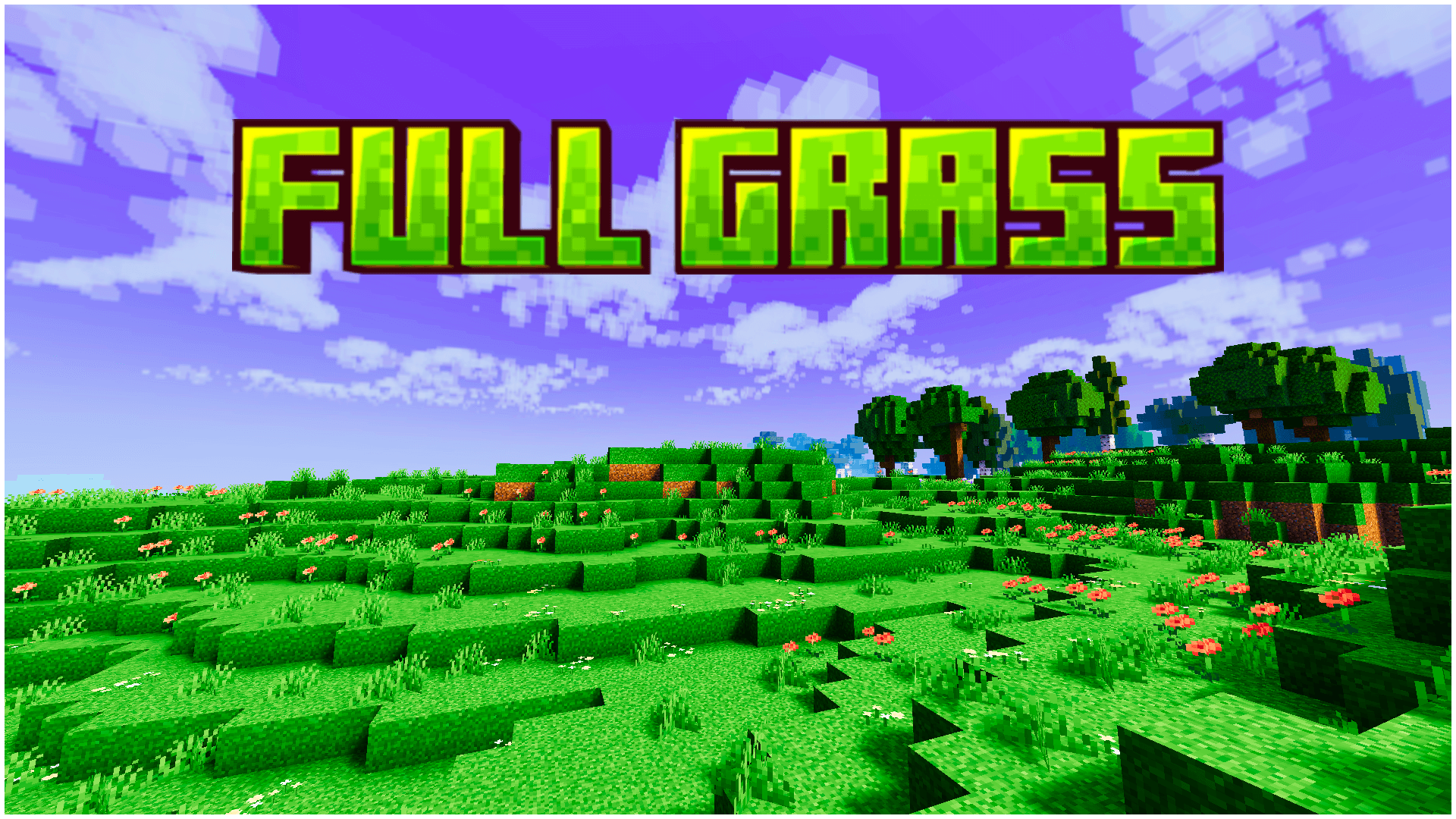
Full Grass turns Bedrock’s grass and foliage into a rich, vibrant green in every biome. It includes matching leaves, clean log tops and opaque leaf options. Lightweight, and wo...
Read the author’s full description (148 words)
Written by Ghoulcat_studios.
Tired of washed-out, yellowish grass? Full Grass gives your world one rich, vivid green. Every hill, plain and forest now looks fresh, full and alive.
•Features•
- 🍃 Lush, saturated green grass in every biome, with no more dull or brown patches
- 🌱 Grass blocks, grass sides and the carried (held) grass block all share the same fresh tone
- 🌳 Matching green leaves for oak, spruce, birch, jungle, acacia, dark oak, mangrove and azalea, so the canopy blends with the ground
- 🪵 Cleaned-up log and stem tops, including stripped logs and the Nether huge fungus stems
- 🔲 Opaque leaf variants for a fuller, denser look
- ⚡ Lightweight, with only texture changes and no performance cost
•Compatibility•
- ✅ Minecraft Bedrock Edition 1.20.30 and above
- ✅ Windows, Android, iOS, consoles
- ✅ Works with vanilla and most shader / Vibrant Visuals setups
•How to Use•
- Import the pack and activate it under Global Resources
- Load into your world and enjoy the green
How to install
- Download the file below. On iOS or Android, open it from your Downloads with Minecraft; on Windows, double-click it.
- Minecraft imports the pack automatically. Enable it in your world’s settings under Behavior Packs or Resource Packs; an add-on usually needs both.
- Playing on a Realm or server? Everyone needs the same packs, and the host has to enable them.
- Starting a new world? Choose its seed first: the Seed Map shows villages, structures and biomes near spawn for any Bedrock seed.
Advertisement