ZN Pack V1
BedrockTexture packPerformanceby ZN pe
About this texture pack
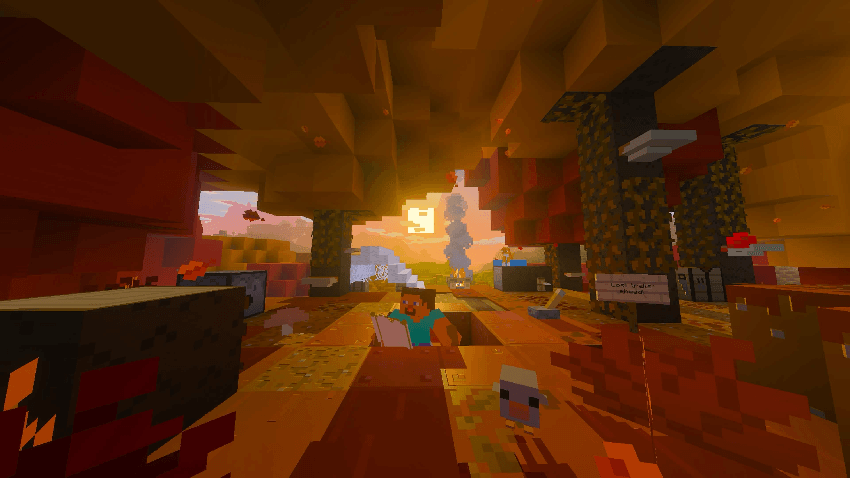
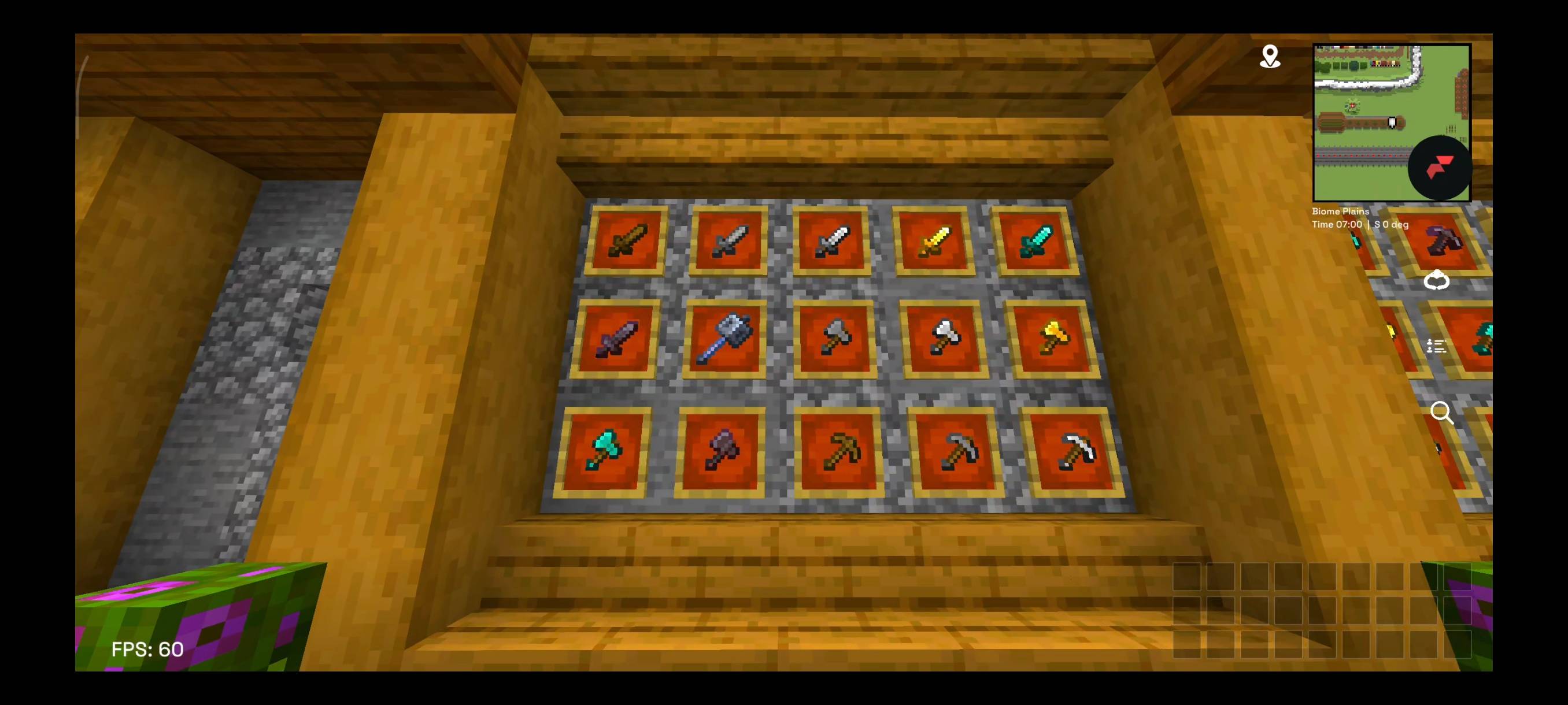
A Minecraft Bedrock texture pack focused on a clean dark UI, simplified visuals, performance improvements, ore outlines, and customizable particles and animations.
Read the author’s full description (162 words)
Written by ZN pe.
ZN Pack V1
ZN Pack V1 is a Minecraft Bedrock texture pack designed to improve the visual experience with a darker interface, simplified textures, useful PvP features, and customizable visual effects.
Features
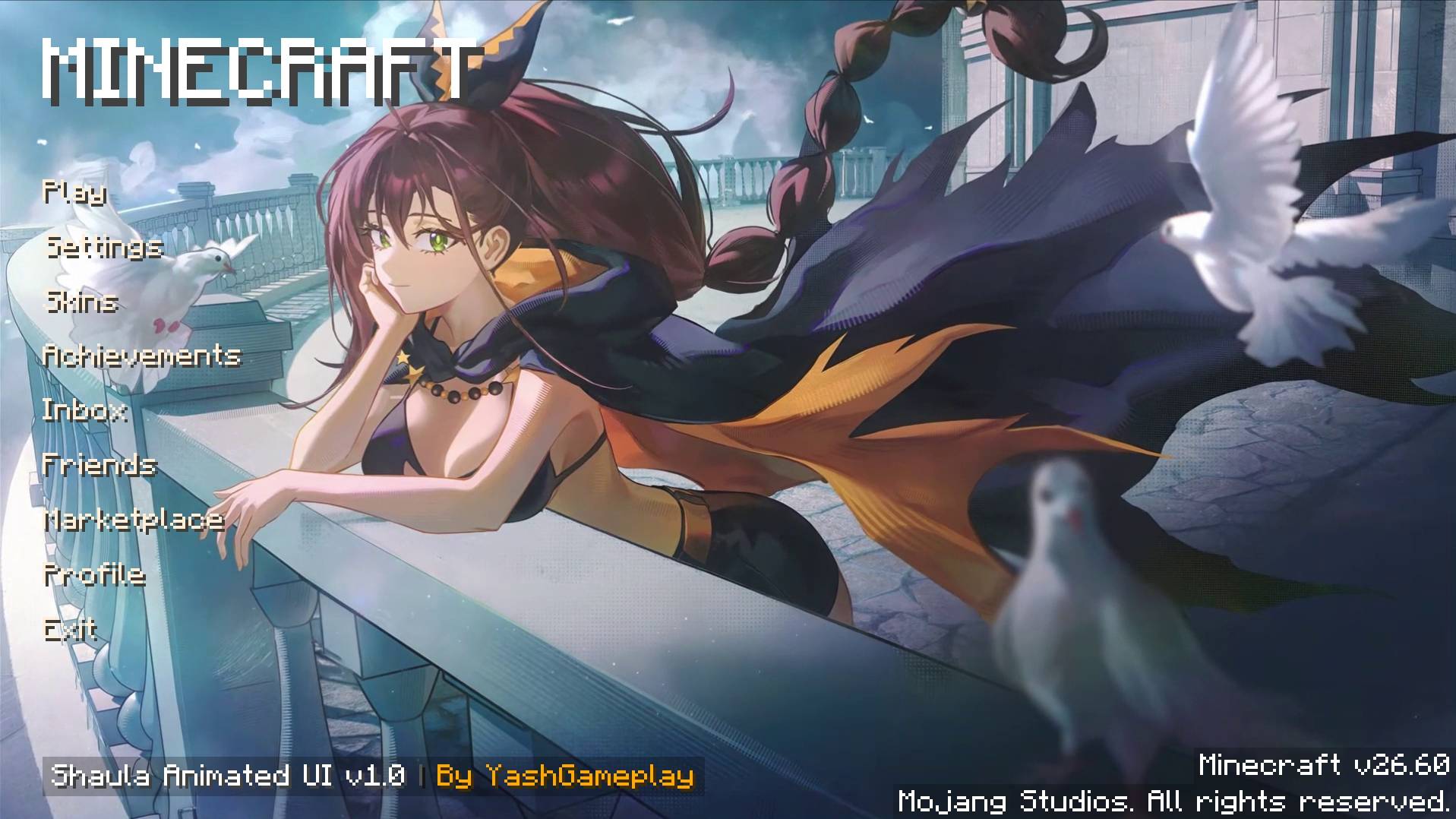
- Dark UI: A darker interface for a cleaner look.
- Performance Optimizations: Removes selected particles and visual effects to help improve performance.
- Ore Outlines: Makes ores easier to spot while mining.
- Transparent Shield: Changes the shield's appearance.
- No Fog: Removes environmental fog.
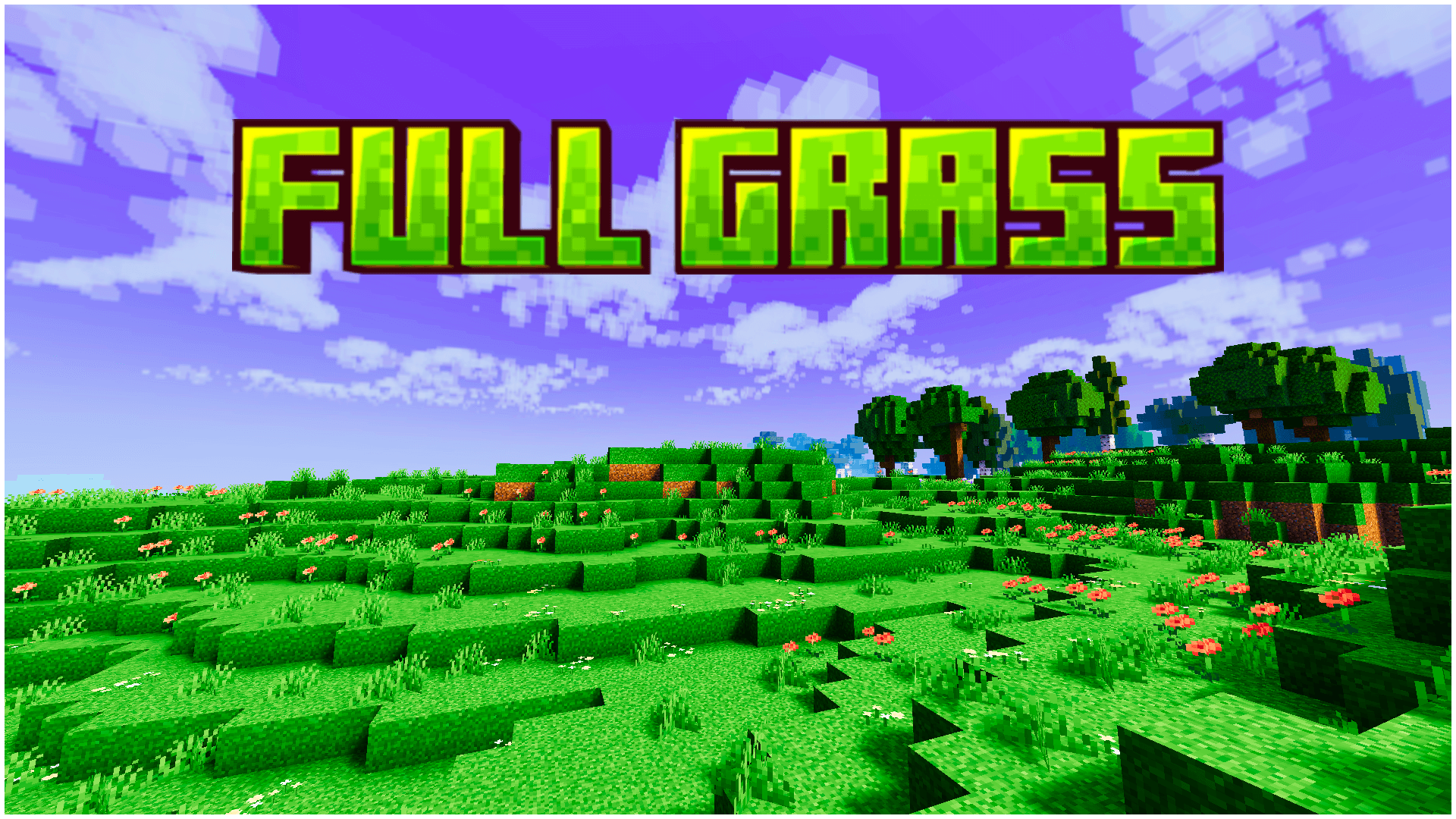
- Full Grass: Changes grass block textures.
- Durability Display: Adds durability information to the interface.
- Coordinates and HUD: Includes useful on-screen information.
- Villager Trades: Unlocks villager trades.
- Visual Improvements: Removes selected pumpkin and spyglass overlays and adds block outlines.
- Potion Guide: Provides a useful potion reference.
- Customizable Subpacks: Choose between different combinations of animations and particles.
Subpacks
Choose the configuration that best suits your preferences, with options for animations and particles.
Compatibility
Made for Minecraft Bedrock Edition. Compatibility may vary depending on the game version.
Enjoy ZN Pack V1!
Images
What’s new in the latest update
The author’s notes for the file uploaded .
ZN Pack V1 — Initial Release
- Added customizable subpacks for animations and particles.
- Combined multiple visual and UI modifications.
- Added various quality-of-life features.
How to install
- Download the file below. On iOS or Android, open it from your Downloads with Minecraft; on Windows, double-click it.
- Minecraft imports the pack automatically. Enable it in your world’s settings under Behavior Packs or Resource Packs; an add-on usually needs both.
- Playing on a Realm or server? Everyone needs the same packs, and the host has to enable them.
- Starting a new world? Choose its seed first: the Seed Map shows villages, structures and biomes near spawn for any Bedrock seed.
Advertisement