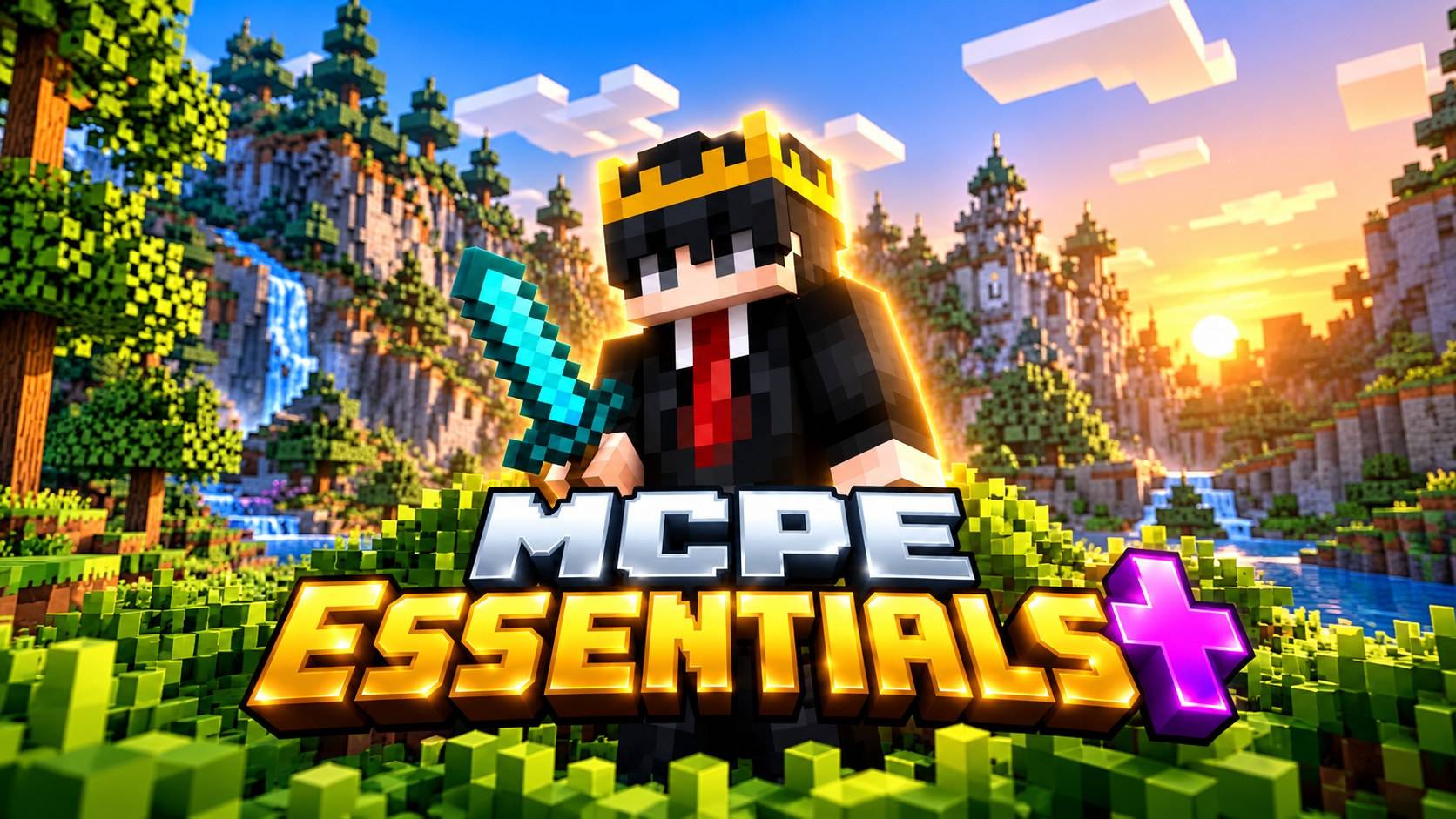
MCPE Essential + | PvP Utility | Better UI
BedrockTexture packPvpby OP AyushPro
About this texture pack
An essential Minecraft Bedrock resource pack featuring PvP improvements, cleaner visuals, and useful gameplay enhancements.
Read the author’s full description (276 words)
Written by OP AyushPro.
# MCPE Essentials | PvP, Utility & Better UI
**Make Minecraft Bedrock cleaner, smoother-looking, and more convenient with MCPE Essentials !**
MCPE Essentials is a collection of visual improvements, PvP-friendly textures, useful gameplay indicators, and UI enhancements designed to improve your everyday Minecraft experience.
Whether you're playing Survival, practicing PvP, building, or exploring, this resource pack provides a variety of helpful features without completely changing Minecraft's original style.
## ⚔️ PvP & Combat Improvements
- Short Swords
- Lower Fire
- Lower Shield
- Square Plus Dot Crosshair
- Clearer Wither Hearts
- Rainbow Enchantment Glint
## 🎮 UI & Inventory Improvements
- Dark UI
- Numbered Hotbar
- Quick Crafting
- Translucent Tooltips
- Trading Helper
- Chat Tweaks
- Rainbow Experience Bar
- No How To Play
## 💎 Mining & Utility Features
- Ore Borders
- Suspicious Sand & Gravel Borders
- Budding Amethyst Borders
- Visual Infested Stone (Items)
- Hunger Preview
- Directional Hoppers
- Directional Observers
- Clean Redstone Dust
- Compass Lodestone
- Brewing Guide
## 🌍 Visual & Environment Improvements
- Clearer Water
- Clean Glass
- Glass Doors & Trapdoors
- Circular Sun and Moon
- Smoother Oak Logs
- Golden Crown
- Dragon Elytra
- Plain Leather Armor
- Improved Splash Bottle o' Enchanting
- No Pumpkin Overlay
- No Spyglass Overlay
## 📱 Compatibility
**Edition:** Minecraft Bedrock / Pocket Edition
**Minimum engine version declared:** 1.26.52
**Pack type:** Resource Pack (.mcpack)
**Behavior Pack:** Not required
**Experimental Features:** Not declared as required
Note: Compatibility with every device, server, and Minecraft version has not been fully tested.
## 📥 Installation
1. Download the .mcpack file.
2. Open the file with Minecraft.
3. Wait for the resource pack to import.
4. Go to Settings → Global Resources.
5. Activate MCPE Essentials .
6. Enjoy your updated Minecraft experience!
## ❤️ Credits
Credit :- OP AyushPro 
Subscribe to OP AyushPro on YouTube 😊
## 📢 Support
If you enjoy this pack, consider subscribing to my YouTube channel:
**OP AyushPro**
Thanks for downloading MCPE Essentials !
Images
What’s new in the latest update
The author’s notes for the file uploaded .
## MCPE Essentials + | v1.0.0
🎉 **Initial Release!**
Introducing **MCPE Essentials + by OP AyushPro**, a Minecraft Bedrock resource pack featuring PvP improvements, useful utilities, cleaner visuals, and UI enhancements.
### ✨ What's Included
- ⚔️ PvP improvements: Short Swords, Lower Fire, Lower Shield, and Custom Crosshair.
- 🎮 UI improvements: Dark UI, Numbered Hotbar, Quick Crafting, and Translucent Tooltips.
- 💎 Mining improvements: Ore Borders, Suspicious Block Borders, and Budding Amethyst Borders.
- 🌍 Visual improvements: Clearer Water, Clean Glass, Circular Sun & Moon, and more.
- 🛠️ Utilities: Hunger Preview, Directional Hoppers, Directional Observers, and Brewing Guide.
- 🖼️ Custom pack icon and updated branding.
### 📦 Version Information
- Version: 1.0.0
- Edition: Minecraft Bedrock / MCPE
- Type: Resource Pack (.mcpack)
❤️ **Subscribe to OP AyushPro on YouTube for future updates!**
How to install
- Download the file below. On iOS or Android, open it from your Downloads with Minecraft; on Windows, double-click it.
- Minecraft imports the pack automatically. Enable it in your world’s settings under Behavior Packs or Resource Packs; an add-on usually needs both.
- Playing on a Realm or server? Everyone needs the same packs, and the host has to enable them.
Advertisement