Written by UniqueStudio.
Multi Block Miner
Mine bigger, faster and with less effort. Multi Block Miner adds four craftable scythes that break whole areas or dig long straight tunnels in a single swing.
Features
- 4 scythes: Stone, Iron, Gold and Diamond.
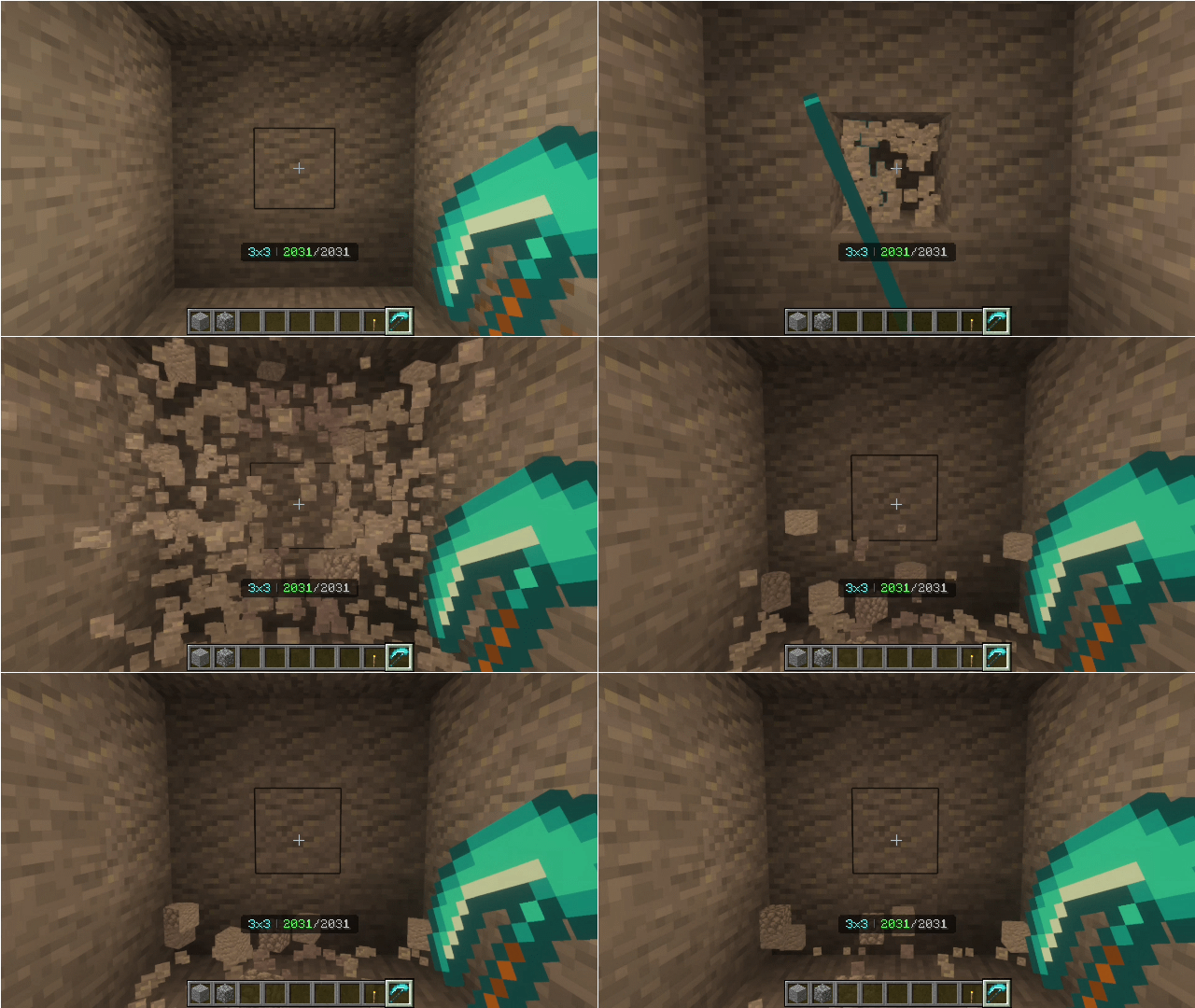
- 6 mining modes: Single Block, 3x3, 5x5, 7x7, Tunnel 10 and Tunnel 20.
- Easy mode menu: Right-click with a scythe to choose a mode. The current mode is shown on your action bar.
- Durability readout: See your remaining durability and blocks left on the action bar and in the item’s lore.
- Easy crafting: Make any scythe at a crafting table with 5 of its materia
- Enchantments: Mending, Unbreaking, Silk Touch and Efficiency are supported. Unbreaking also applies to the extra blocks you break.
- Safe by design: Bedrock, command blocks, portals and similar blocks are never broken. Containers keep their contents with Silk Touch.
Crafting
All scythes use the same shape. Swap the material for the tier you want.
Scythe
Material
Stone
Stone, Cobblestone, Cobbled Deepslate or Blackstone
Iron
Iron Ingot
Gold
Gold Ingot
Diamond
Diamond
Installation
- Download and open Multi_Block_Miner.mcaddon, or import both packs.
- In your world settings, enable the Multi Block Miner RP (resource pack) and the Multi Block Miner BP (behavior pack).
- Craft a scythe, right-click to pick a mode, and start mining.
Requires: Minecraft Bedrock 1.21 or newer.
Notes
- Both packs must be enabled together, or the textures and the mining logic won’t work.
- Fortune isn’t supported on the scythes.
Images