No particle - Fps boost
BedrockTexture packPvpby xPumaPlayz97
About this texture pack
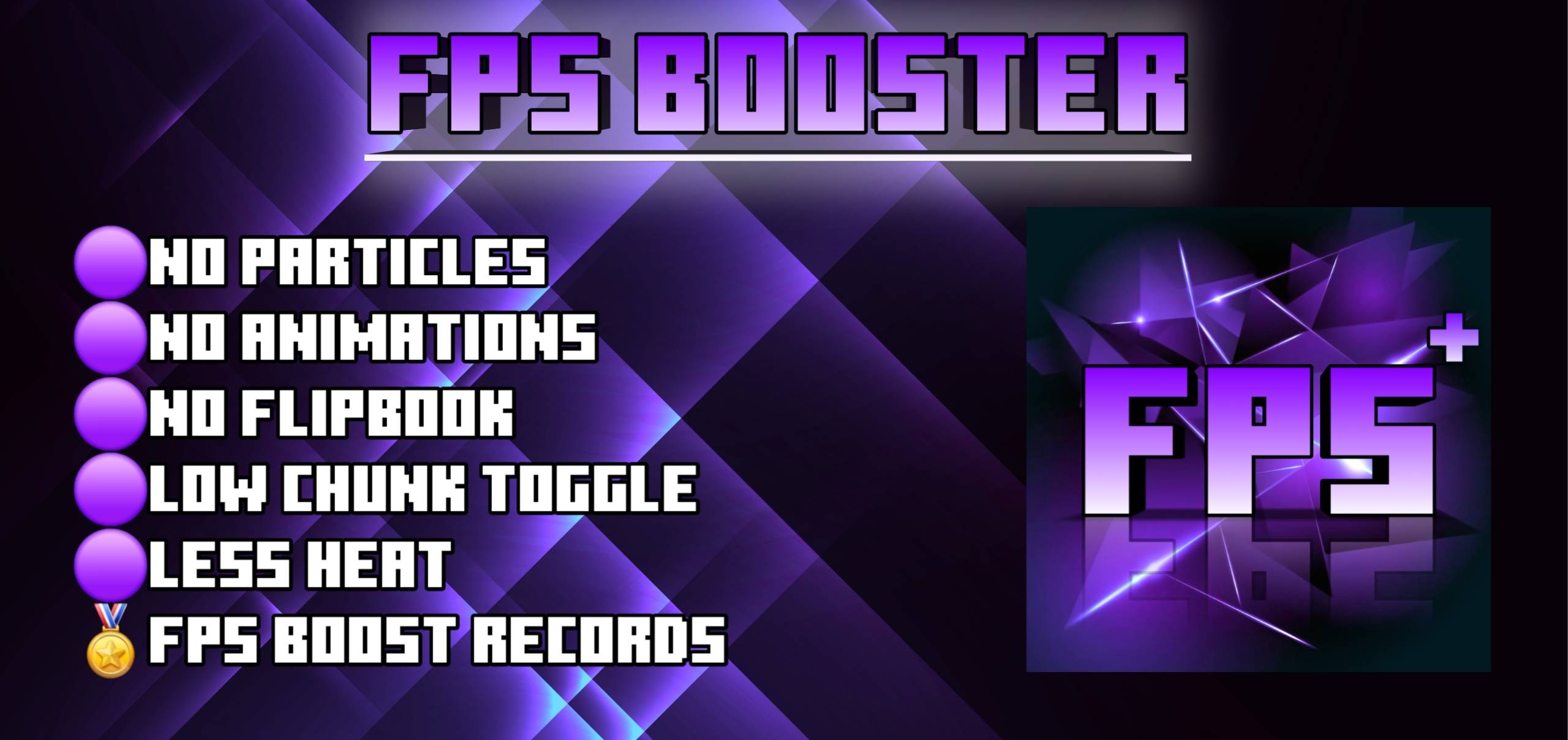
No fire , no rain , no explosion , no totem particle. Clean vision, lag , fps boost, smooth pvp domination.
Read the author’s full description (164 words)
Written by xPumaPlayz97 for the MCPEDL post, shown as published.
# NO PARTICLES - FPS BOOST | Minecraft Bedrock / Java
The Ultimate FPS Boost Pack - Remove All Laggy Particles for Smooth PvP!
## ✅ WHAT THIS PACK DOES:
- Removes ALL Particles - No more explosion, potion, crit, or block break particles
- FPS BOOST - Get 100 FPS Instantly on Low-End Devices
- NO LAG - Perfect for Crystal PvP, BedWars, SkyWars, Survival & PvP
- Clean Screen - See Enemies Clearly, No Distractions
## 📦 PACK DETAILS:
- Name: NO PARTICALS - FPS BOOST
- File Type: .mcpack / .zip
- Resolution: 16x (Low - Best for FPS)
- Works On: Minecraft Bedrock 1.20 / 1.21 & Java 1.8 - 1.21
- Compatible With: Lunar, Badlion, Feather, OptiFine, Pocket Edition, Mobile, PC, Console
## 🔥 PERFECT FOR:
- Hypixel BedWars / SkyWars
- Crystal PvP / PotPvP / SMP
- Low-End Phone / PC Users
- Players Who Want Max FPS Clean Gameplay
## 📥 DOWNLOAD LINK:
Link Removed: https://www.mediafire.com/file/zqaa5oiibib0enw/NO PARTICALS - FPS BOOST.mcpack/file
## ⚙️ HOW TO INSTALL:
1. Download the .mcpack file
2. Click / Open it - Minecraft will import automatically
3. Go to Settings > Global Resources > Activate Pack
4. Enjoy NO LAG HIGH FPS!
#minecraft #fpsboost #noparticles #mcpe #minecraftpvp #texturepack #bedwars #minecraftbedrock
How to install
- Download the file below. On iOS or Android, open it from your Downloads with Minecraft; on Windows, double-click it.
- Minecraft imports the pack automatically. Enable it in your world’s settings under Behavior Packs or Resource Packs; an add-on usually needs both.
- Playing on a Realm or server? Everyone needs the same packs, and the host has to enable them.
Advertisement